
8 Important Differences Between Mechanical Keyboard and Regular Keyboard
Mechanical keyboards were the first widely used keyboards for computers. These keyboards, which fully completed their development in 1980…

Mechanical keyboards were the first widely used keyboards for computers. These keyboards, which fully completed their development in 1980…
mechanical keyboards, They were the first widely used keyboards for computers. These keyboards, which fully completed their development in 1980, were replaced by simpler silicon-based keyboards in 1990. In the 2000s, thanks to users who rediscovered the advantages of mechanical keyboards, their popularity increased significantly and companies produced new generation keyboards.
Mechanical keyboards, which are increasing in popularity day by day, have become the apple of the eye of gamers thanks to many aspects such as their different designs, colorful lighting and durability. In this article, we first What is a mechanical keyboard We answered the question, then we explained the existing switch types and the differences between mechanical keyboards and normal keyboards.i We explained it in items.
What is a mechanical keyboard?
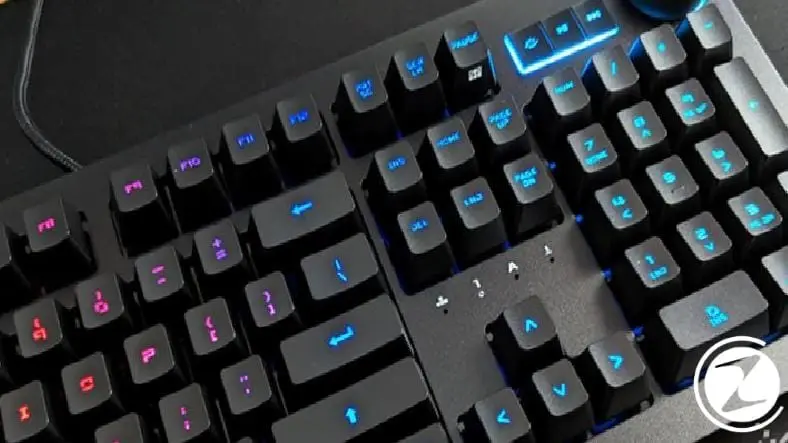
Mechanical keyboards, unlike the normal keyboards we are familiar with, are keyboards in which each key has an independent and separate mechanical switch. “Mechanical keyboard” That's why it got its name.
In fact, every keyboard has a mechanism, but the situation is slightly different with mechanical keyboards. Mechanical keyboards have a separate switch for each key. The main reasons why gamers prefer mechanical keyboards are their low response times and longer lifespan. In this way, players can gain an advantage over their opponents thanks to the low response time of the switches.
What are the types of switches found in mechanical keyboards?
- Linear switch: No feedback is felt during the movement of the switch.
- Tactile switch: Feedback is felt during the movement of the switch.
- Clicky switch: A clicking sound is heard during the movement of the switch.
In fact, no matter which mechanical keyboard you buy, they will all be an ideal keyboard for gaming. For example tactile And clicky In this type of switches, a confirmation and feedback is received during each click. It provides faster typing as the key is activated at a certain point without having to press the key all the way down.
For faster paced game types such as FPS Linear switches may provide an advantage. Unlike Tactile and Clicky type switches, since there is no feedback, it allows you to press the button faster and thus you can gain an advantage over your competitors.
Cherry MX Switches:
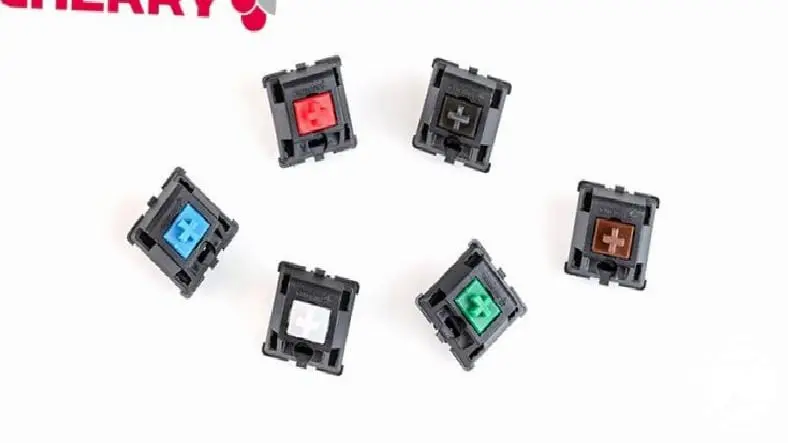
Cherry is the oldest switch manufacturer on the market and the most well-known switch brand. Cherry MX switches, which he patented in 1983 are named according to their colors. The features of the switches produced are categorized according to their colors and vary.
Cherry MX Red:

- Feeling: Soft
- Click sound: None
- Motion force: 45 cN
- Jump point: None
- Approximate life: 50 million keystroke lifespan per switch
Cherry MX Black:

- Feeling: Heavy
- Click sound: Little
- Motion force: 60 cN
- Jump point: None
- Approximate life: 50 million keystroke lifespan per switch
Cherry MX Blue:
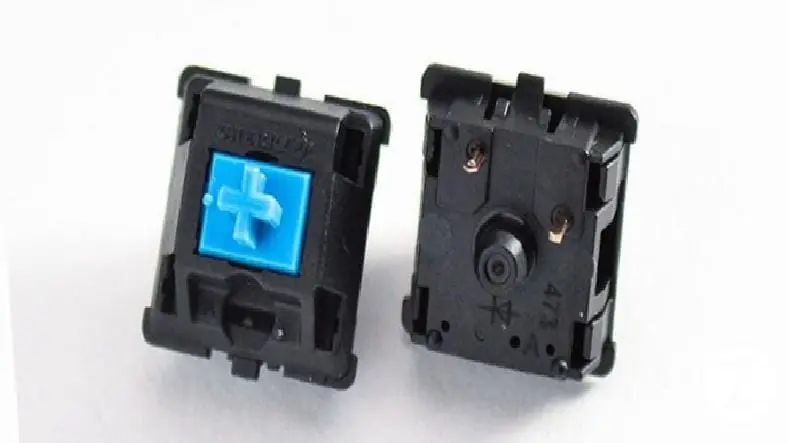
- Feeling: Heavy
- Click sound: High
- Motion force: 50 cN
- Jump point: Yes
- Approximate life: 50 million keystroke lifespan per switch
Cherry MX Green:
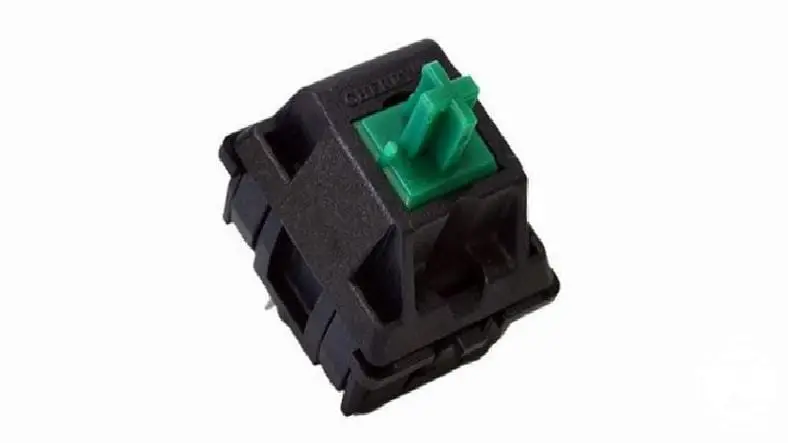
- Feeling: Heavy
- Click sound: High
- Motion force: 80 cN
- Jump point: Yes
- Approximate life: 50 million keystroke lifespan per switch
Cherry MX Brown:
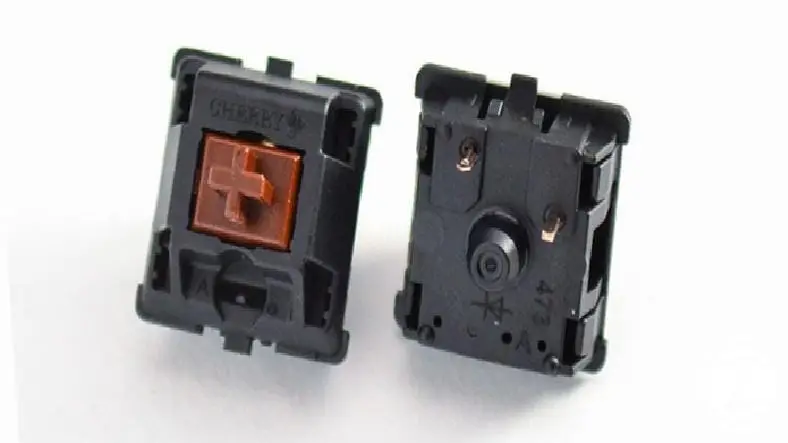
- Feeling: Middle
- Click sound: None
- Motion force: 45 cN
- Jump point: Yes
- Approximate life: 50 million keystroke lifespan per switch
Cherry MX White:

- Feeling: Middle
- Click sound: None
- Motion force: 65 cN
- Jump point: Yes
- Approximate life: 50 million keystroke lifespan per switch
Razer switches:

Razer, Razer in 2014 BlackWidow mechanical keyboards developed and started production of its own switches. Switches, which have a feedback feel feature and are also known for their durability, are currently only available in switch types called Razer Green, Razer Orange and Razer Yellow.
Razer Green:
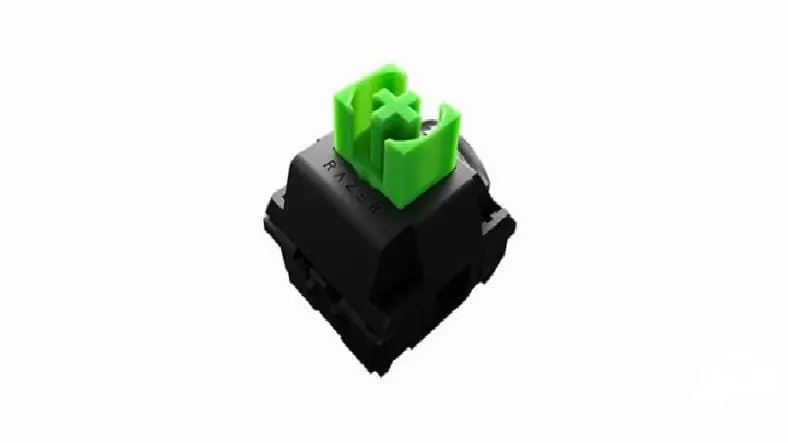
- Feeling: Heavy
- Click sound: High
- Motion force: 50 cN
- Approximate life: 60 million keystroke lifespan per switch
Razer Orange:
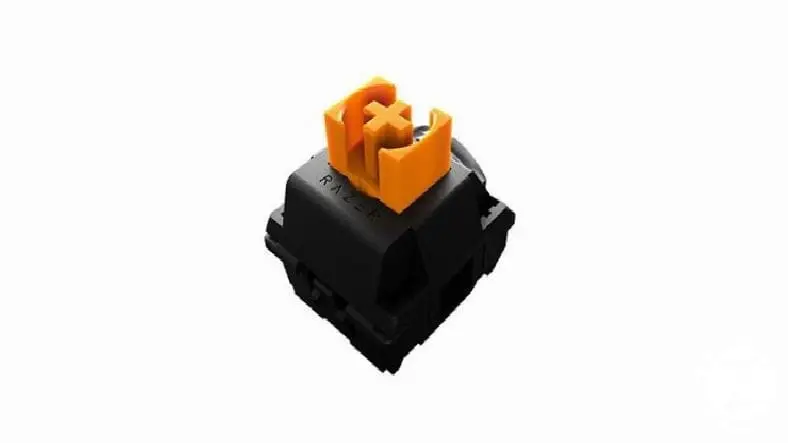
- Feeling: Middle
- Click sound: None
- Motion force: 45 cN
- Approximate life: 60 million keystroke lifespan per switch
Razer Yellow:
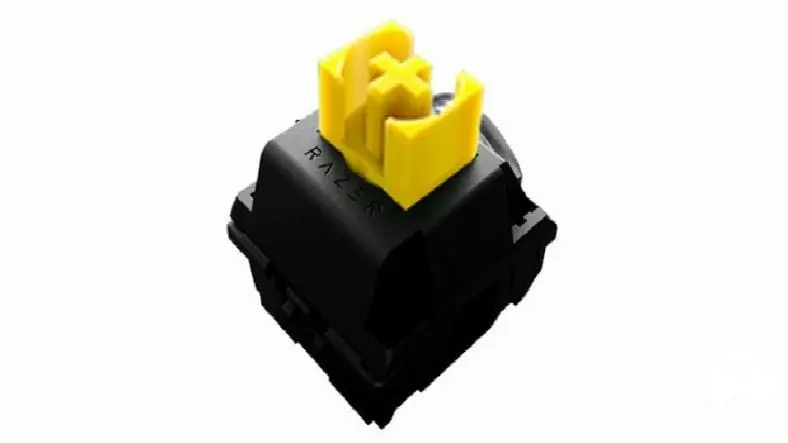
- Feeling: Soft
- Click sound: None
- Motion force: 45 cN
- Approximate life: 80 million keystroke lifespan per switch
What are the differences between mechanical keyboard and normal keyboard?
- Weight
- Price
- Appearance
- Durability
- Functional keys
- response time
- key sound
- Cleaning
Weight:
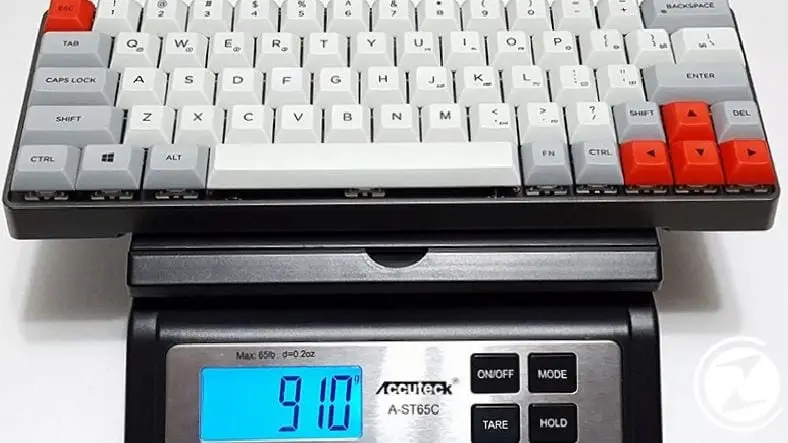
Regular keyboards are much lighter than mechanical keyboards. On mechanical keyboards Having a separate switch for each buttoncauses the keyboard to be heavier. Although the weight may cause some problems when carrying the keyboard from one place to another, the heavy weight of the mechanical keyboard also has a small advantage, such as preventing it from sliding on the table.
Price:
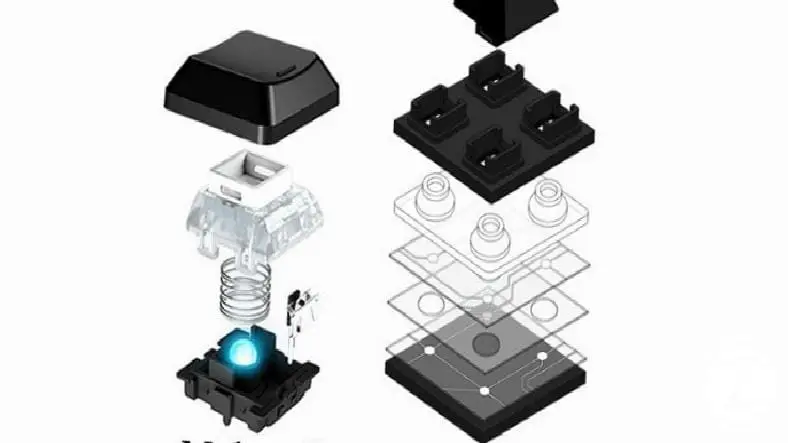
Mechanical keyboards use more expensive materials and have more advanced technology. Therefore it is more costly. Normal keyboards, on the other hand, are cheaper because they use simple rubber.
Appearance:
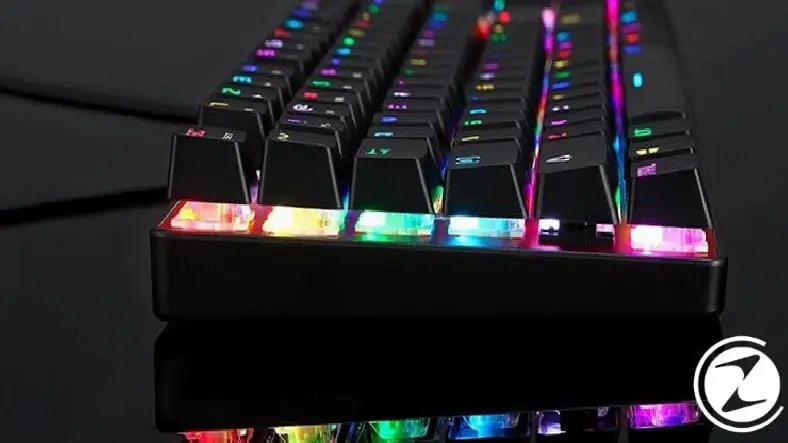
Companies that develop gaming keyboards create very different and eye-catching designs to stand out. Noteworthy and noteworthy in mechanical keyboards Having eye-pleasing RBG lighting or single color LED lights, making mechanical keyboards more eye-catching than regular keyboards.
Durability:
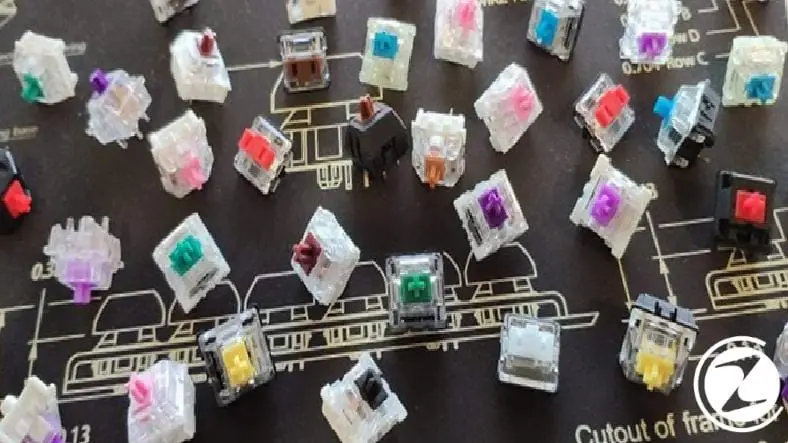
Mechanical keyboards are longer lasting than normal keyboards, also known as membrane keyboards. The reason for this is that mechanical keyboards have a separate key, also known as a switch, for each key. While normal keyboards have a lifespan of 5 million keystrokes Mechanical keyboards have a lifespan of approximately 60-80 million keystrokes. It is one of the attractive aspects of mechanical keyboards.
Functional keys:
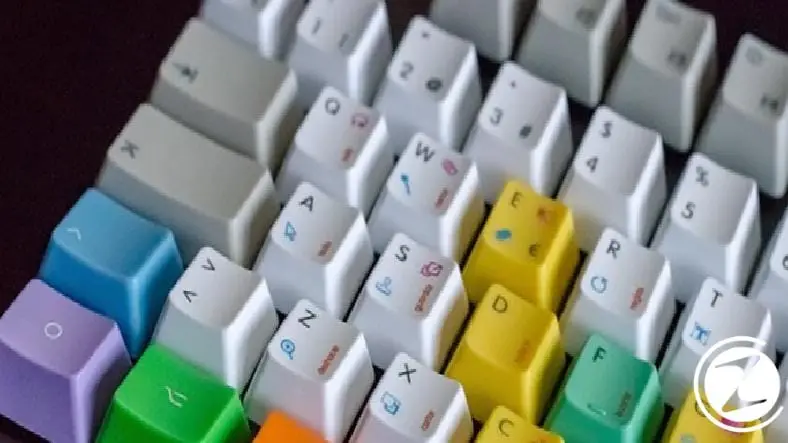
Mechanical keyboards generally have more differences than normal keyboards. There are many more functional keys. This provides players with features such as making extra macros or assigning extra abilities in games.
Response time:
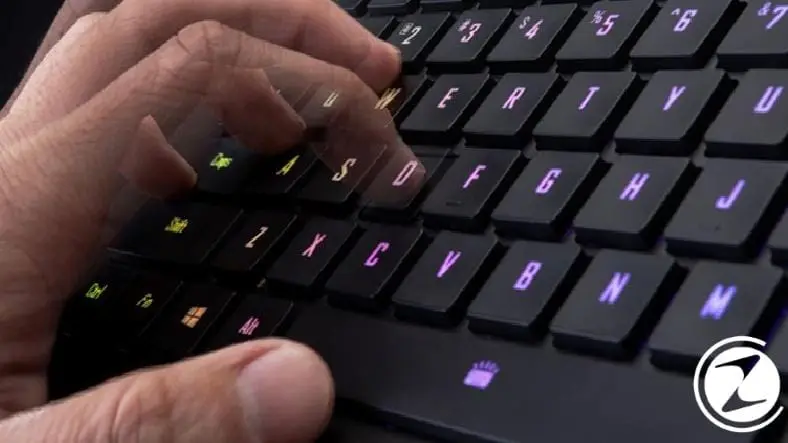
on mechanical keyboards The feedback of the keys is quite fast. On some mechanical keyboards, less force is required to detect the keys, and there is no need to press the key all the way down. However, since this makes the keyboard more sensitive, it can lead to frequent mistyping.
Key sound:
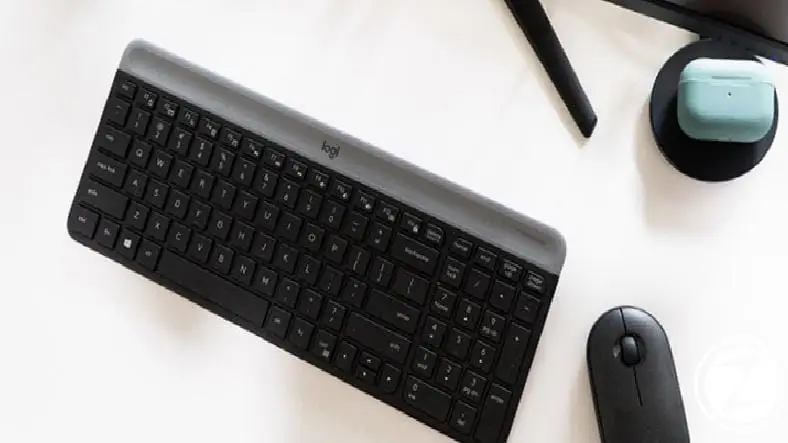
The volume of the mechanical keyboard depends on the switch on the keyboard. It would be more appropriate to choose the keyboard according to the environment you will use it in. Because while some people enjoy the typewriter-like sound of a mechanical keyboard, it may be unbearable for some people. Therefore, membrane keyboards are preferred in environments such as offices or schools because they are quieter.
Cleaning:
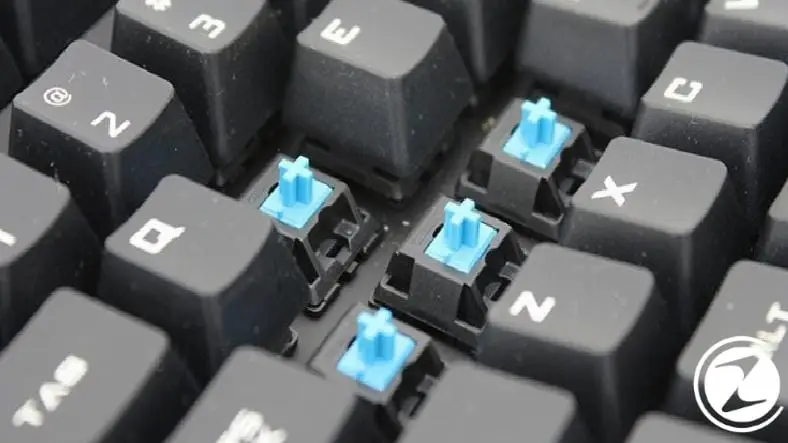
Cleaning mechanical keyboards is much simpler than other keyboards. Mechanical keyboards can be cleaned in detail and more easily, as each key can be removed and installed separately.
Every business is unique. Let’s explore how we can tailor these ideas to your own digital project.


