
Free Programs That Every Computer Should Have
When you buy a computer with Windows operating system, it will come with some basic software installed. But to use…

When you buy a computer with Windows operating system, it will come with some basic software installed. But to use…
Windows When you buy a computer with an operating system, it will come with some basic software installed. But after you start using it, you will see that this software is insufficient and Programs that every computer should have You will need the software on our list. Programs that must be on the computer Our entire list is free.
Each Programs that must be on the computer You will see that some of them have paid versions or alternatives. At this point, the choice is up to you, based on your user habits. for you List of programs that every computer should have We have prepared and explained the prominent features of each program.
Programs that every computer should have:
- To quickly download various programs: Ninite
- For in-depth internet experience with plug-in library: Google Chrome
- To prevent bloated programs from slowing down the computer: The PC Decrapifier
- To prevent bloated programs from slowing down the computer
- For compressed files: 7-Zip
- For cloud storage: Google Drive
- For free office programs: LibreOffice
- For audio editing: Audacity
- For gaming and the rich free game library: Steam
- For quick messaging: Rambox
- To watch videos without any problems: VLC
- To quickly edit images: Paint.NET
- To completely delete unused programs: Revo Uninstaller
- For free alternative security: Malwarebytes Anti-Malware
To quickly download various programs: Ninite

Sometimes you may have to work hard to download a program to your computer, an accurate and reliable source You may spend hours trying to find it or even accidentally download malware. Ninite saves users from this dangerous trouble.
You can access the download files of many different programs through Ninite, including many programs on our list. Ninite program a app store You can think of it as. All you have to do after downloading is to search for the program name and download the download file to your computer.
For in-depth internet experience with plug-in library: Google Chrome:

One of the most important reasons for using a computer is to connect to the internet. Any computer with Windows operating system Microsoft Edge internet browser It comes with . But many users do not prefer to use Edge, no matter how improved it is.
At this point, Google's internet browser, Google Chrome, comes into play and provides fast pairing with Google services, useful plugins It conquers the hearts of users with its features such as. Those who do not want to use Chrome can also take a look at alternative internet browsers such as Mozilla Firefox and Opera.
To prevent bloated programs from slowing down the computer: The PC Decrapifier:
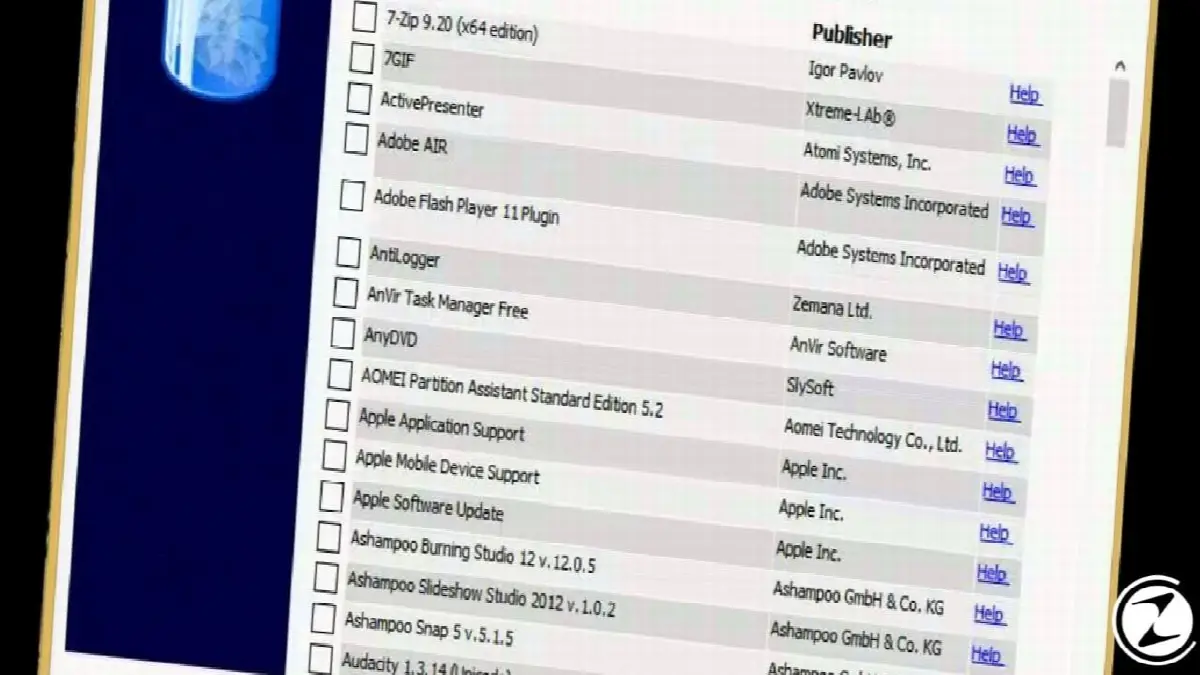
Let's say you downloaded or will download a lot of new programs to your computer after the first installation. Among these, "bloatware" software bloat There will be software called . These do not work and will reduce the performance of your computer.
The PC Decrapifier is one of the system optimization programs you can use to get rid of this software bloat. Program, scans your computer and gives you a list of bloatware. You can have a much faster computer by deleting the programs in this list.
To prevent bloated programs from slowing down the computer: Launchy:
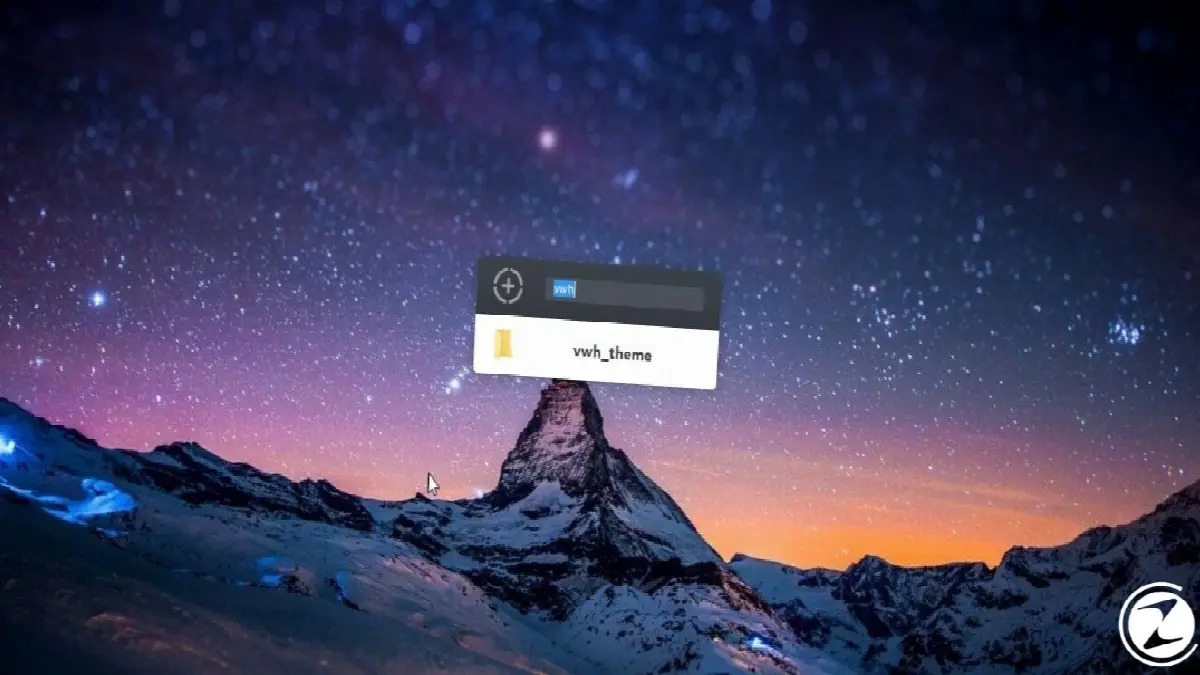
As you create or download files on your computer, you will create folders within folders, and if you are a disorganized person when it comes to your desktop, You will be lost in your files. Even the Windows search bar or File Explorer can't help sometimes to search for files or programs.
To get rid of such a mess, you can download Launchy, one of the Windows utilities. Launchy on the computer right before your eyes It will stop and you will just need to type the name of a file or program you want to start. It is a program that does not take up much space on your computer but makes your work easier.
For compressed files: 7-Zip:

Especially high resolution videos and photos can sometimes have incredible file sizes. This much high size files The only way to send files from one place to another is to compress them, and 7-Zip is one of the programs that will help you with this.
You don't just compress files with 7-Zip. You files sent in compressed form you can decompress, edit and recompress. While there are paid equivalents like WinZip, the completely free 7-Zip will let you do anything when it comes to file compression.
For cloud storage: Google Drive:
The internal storage space of every computer may not be sufficient for every user or on a computer with too many programs installed. small files There may not even be room left for you. Cloud storage services offer a solution to such a problem and provide safe storage in case anything happens to the computer or external storage devices.
Google Drive, Google's cloud storage service, stands out at this point and draws attention for common use with other Google services. When using Drive for free Your 15 GB storage space It's happening. If you want more storage space, you can check out paid subscription plans.
For free office programs: LibreOffice:

When we talk about office programs, everyone thinks of Microsoft Office programs, which is where its name comes from. Even though they have been in our lives for many years and we have gotten used to them, not everyone may want to pay to use these programs. LibreOffice, in this regard most successful free One of the alternatives.
LibreOffice, which also has alternatives such as OpenOffice or FreeOffice, will be the best choice for those who are accustomed to Microsoft Office programs. Apart from a few minor interface differences LibreOffice, which resembles Microsoft Office programs, has many users around the world.
For audio editing: Audacity:

Of course, a free program like Adobe Audition has extensive and Do not expect professional service But for basic audio recording and editing, Audacity is one of the best free audio editing programs you can find.
You can record sound via Audacity, open different channels and mix different sounds and music between these channels. You can create your own music. In addition to simple editing tasks, you will also find an editing screen that allows you to add different effects to the sounds.
For gaming and a rich library of free games: Steam

Games are a must for a computer, especially for gamers. To install games on your computer with unreliable sources Instead of stopping by, you can download Steam and easily access hundreds of games. Instead of Steam, you can also use alternatives such as GOG, Origin, Epic Game Store.
Contrary to popular belief, there are many free games on Steam. After installing Steam on your computer and creating an account all you have to do You can download any game you want for free with just one click. Steam offers one of the simplest and free ways to download games.
For quick messaging: Rambox

You can use it for messaging or to stay in touch with your friends or colleagues throughout the day. many different messaging apps And there is a program. Rambox stands out by gathering all these different messaging applications and programs under one roof.
After downloading the Rambox program to your computer, you can log in with your account information in messaging applications such as WhatsApp, Skype, Facebook Messenger, Telegram. Thus, only using a single program You can easily access all your accounts and avoid message confusion.
To watch videos without any problems: VLC

After downloading the videos you want to watch without any internet connection to your computer, this The easiest way to watch videos Playing via VLC video player. Windows Media Player, which comes included with the Windows operating system, does not allow you to watch every video.
Almost all of the videos you download, sent by your friend or recorded yourself may be in a different file format. VCL, videos in all these file formats can play easily. Although it's not always necessary, VLC installed on your computer can be a lifesaver when you least expect it.
To quickly edit images: Paint.NET

Microsoft Paint program comes with the Windows operating system to edit images. But Paint really at a very basic level Allows image editing. If you want free access to a professional program like Adobe Photoshop for a little less, Paint.NET is for you.
Paint.NET, which also has alternatives such as GIMP, offers users more features than Microsoft Paint and less than Adobe Photoshop. However, instead of the professional edits you are looking for, you can do things like combining several images, editing them, and adjusting color and light.target regulations Paint.NET will offer you what you want.
To truly delete unused programs: Revo Uninstaller

There is an Add / Remove Programs screen on your computer with Windows operating system, but there must be a program that you uninstall from this screen. leaves a trace behind. You will definitely see a trace of old software left behind, either in your internet browser or in the infrequently used folders of File Explorer.
Revo Uninstaller literally uninstalls a program you deleted. rips it out. A program you delete with Revo Uninstaller does not leave an add-on in your internet browser, nor does it leave a file lying around. The program also has a paid subscription system, but the free version will be sufficient for basic program deletions.
For free alternative security: Anti-Malware
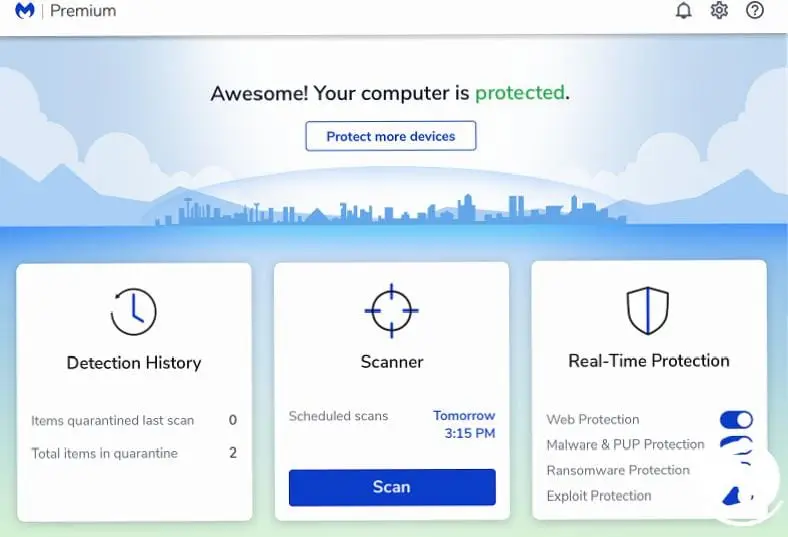
Microsoft Defender, Microsoft's security software, comes installed with all Windows operating system computers. Defender; It is useful for users in terms of basic security and update control, but still a second security measure It is absolutely necessary.
Malwarebytes Anti-Malware is one of the security software to be used as a second security measure. Even the free version complete protection against malware provides. If you want more detailed virus scans and stronger protection, you can check out Malwarebytes Anti-Malware's paid subscription plans.
We have prepared a list of programs that should be on every computer for you, and we have compiled a list of each program. prominent features we told. You can also examine different equivalents of these completely free programs, or benefit from broader service packages by choosing one of the paid subscription plans.
Every business is unique. Let’s explore how we can tailor these ideas to your own digital project.


