
Get Organized: What is Trello and How to Use It?
The world has become almost completely digital. Many people no longer carry tools such as paper, pen and notebook with them. When this is the case…

The world has become almost completely digital. Many people no longer carry tools such as paper, pen and notebook with them. When this is the case…
The world has become almost completely digital. Many people no longer carry tools such as paper, pen and notebook with them. This being the case, it is necessary to record the work and responsibilities to be done in a digital environment. Trello At this point, the application becomes the biggest helper of the users. Trello not just for individual jobs, teamwork It is also an ideal application for
Thanks to Trello, it is possible to organize your weekly, monthly and even annual plans. Instead of meeting with your teammates individually, you can open common boards and carry out your work together. Acting as a kind of digital agenda Trello, It also makes remote working conditions much easier. for you What is Trello? We answered the questions of how to use it and explained some tips you need to know for a more efficient user experience.
What is Trello?

Trello, which was first offered to users in 2011, is a planning and work organization program. digital agenda You can organize your projects and other responsibilities by creating boards and cards on Trello, which acts as a tool, and ensure that you are always in control.
In addition to individual use, you can create a common board via Trello in projects worked with a team You can present the task distribution in a common area. Trello is an application used online. In this way, you can easily access your dashboards from your internet browser, Windows and Mac desktop versions, and Android and iOS mobile applications.
You can download Trello Android, iOS, Windows and Mac apps:

You can download the Trello application, which helps you organize your life, to your computers with Windows and macOS operating systems. can download easily and you can use it synchronously. Likewise, you can download Trello mobile applications to your mobile devices with Android and iOS operating systems.
Tips to make your work easier in Trello:
- Plan your day
- Add Power-ups to cards
- Create meal plans
- Create reading lists
- Create watch lists
- Manage your website with Trello
- Plan your first step into business
- Manage your budget with Trello
- Track your buying and selling transactions
- Plan your home renovation
- Plan your wedding with Trello
- Record your child's special moments
- Organize your hobbies
- Plan your chores with Trello
- Organize birthday parties
Plan your day:
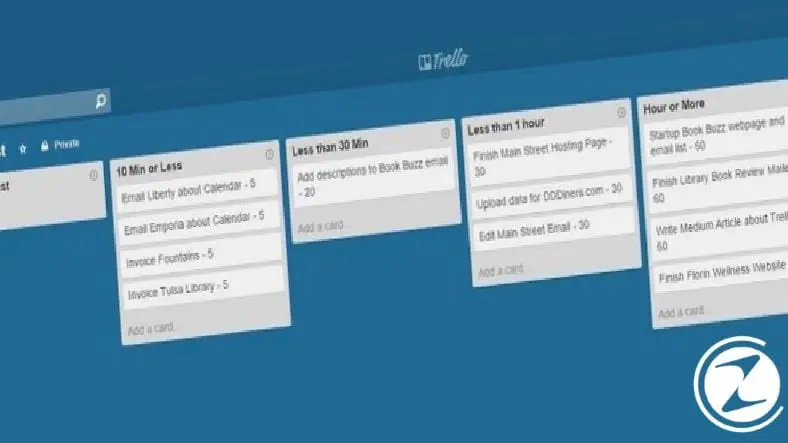
What time is the morning meeting, how long is the time between project submission and lunch, does the end of the exam coincide with your friend's birthday? To get rid of such questions that constantly bother you, you can create a website via Trello. daily plan board Prepare and organize your day by recording it hour by hour on your cards.
Add Power-ups to cards:

Especially if you use Trello to organize and plan your work world, you can sync to Trello cards. power-up services It will be very useful to you. You can add the power-up services of many applications such as Google Drive, Slack, Google Maps, calendar, Dropbox to Trello cards.
Make meal plans during busy work schedules:

The biggest question on the minds of all those who work intensive shifts from 9 in the morning to 6 in the evening is what we will eat for dinner. Thanks to Trello, you can easily find answers to this question. Visit popular food sites, see your favorite chefs find recipes and get rid of the stress of dinners by saving them to the boards you create on Trello.
Create reading lists:

Time is short, there are many books to read. This being the case, book lovers cannot decide which book to read and when. You will create via Trello through the boards Create reading lists for yourself. You can even create your own book club by adding your family and friends to these boards.
Create watchlists:
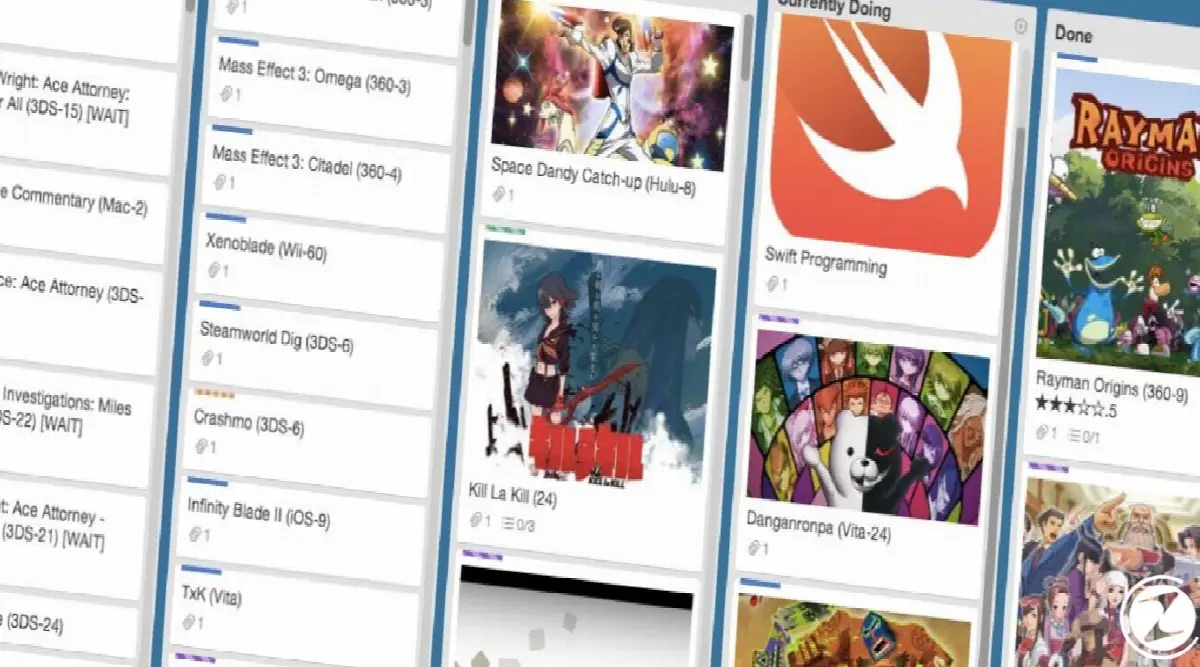
New movies are released every week and are always available on online viewing platforms. will interest you There are TV series and movies. As if all this wasn't enough, your favorite game will be released soon. You can solve all this confusion with a board you create in Trello. You can easily keep track of your free time plans by adding tags such as movies, TV series, games.
Manage your website with Trello:

Many world-famous blog and website managers plan their work with Trello. Blog and website management need to be disciplined a job Especially if you are working with more than one writer, you must make successful planning. You can create these plans via Trello and include your team in the boards.
Plan your first step into business:

Searching for a job is a difficult and laborious process. During this process, you need to meet with many people and institutions. The workplaces you met with, By saving the institutions to which you sent your CV and the contact information of these places on the boards you create in Trello, you can follow up on a successful job and take successful steps towards finding the job of your dreams.
Manage your budget with Trello:
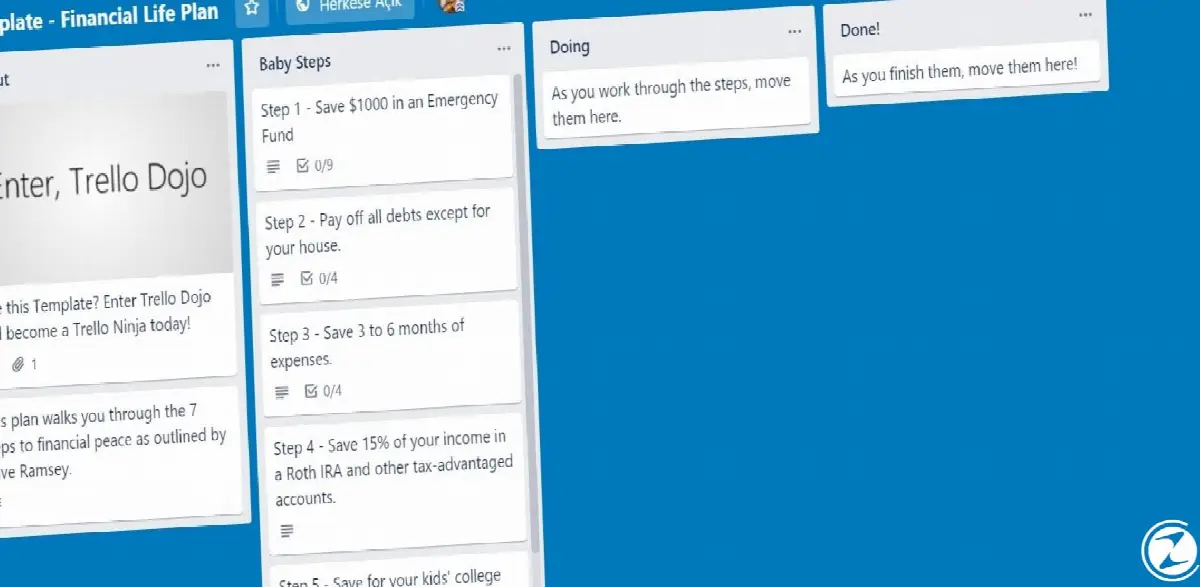
No matter how much you earn, if you don't manage your budget well, you won't be able to figure out where your money goes and you won't be able to save. To the boards you create in the Trello application records your income and expenses You can adjust your budget by adding cards and manage to save money at the end of the month.
Follow your buying and selling transactions:

You will buy or rent a new house or car, or you have sold a new house or car; All these processes are long and complex procedures It can happen. Especially before you buy a new house or car, you have to choose one among thousands of options. You can record and easily track all transactions with a board you create via Trello.
Plan your home renovation:

Even for a simple home renovation, you need to meet with many masters, materialmen, architects and contractors, get quotes, your date planning It is necessary. You can save all this information with a plan board in Trello and easily access it whenever and wherever you want.
Plan your wedding with Trello:

Your family and friends will also want to help you during your wedding planning. What you will create in Trello wedding board You can easily get through the difficult wedding preparation process by including your friends and family and preparing cards that show everyone's responsibility.
Record your child's special moments:

Children grow very fast. Your child who was in your arms yesterday may be getting married tomorrow. In order not to forget these precious times, you can track your child's monthly and yearly progress, your special moments You can save it to Trello. Thus, Trello will be more than a plan management application for you, it will be a digital diary.
Organize your hobbies:

Although hobbies may seem like free time activities outside of work, sometimes they are even more than your real job You may need to make time. You can add reminders and images about your hobby products to the cards on the boards you create via Trello, and create your own hobby group by adding your friends to the board.
Plan your chores with Trello:

Ironing, laundry, dishes, house sweeping, bathroom cleaning are endless, daunting Just a few of the household chores. If you are confused about which one to do when you come home from work or on the weekend, and you are not sure whether the cleaning materials at home will be enough, create a board on Trello and keep your home clean at all times by adding family members.
Organize birthday parties:
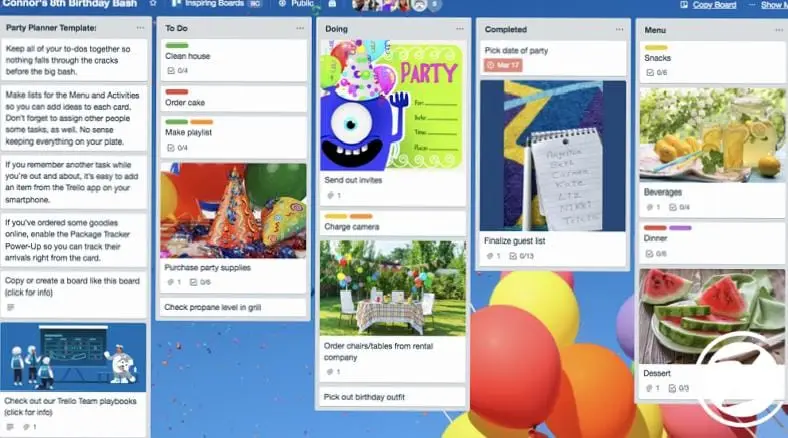
Organization of birthday celebrations, especially in crowded workplaces or groups of friends It is quite tiring. Who will come, where will it be celebrated, who will take the cake? With a board in Trello where you add your friends, you can solve all these problems and make sure that everyone is fulfilling their responsibilities.
We answered the question of what Trello is, a digital organizer that makes your daily life easier, and how to use it. more efficient We have explained some tips you need to know for a user experience. If you are a Trello user, you can share your experiences in the comments.
Every business is unique. Let’s explore how we can tailor these ideas to your own digital project.


