
How to Compare Graphics Cards?
Due to the coronavirus pandemic sweeping the world, people spend their free time at home. Due to the limited activities that can be done at home…
Due to the coronavirus pandemic sweeping the world, people spend their free time at home. Due to the limited activities that can be done at home…
Due to the coronavirus pandemic sweeping the world, people spend their free time at home. Since the activities that can be done at home are limited, games are mostly the target of young people. In order to play the games that are on the agenda lately, to a powerful computer Let's add that we must have. The way to have a powerful computer is to choose powerful hardware. Especially when choosing graphics cards graphics card comparison Doing so speeds up our work.
There are some hardware we need to pay attention to in order to have a powerful computer. The processor that our computers get their power from, the RAM that serves as a pool to process data, and the RAM that is indispensable for gaming and productivity, in particular. of video cards Let us point out that these are the most important parts in terms of hardware.
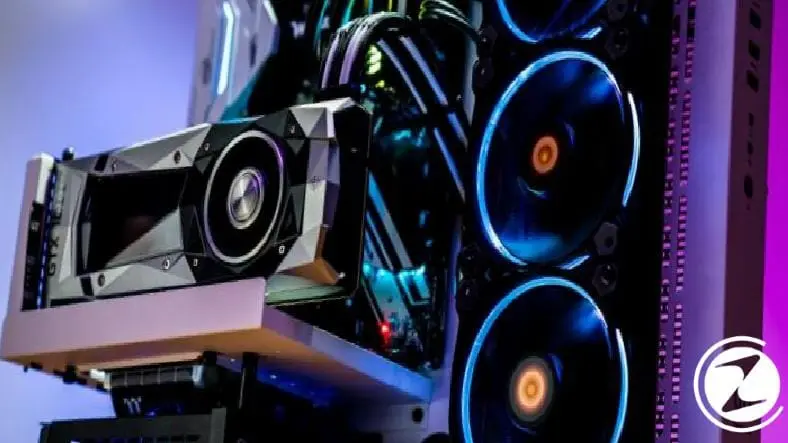
How to compare graphics cards?
- Step #1: Paste GPUBoss.com into the address bar of your browser.
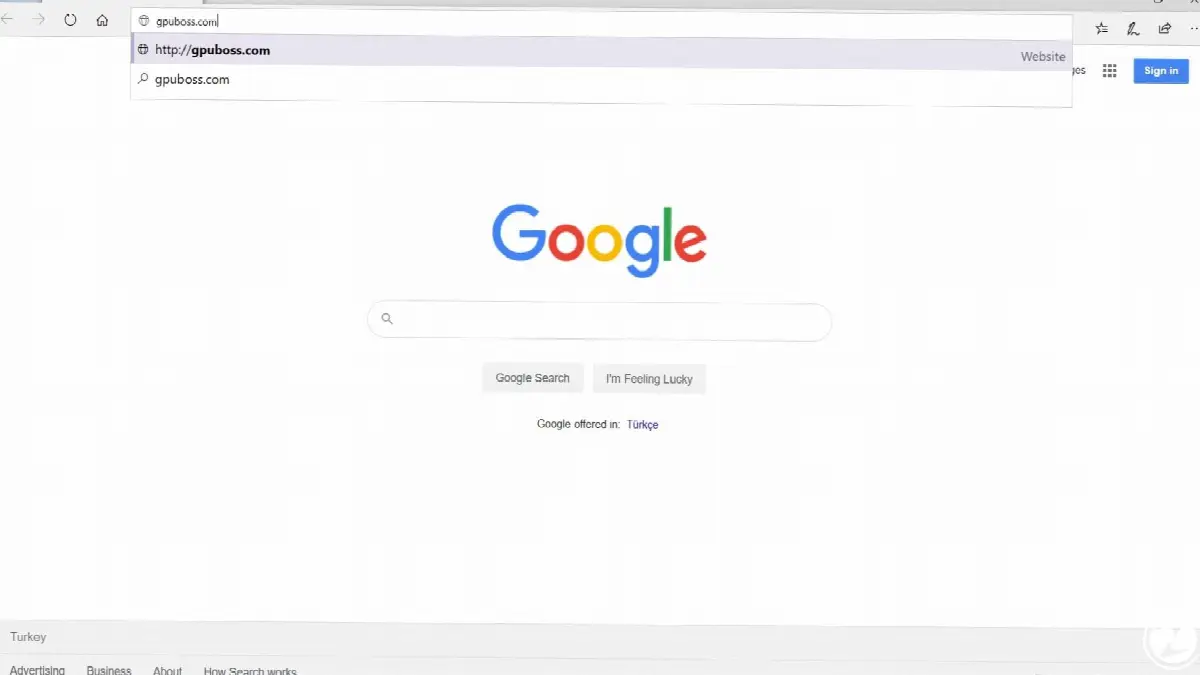
- Step #2: Write the brands and models of the graphics card you want to compare in the boxes.
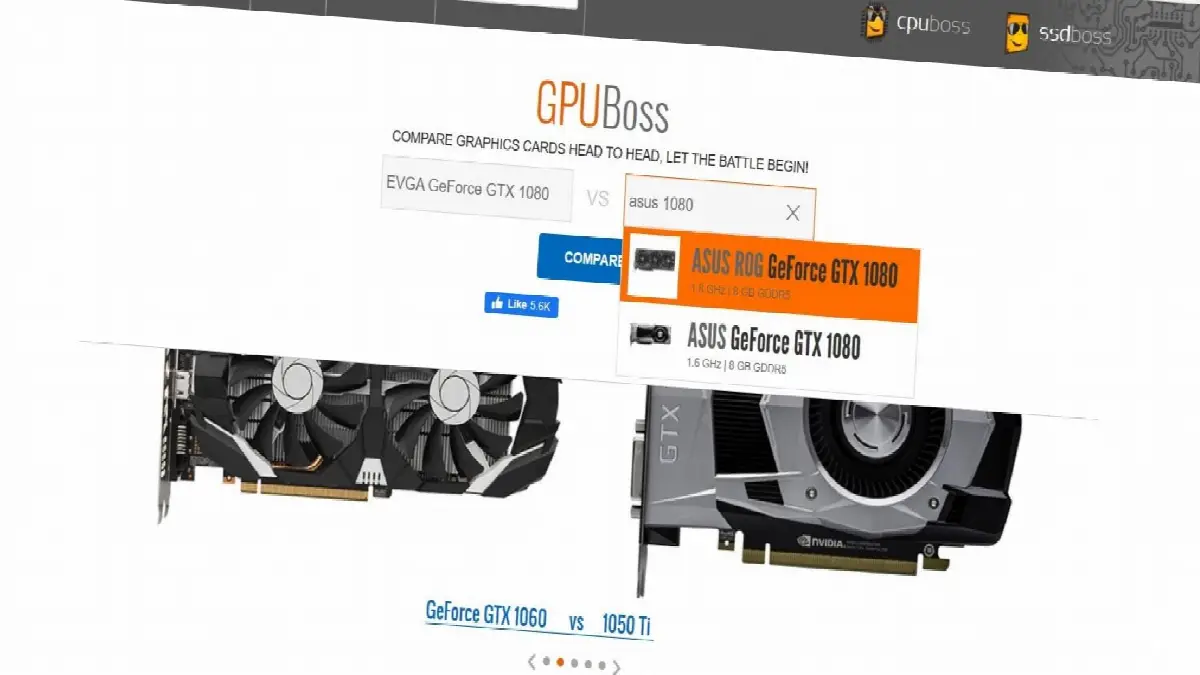
- Step #3: ‘compareClick the ' button.
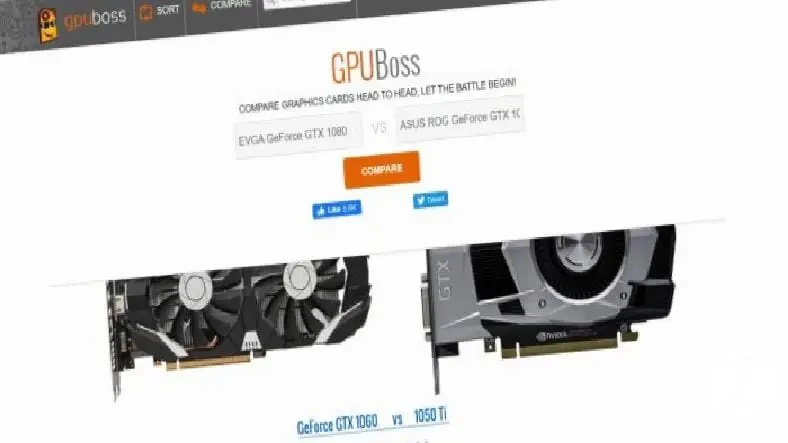
- Step #4: You can see the ratings of the compared graphics cards at the bottom of the page.
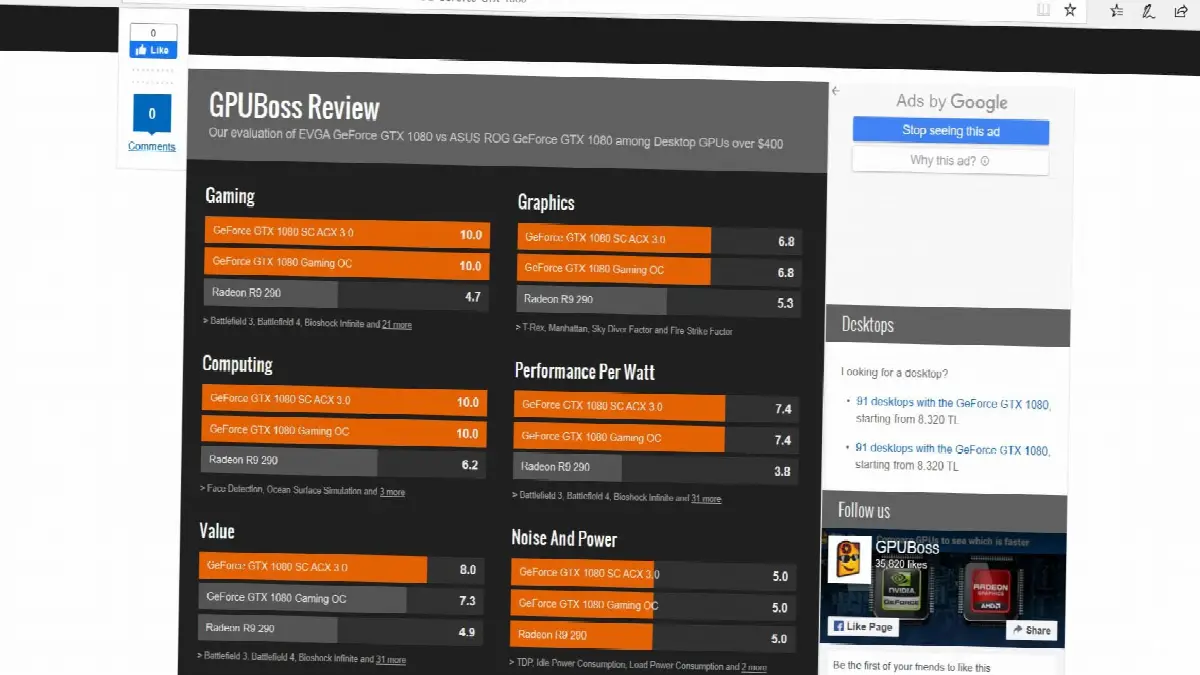
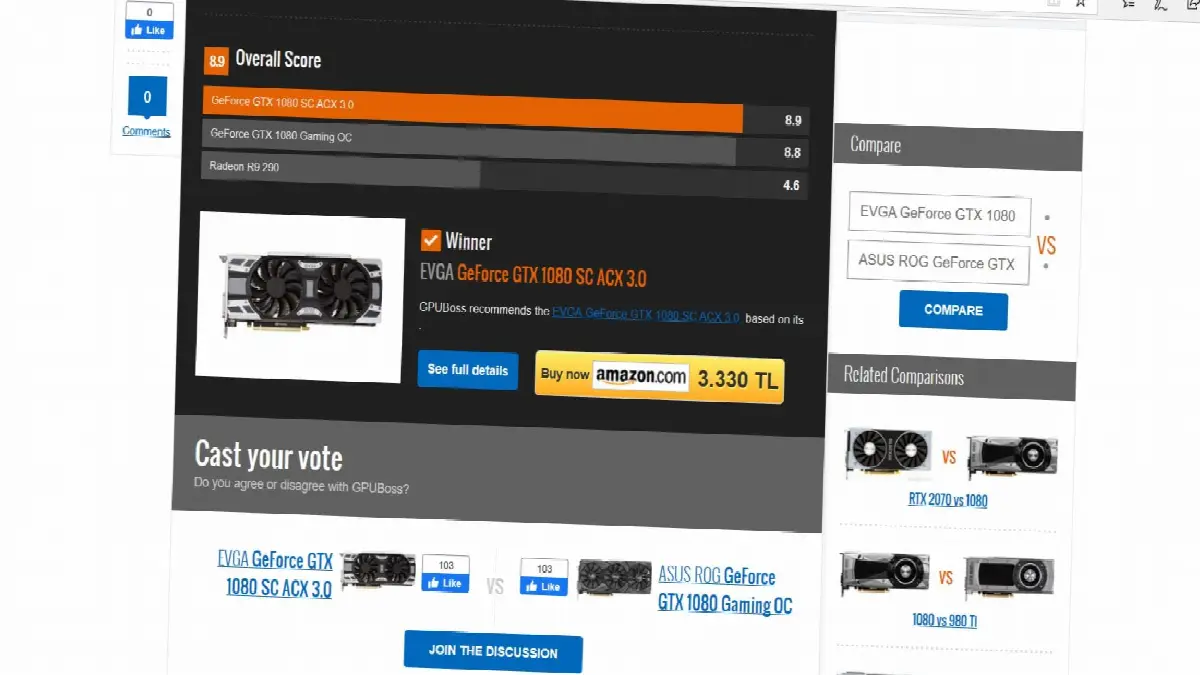
- Step #5: Finally, the winning graphics card and its price are stated below.
If you want to make the right choice of graphics card, you first need to know what you want to do on your computer. Do you want to play games, design professionally or are you interested in video editing? After you decide what you will do intensively By following the titles in our article You can choose the graphics card that suits you.
AMD? NVIDIA?

In the news we mentioned before, we compiled today's high-performance graphics cards. The answer to this question, which confuses many users, varies depending on your expectations. AMD and NVIDIA are well-established companies that have been producing graphics chips for years. Before AMD's recent steps, NVIDIA dominated the graphics card market.
The company, which owned the majority of the cake, was overshadowing the cards produced by its competitors with the high performance it offered in its graphics cards. This being the case, NVIDIA could do whatever it wanted regarding pricing because it was unrivaled. AMD's recently produced excellent graphics cards have turned the market upside down. Price tag We can say that the company, which comes out with very reasonable amounts of money, has targeted citizens with limited budgets.
As a result, if you have a limited budget but do not want to have any problems with performance, you can choose AMD, and if you do not have any price restrictions, you can choose NVIDIA.
Memory:
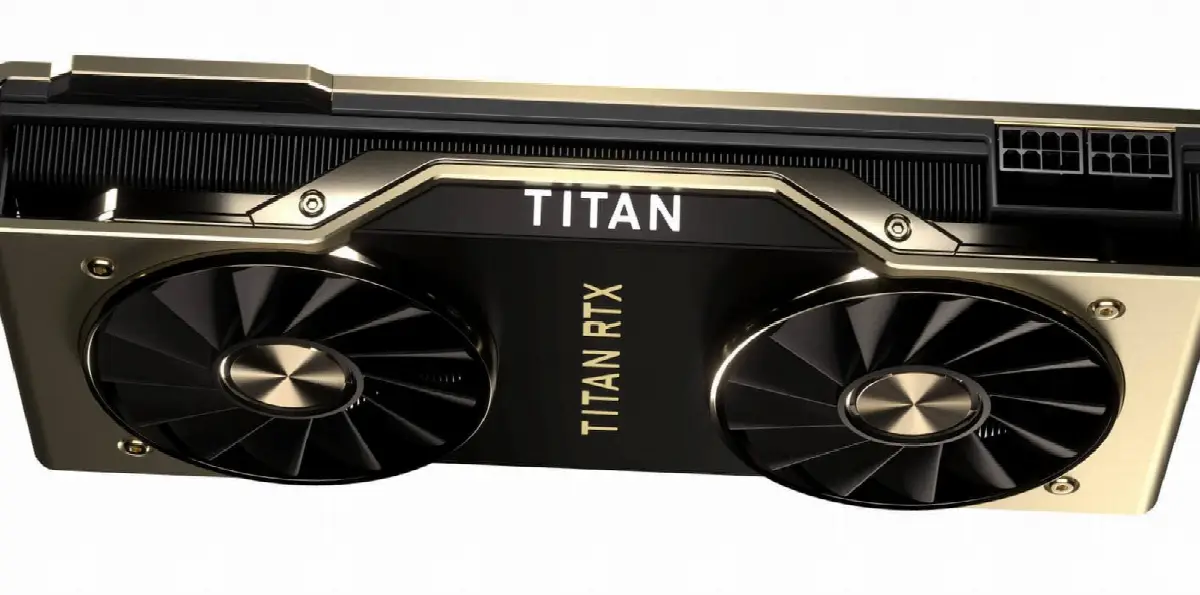
The graphics cards you choose from NVIDIA or AMD all have certain memories. These memories are just like the RAM that your computer uses as a pool. Areas that your graphics card uses to perform operations Let's say it is. We know that today's games are designed with high technology and a lot of details are included to make them look more beautiful to the users.
In order for graphics cards to process all this data and present you images, they need to have a large area to process. For example, in the display settings of games texture quality As it increases, the amount of memory consumed on the graphics card increases. Avoid bottlenecks and We can play games fluently For this, you should change your game settings to suit this memory size or choose graphics cards with high memory size when purchasing the graphics card for the first time.
Connection and interface

Let us point out that if the motherboard you have is a new generation part, there is nothing you need to worry about in terms of interface. Today's motherboards PCIe slots x16 It was designed in the form of . Considering that the graphics cards you buy from the market will mostly be in that format, let us say that there is nothing you need to worry about.
There are some small details you should pay attention to in connection. We know that graphics cards use cables and systems with different protocols to transfer images to the monitor you use. Some of the most well-known among these are HDMI, DVI, DisplayPort and VGA. Let's add that although VGA is an old method among others, it would be useful to make sure that the output of the video card you choose is compatible with the input of your monitor.
Power consumption (TDP)
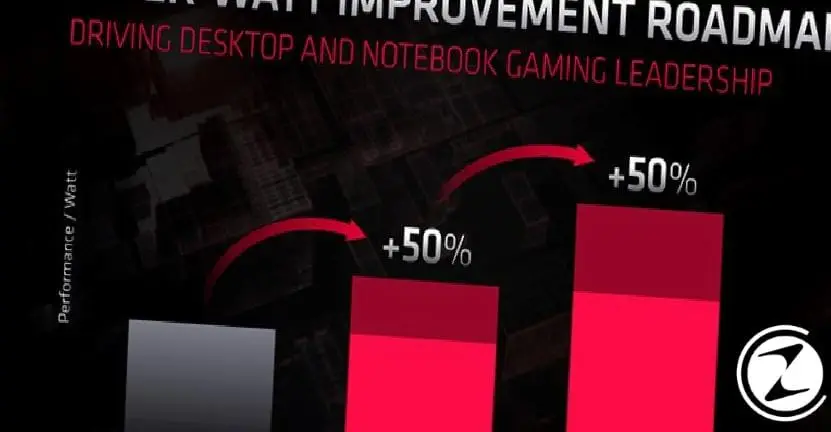
On a modern desktop computer, most power consuming Let's explain that the hardware part is the graphics card. Both the processing cores on it and the cooling blocks and fans that keep them cool are at a very high level from the power supply at full load. energy They can pull it. This being the case, it can be one of the overlooked but most important points in graphics card comparison.
You should carefully research the TDP values of the graphics card you choose and connect it to the power supply. a suitable You should pay attention to the power consumption and you should have the chance to intervene in advance to problems that may arise from possible overload.
Multiple graphics cards
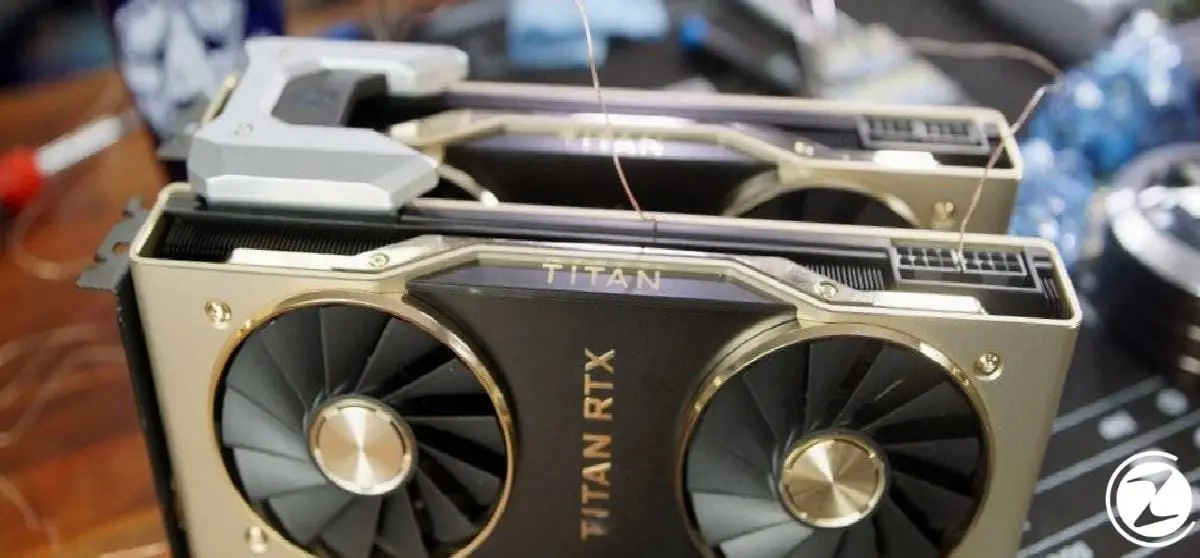
Some users may need more than gaming and simple video editing. You may need to use more than one graphics card for high-performance tasks such as streaming while gaming or highly detailed 3D modeling. For this, by NVIDIA SLI systems, on the AMD side Crossfire You can consider your options.
Another thing to pay attention to if you want to use more than one graphics card is the motherboard. You should make sure that your motherboard supports the use of two or more graphics cards and parts required for bridge installations You should not forget to supply it.
Comparing graphics cards
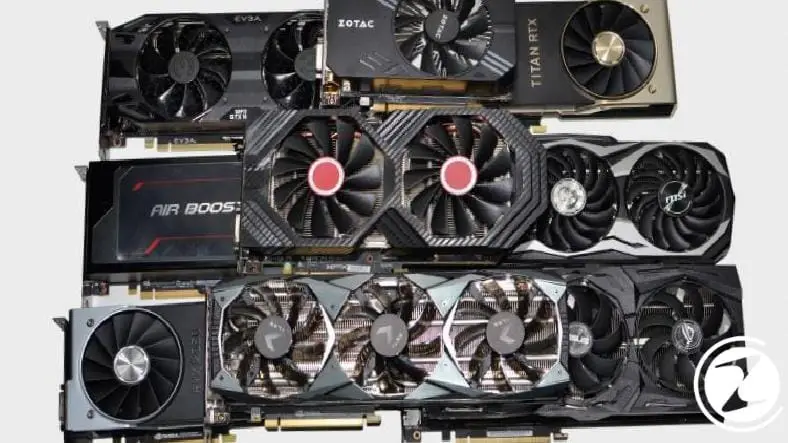
You have decided what kind of graphics card you should use and researched the memory and power values. Once you have made your choice of AMD or NVIDIA regarding the brand, you face another rather complex obstacle: graphics card manufacturers. AMD and NVIDA display units to use it in the most efficient way He has his hands full.
They use various cooling methods designed to cool your graphics card, from programs developed to get more performance through overclocking. This is where users get confused the most. ASUS, MSI, Gigabyte And EVGA Graphic card manufacturers, of which there are many brands such as, make it very difficult for you to choose with the different features they offer.
Gpuboss, a comparison site, offers you the opportunity to compare the graphics cards you want. After deciding what the features should be, you enter the brand and model information into the site and wait for the site to tell you which graphics card you should choose. Winning graphics card The site that shows you also provides you with convenience for purchasing. price information offers.
You can choose the graphics card of your entertainment and business-oriented computer that we will use in our spare time, with the help of this guide. Compare We have provided a link to the site you will use and explained how you should compare it. You can find information on how to replace the video card of your current computer from this link.
We have explained the points you need to consider on your newly configured computer, step by step. In addition to the questions of which graphics card and how to compare, let's add that you should also pay attention to other hardware and say that your processor and motherboard should also be good in order to get optimum efficiency from your graphics card.
Every business is unique. Let’s explore how we can tailor these ideas to your own digital project.


