
Notes Trick to Allow Secret Messaging on iPhone
In a video he shared recently, a TikTok user reveals a trick that allows sending messages secretly on the iPhone.

In a video he shared recently, a TikTok user reveals a trick that allows sending messages secretly on the iPhone.
A TikTok user shared a video recently: iPhoneHe revealed a trick that allows secret messages to be sent to . on the phone Notes Thanks to the section, you can share secret messages with your friend, especially in case of emergency can be lifesaving.
Aakaanksh Autade, who shared a video called "Kaansanity" on TikTok, explained in detail how to send messages from the Notes section of the iPhone. The shared video received 5 million likes and 33 million views While entering the trends by purchasing, Autade explained the process it carried out step by step.
How can you message privately with your iPhone?
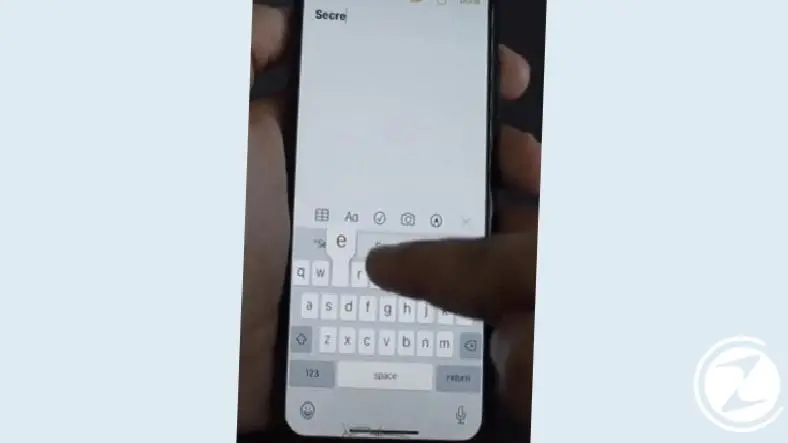
- To secretly message the person you want, you must first open the "" on your iPhone.Notes” app and type something into it.
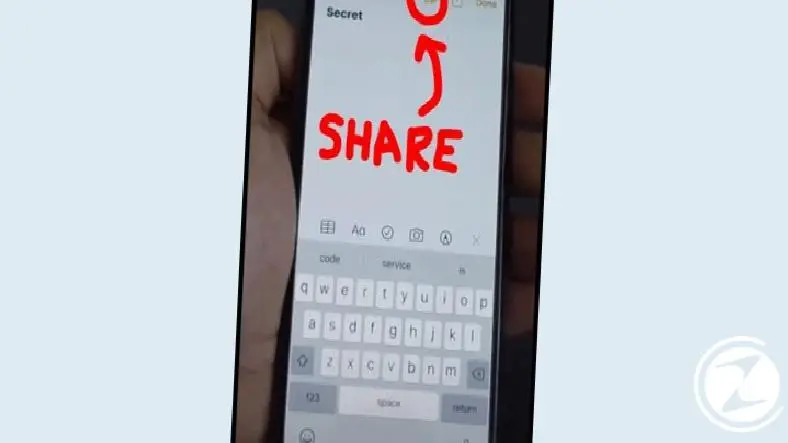
- Then, at the top, "shareClick the ” button.
- Send this Notes page to any friend you want from the window that appears here.

- After selecting who you want to add to this note, you can send your messages hidden You can execute it as .
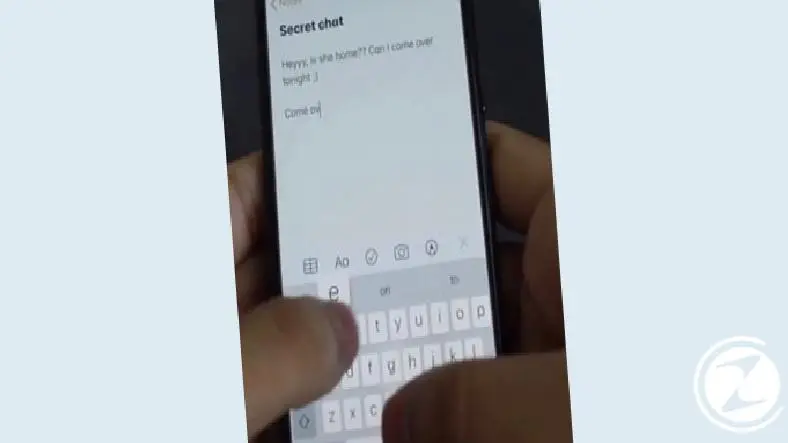
- If you want your messages to be kept more securely, you can use this note you shared. you can lock it.
What kind of convenience does this feature provide?
Autade, who announced the feature with the video he shared on TikTok, said in a statement to BuzzFeed: “I made this video for people who reached out to me and asked if there was a way to hide some apps and messages. I prepared it for victims of domestic violence" he said.It is not possible to lock messages in current iOS versions” said Autade, “So I did some research and finally came across the Notes feature" he made a statement.
This app is generally used to share shopping lists, but it can also be a way to secretly send messages to friends to ask for help in particularly dangerous situations, Autade said for iPhone users. a solid alternative He seems to have made his suggestion. So what do you think about this feature? Can it make a difference, especially in emergency situations? You can share your thoughts with us in the comments section.
Every business is unique. Let’s explore how we can tailor these ideas to your own digital project.


