PowerPoint Alternative 8 Presentation Preparation Program
Although Microsoft PowerPoint is a good presentation preparation program for preparing interesting presentations, it is not a very budget-friendly option…
Although Microsoft PowerPoint is a good presentation preparation program for preparing interesting presentations, it is not a very budget-friendly option…
Although Microsoft PowerPoint is a good presentation preparation program for preparing interesting presentations, it is not a very budget-friendly option. This being the case, the high price of the PowerPoint application is not a suitable option for everyone. Fortunately, there are many free presentation preparation programs and sites that you can use instead of PowerPoint.
Preparing a presentation is not as easy as it seems; People who listen need to be impressed and persuaded. Therefore, the visuality of the presentations, their theme and the way they convey the subject to be explained are also very important. In this content PowerPoint alternative We have included 8 possible free presentation preparation programs.
Powerpoint alternative presentation preparation programs:
- LibreOffice
- Prezi
- Canvas
- Google Slides
- WPS Office Free
- Haiku Deck
- Zoho Show
- Visme
LibreOffice:
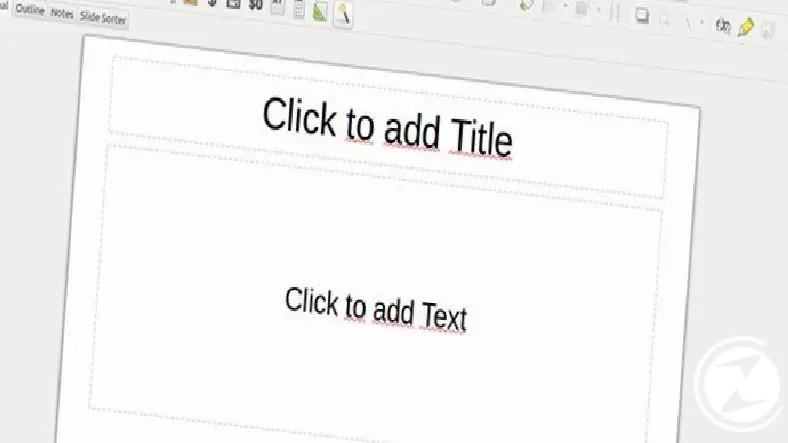
LibreOffice Impress, Almost the same functionality as Microsoft Office It is a free presentation preparation program. The only major difference between these two presentation making programs is that LibreOffice lacks some modern features, such as not having integration with Microsoft OneDrive.
Besides that LibreOffice The program also has a few advantages of its own. Thanks to the software, you can easily import files from Keynote, the default presentation software on your Mac computers. The app also has hundreds of templates that you can download for free. For mobile devices Collabora Office There is a LibreOffice based application called
Prezi:
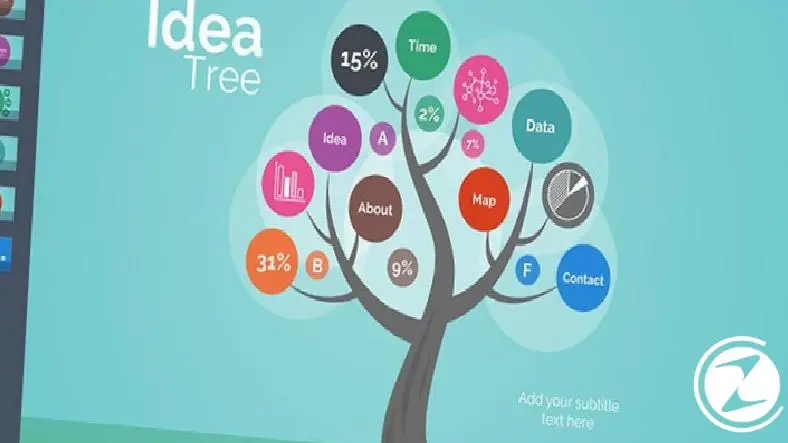
Prezi, turns the traditional approach of presentations on its head. Instead of creating several pages of slides, this presentation software gives you a single, huge canvas. You can add blocks of text or images to your presentation, or even create miniature slides inside the master slide.
Although Prezi may seem complicated, this presentation platform It is quite simple to use. However, using this type of presentation program may not be ideal in all situations. Especially in business presentations, page transitions and animations may not look very professional.
Canvas:
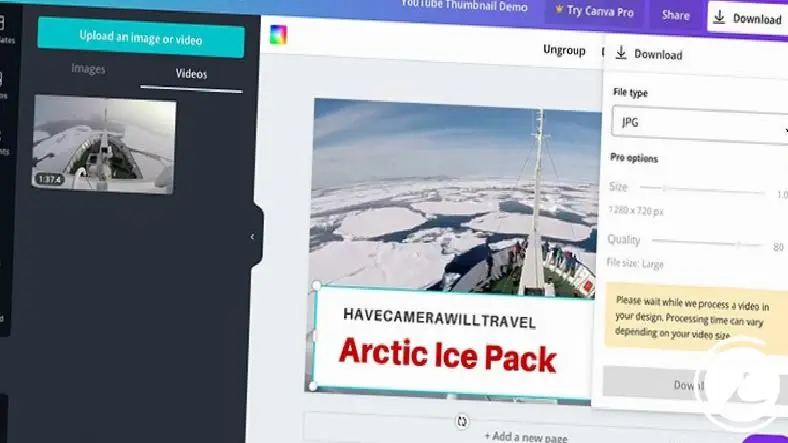
Canva without downloading any app directly through your web browser It is a presentation preparation software with which you can prepare presentations. If you want to prepare a presentation quickly, Canva is ideal for you. This software offers a number of free designs to help you create your slideshow, and you can easily customize the templates in these designs to fit your needs.
Online use of Canva, collaboration It makes it extremely easy. You can invite others to edit your slide show or share your completed presentations with others seamlessly. Additionally, Canva offers users a searchable library of over 1 million images.
Google Slides:
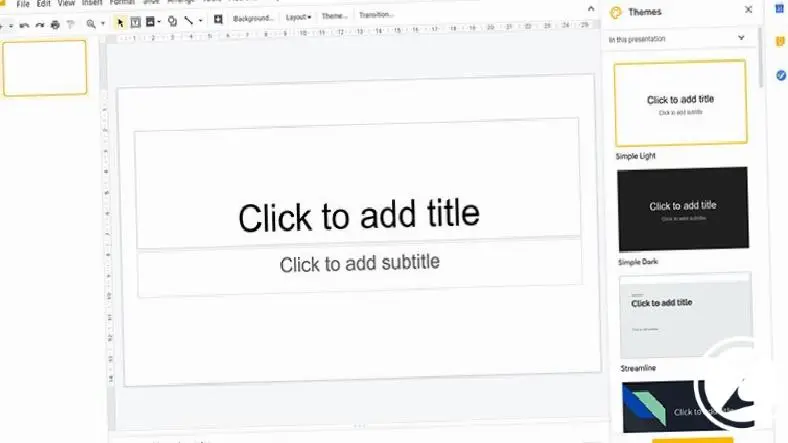
Another software alternative to PowerPoint is Google Slides. Its interface is very similar to PowerPoint. There is no need to download any program to use Google Slides, you can easily prepare your slides online. Additionally, Google Slides offers collaboration and multiple people can work on a slide show at the same time.
Thanks to this free presentation preparation program, you can add videos to your presentation, create diagrams and add animations to your slides. Although the template selection is limited, you can easily import hundreds of additional templates for free or create your own.
WPS Office Free:
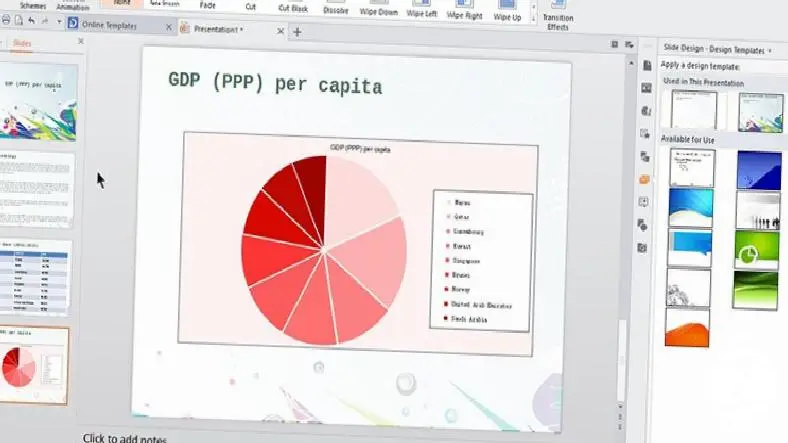
WPS Office Free is very similar to the Microsoft Office program in terms of design and appearance. The software, which opens PowerPoint files without any problems, also has many features that PowerPoint offers, such as numerous animations, slide transitions and content effects. Besides that Its interface resembles PowerPoint, We can easily say that this is the best part of WPS Office Free.
WPS Office FreeAlthough it does not have a major disadvantage, the fact that it is ad-supported may be annoying for some users. Although it is ad-supported, the number of ads is not conspicuous. Considering that the application is free, a few ads are not really a problem.
Haiku Deck:
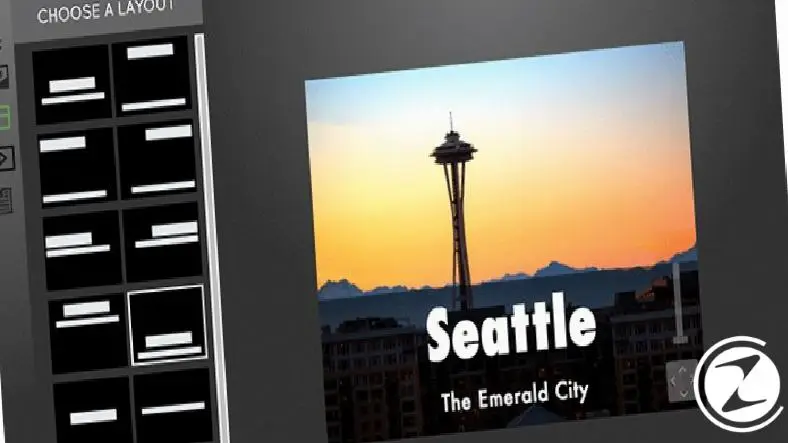
Haiku Deck, It is a site where you can make great presentations with various ready-made templates and you can also create new ones apart from the saved templates. If the subject of your presentations is business and education If it is related to the subject, ready-made templates will really come in handy. In addition, Haiku Deck also allows you to add YouTube videos to your presentation and download photos for free.
You can easily prepare the world's simplest and most impressive presentations thanks to Haiku Deck. site “minimalist design” It adopts the principle of presentation, thus helping you prepare the presentation you want step by step when you open the online interface, without needing any additional prior knowledge. And besides the computer Compatible with iPhone and iPad Thanks to Haiku Deck, you can easily organize your presentations on mobile.
Zoho Show:
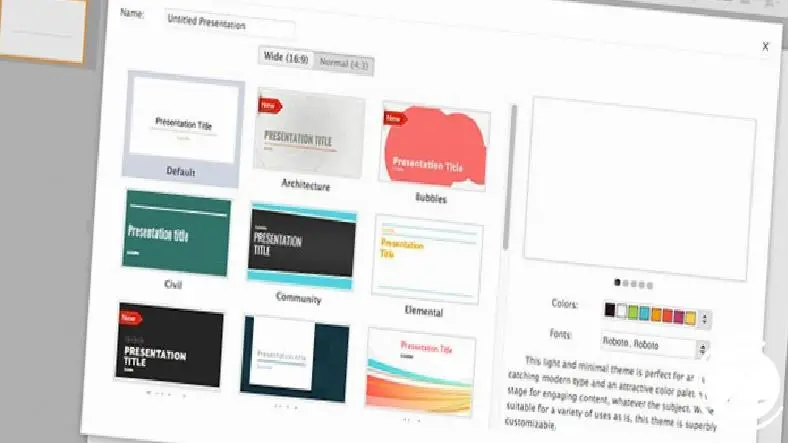
Zoho Show, A cloud-based presentation preparation program just like Google Slides. Users can create new slides, Offering the opportunity to work with your team This free program, which allows you to easily share the presentations you have prepared, also has ten different language options. Zoho Show, which does not need to download any application and can work online in any environment, unfortunately causes problems in environments where there is no internet.
Thanks to the boxes on each slide Comments can be written on the slide pages. In this way, your team sees these comments easily and contributes greatly to the work you do with your team in terms of communication. In addition to this feature, Zoho Show allows you to publish the presentations you have prepared. You can broadcast your presentations online to participants thanks to the live speech feature. Especially in remote meetings This feature is very useful.
Visme:
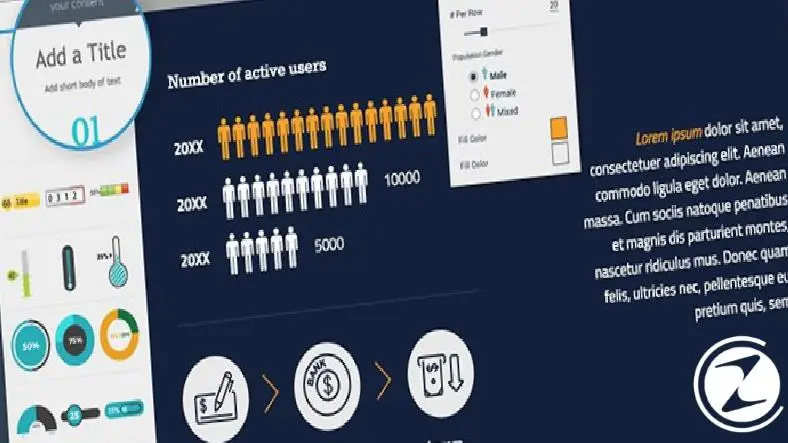
If you're creating a slideshow from scratch, Visme may be a great presentation app choice for you. Visme, It has different templates for different types of presentations. You can choose from color palettes for each theme or create your own color palette if you wish. Additionally, Visme can be used to enrich your presentation. Contains lots of icons, graphics and royalty-free images.
If you do not like text or graphic formatting, you can format the text boxes and graphics that Visme has previously created to suit your taste. In addition, you can share your slide show via a special link, collaborate with team members, download your presentation in different file formats, and even get page view analysis when you make your presentation public. Unfortunately, Visme does not have an app for mobile devices.
Every business is unique. Let’s explore how we can tailor these ideas to your own digital project.