
Solutions to the 'Computer Shuts Down on Its Own' Problem
Sometimes your computer, especially one you've been using for a long time, may shut down on its own without any warning. Computer…

Sometimes your computer, especially one you've been using for a long time, may shut down on its own without any warning. Computer…
Sometimes your computer, especially one you've been using for a long time, may shut down on its own without any warning. Computer shuts down by itself problem It is one of the most common problems. The computer not only shuts down itself; It also restarts or puts it into sleep mode without any command. computer shuts down by itself It is evaluated in the problem category.
Alright, The problem is that the computer shuts down on its own reasons What are they? There are many different factors that can cause this problem. The user experiencing the problem should apply the most appropriate solution method after determining the cause. for you computer shuts down by itself We explained the causes of the problem and the methods you can easily apply when you experience such a problem.
Causes of the problem that the computer shuts down by itself:
- overheating
- Hardware problems
- power supply problems
- malware
- Major hardware problems
- Operating system problems
Overheating:
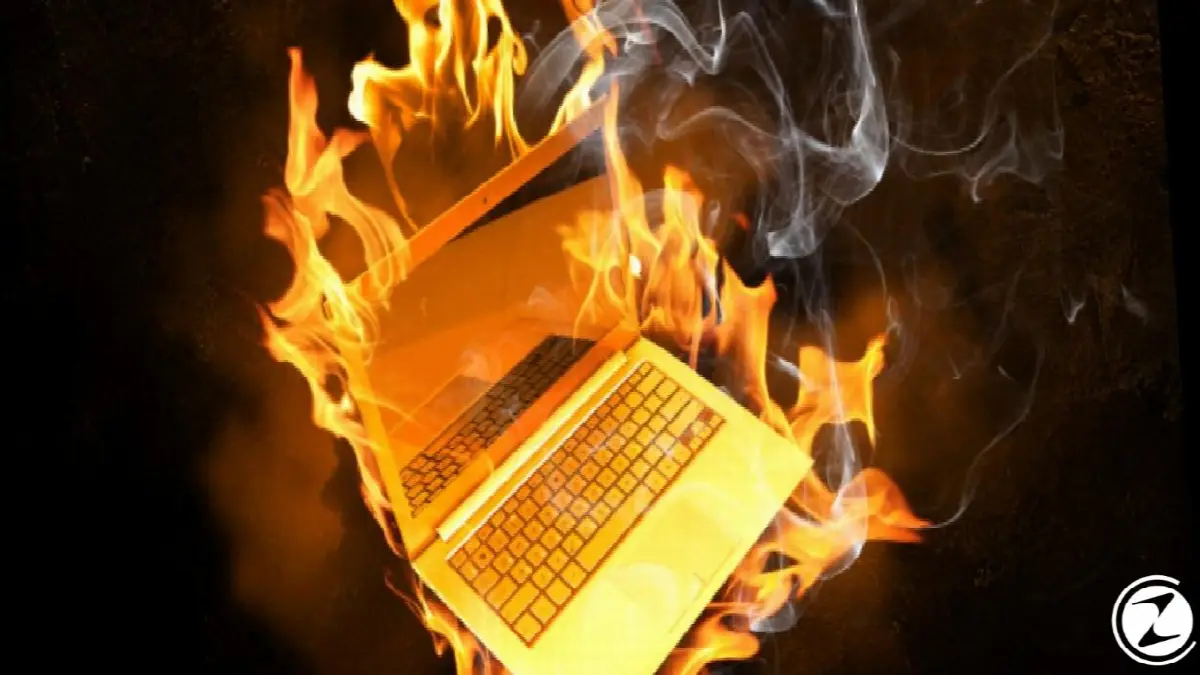
One of the most common causes of the computer shutting down by itself problem is overheating. Overheating is generally caused by fan not working properly causes. Overheating may occur as a result of straining the entire computer or it may be the result of straining only one piece of hardware.
To give an example; graphics card if your computer does not fully meet the system requirements of a game you are playing may cause overheating. Likewise, if the power cables you use to run or charge your computer do not transfer power via a direct current, this will cause both the power supply and the computer to overheat.
Solution:
If you think that the cause of the computer shutting down problem is overheating, the first thing you should do is to check the computer's fan. fan for computer will not be able to provide the necessary cooling It may be closed from the inside or outside.
If you are using a laptop, check the fan without removing the bottom cover. Having gone inside the fan using a vacuum cleaner from foreign materials such as dust and hair purify. Make sure the front of the fan is fully open and breathable when operating it.
If you are using a desktop computer, remove the case cover. Likewise, clean the fan from foreign materials such as dust and hair, and clean the dust on the hardware inside the case. Start your computer without closing the lid and check if there is any hardware causing overheating.
Hardware problems:
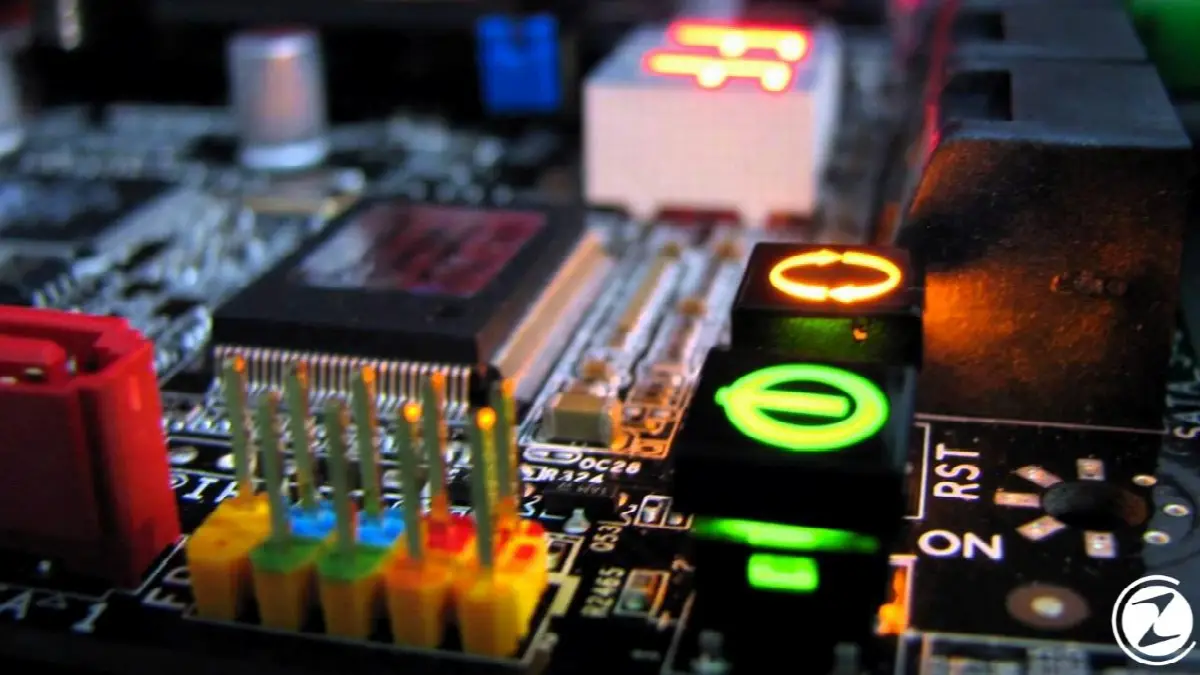
There is a lot of hardware connected to every computer, whether it is a laptop or desktop. These hardware components are integrated into the computer not installed correctly It will prevent the computer from working and may cause the problem that the computer shuts down on its own.
Hardware problems that cause the computer to shut down on its own are just as common as overheating. Hardware drivers are not installed correctly, not currently used or the drivers may not have been downloaded from the official website.
Solution:
If you think that the problem of the computer shutting down on its own is caused by hardware problems in your computer, the first hardware you should check is: These are the hardware you recently added. Later hardware added can cause problems on many computers.
First, check whether the hardware is up to date on Device Manager. If there is no problem with the drivers, try your latest hardware. lifting in order use your computer and see if the computer shuts down by itself problem persists.
If your computer does not have any problems with the latest hardware you added, existing equipment try uninstalling it. By removing all the hardware that is not necessary for the computer to work, you can find out which one is causing the problem of the computer shutting down on its own.
Power supply problems:
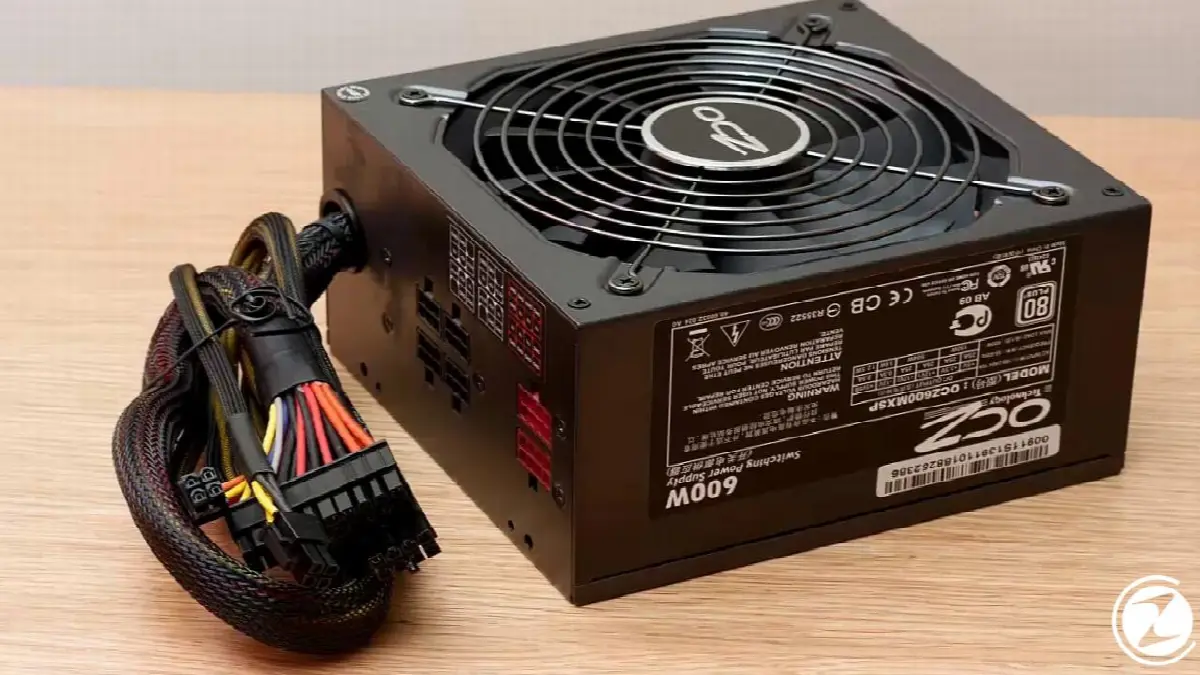
Every computer needs a power source, either for operation or for charging. Sometimes there is a problem between the power supply and the computer. surge protector or there may be an uninterruptible power supply called UPS. These may cause the computer shuts down by itself issue.
Likewise, the batteries in laptops can also cause the problem of the computer shutting down on its own. lack of contact, not fully charged or there may be problems such as not being able to transfer the required power to the device.
Solution:
If you think that you are experiencing a computer shutting down problem caused by the power supply to which you connect your computer, first between the computer and the power supply Remove anything. Connect the computer directly to a wall outlet without a surge protector, UPS, or power strip.
If you are having problems with your laptop shutting down on its own, replace it with a different battery or without one. connected directly to wall outlet Try running it as . Check if the computer shuts down by itself problem persists by trying different power supplies.
Malware:
As with many problems, the problem of the computer shutting down on its own is caused by a virus or virus that has infiltrated your computer. a malware It may be causing. It is known that there are viruses and malware developed specifically to cause the problem that the computer shuts down on its own.
Pay attention to the time your computer shuts down and the program that is open at that time. If it always shuts down at the same time interval or while using the same program, developed for this purpose It may have been infected with a virus or malware.
Solution:
If you think that the problem of the computer shutting down by itself is caused by a virus or malware that has infiltrated your computer, the first thing you should do is to check your computer. a reliable antivirus program It installs and performs a detailed scan.
If you already have an antivirus program on your computer, check if it is up to date. If everything is fine in the program but it still does not protect your computer alternative antivirus programs use it. You can prevent future problems by always running an active antivirus program on your computer.
Main hardware problems:
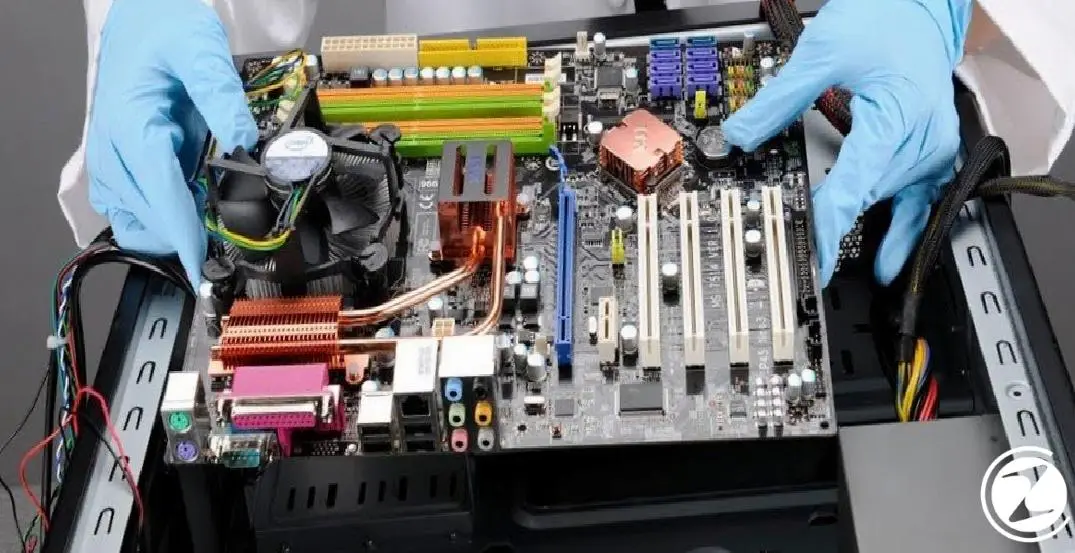
The problem of the computer shutting down on its own may be caused by hardware that is not installed correctly, and it is necessary for the computer to work. non-essential equipment We explained that you can check whether the problem persists by removing it. But what if the problem is in the main hardware?
A problem in the main hardware of the computer, that is, the hardware required for its operation, may cause the problem of the computer shutting down on its own. Such as RAM, motherboard, CPU, graphics card It is known that problems with hardware that are essential for the computer to work cause the problem that the computer shuts down on its own.
Solution:
If you think that the main hardware is causing the problem of the computer shutting down on its own, the first thing you need to do is to check the device manager in Device Manager. whether it is up to date Check and uninstall and reinstall if necessary.
If the steps you have made through Device Manager are not sufficient, remove the hardware that you think is problematic. with different hardware Try starting the computer. You can try until you find out which hardware is causing the problem that the computer shuts down by itself.
Operating system problems:
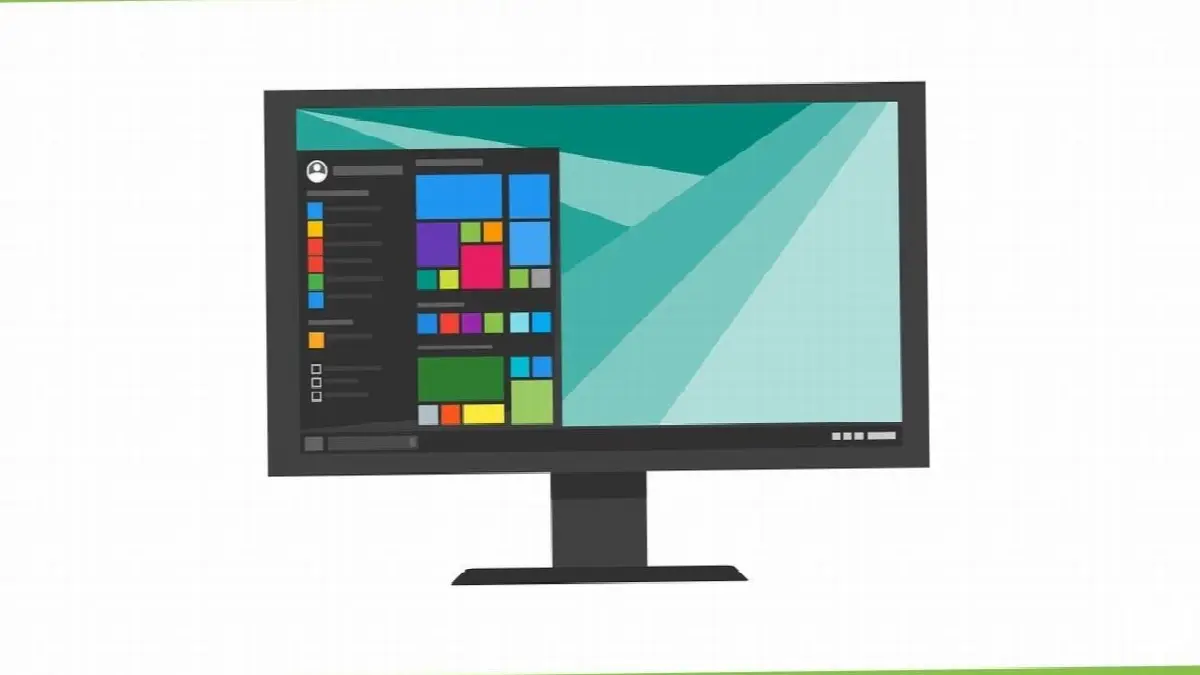
If you have examined all the problems and applied the solutions that would cause the computer shutting down by itself problem above, but still If the problem still persists, The cause of the problem may be directly the operating system of the computer.
Operating systems that do not come pre-installed, but are installed on the computer later, are not installed correctly or as a result of incorrect installation It is known that the problem of the computer shutting down on its own occurs.
Solution:
If you think that the computer's operating system is causing the problem of the computer shutting down on its own, the first thing you should do is is to restore the computer. To do this, you need to select a date on the System when the computer does not shut down on its own and install the system on that date.
Another option you have is to change the operating system. delete completely and reinstall it. If you have not done such a procedure before, it is not recommended to do it yourself. Please note that all data on your computer will be deleted in both reinstallation and restore processes.
for you Causes of computer shutting down by itself problem and we explained the methods you can apply when you experience such a problem. After determining the cause of the problem of the computer shutting down on its own, you can eliminate the problem by applying the most appropriate solution.
Every business is unique. Let’s explore how we can tailor these ideas to your own digital project.


