What is DPI in Mice and what does it actually do?
DPI, which is one of the most important technical features when buying a mouse, is for many users who use the mouse professionally.
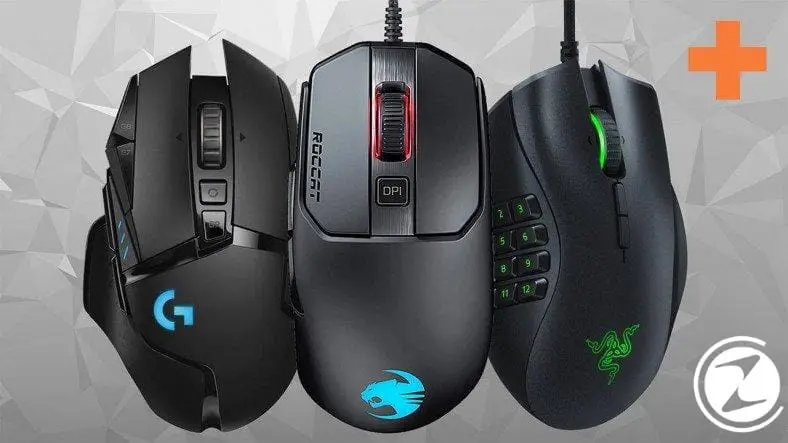
DPI, which is one of the most important technical features when buying a mouse, is for many users who use the mouse professionally.
The most important technical features when buying a mouse are: DPIis very important for many users who use the mouse professionally. So what is this DPI? How should the DPI be adjusted, which has been on the lips of gamers lately? Is high DPI always necessary?
us too webtekno as this and so on many of your questions We are here with you, our readers, with a guide where you can find the answer. If you want, let us leave you alone with our guide without further ado.
What is DPI for mice?

DPI, which is a unit of resolution, stands for in English. “Dot Per Inch” It comes from the abbreviation of the words. In other words, we can translate it into Turkish as "dots per inch". Mouse DPI value is mouse sensitivity and sensitivity It is a value used to measure. DPI means the point at which the mouse will read. For example, in a mouse The higher the DPI Know that that mouse can read the dots much better. For example, 6400 DPI tells us that there are 6400 dots per inch. This tells us the resolution of the mouse.
In theory if a mouse has 1600 DPI, your mouse If you move 2.54 cm (1 inch), the mouse pointer will move 1600 pixels. The higher the DPI, the more sensitive the mouse. That is, you move the mouse even a small part, the pointer moves a large distance across the screen. DPIis a good marketing tool for gaming mice. Whether DPI matters is a myth. In fact, many competitive first person shooter game player sets mouse DPIs to 1200 or even 800. If you want, let's hear what DPI is in detail from the Logitech engineer:
How can I find my mouse's DPI?
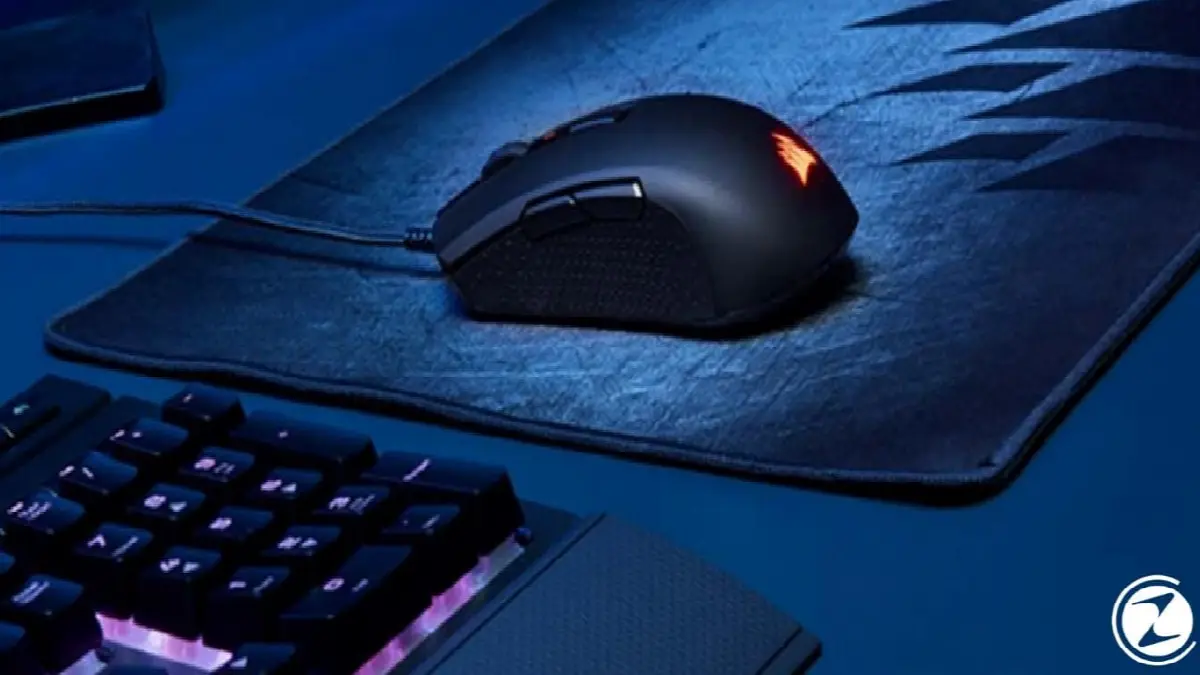
You have a scientific equipment There is no easy way to find exact values unless there is You can only detect the DPI value of your mouse with measuring equipment. Other than that, the only way is to check what your mouse manufacturer provides about your mouse. features To obtain information by examining. If your manufacturer has not provided information about the mouse features, as we said at the beginning, you cannot learn the DPI features of your mouse without equipment.
Most mice on the market operate in the 800-1000 DPI range. to sensors has. However, gaming mice offer changeable DPI options to their users. In very wide ranges DPI setting users can choose the most suitable setting for themselves and use to your scenarios They can use their mice at different resolutions.
What is USB Polling Rate?

Some manufacturers list the mice in their technical documentation. USB polling rate They also include a value called . USB polling rate depends on how your computer detects the signal from the mouse. how often It shows that you are checking. By default, the USB polling rate in Microsoft Windows and Linux is 125 Hz, meaning that 125 times per second, or every 0.008 seconds, your computer checks for the signal from your mouse. Many gaming mice, polling rate It can set it to as high as 500 Hz, which means it checks 500 times per second.
So how important is DPI?

Our mice contain with laser or optical sensors They move by scanning the surface beneath them. The mouse has resolution The higher it is, the more the mouse moves in a small movement area. You can choose and purchase a mouse with the appropriate resolution according to your usage area.
Remember that high DPI It doesn't always mean quality mouse. For example, mice with very high resolution for office use are only available to you. an unnecessary expense It will not go further than that. Additionally, the value on the box does not indicate that the mouse only works at that value. With DPI keys that we usually see on gaming mice Instantly increase or decrease DPI We can provide.
What should we pay attention to when choosing DPI?

The higher the DPI value the mouse has, the higher the mouse sensitivity. To change these settings, you can adjust the resolution settings of your mouse with special software that comes with the mouse. So what should we pay attention to when choosing DPI? For example, if you are playing at 1024×768 resolution DPI You should select the value closest to 1792, which is the sum of the resolution values. This way, you can get the best control of your mouse.
A mouse with low value at a high resolution It is very difficult to move it. Even when you set it to the highest sensitivity value, it will take a long time to move from the far right to the far left of the screen. In normal use, these values do not mean much, but for online players to a certain point It is very important to come faster and balance this value. You can access all such settings with the software that comes with advanced gaming mice.
How to change mouse resolution (DPI)?

- Step #1: Open the control panel.
- Step #2: Select the display criteria “Large icons” from the top right.
- Step #3: Select Mouse.
- Step #4: You can change the mouse speed in pointer options.
You can easily change your mouse resolution with the software that comes with the mouse you purchased. change DPI You can adjust the sensitivity of your mouse using the keys assigned to . If you don't have any of these options, Windows helps you with this too. Now if you want Windows Let's explain step by step how you can easily adjust the sensitivity of your mouse.
Step #1: Open the control panel.
By typing control panel in the search bar, you can find the options we used frequently in the past. control panel open it. In this way, you will be able to easily access your mouse's settings.
Step #2: Select the display criteria “Large icons” from the top right.

After opening the control panel, select the display criteria at the top right and from there big icons select. In this way, you can find the mouse settings in the menu.
Step #3: Select Mouse.
By selecting the mouse option in the menu that opens, mouse Ensure that the relevant settings are opened.
Step #4: You can change the mouse speed in the pointer options.

Using pointer options “choose the speed of the pointer” You can adjust the speed of your mouse by dragging the bar in the section that says DPI you can change the setting.
How to change the DPI setting of your mouse, What is DPI? We were with you with our guide where you will find answers to your questions such as what you should pay attention to when choosing DPI. Regarding DPI In our detailed article, you will find answers to many of your questions about this subject. Stay safe until we meet in our next article.
Every business is unique. Let’s explore how we can tailor these ideas to your own digital project.