What is Microsoft PowerShell and what does it do?
Nowadays, with computer systems, from standard methods such as graphical user interface (GUI) to command line interfaces (CLI)...

Nowadays, with computer systems, from standard methods such as graphical user interface (GUI) to command line interfaces (CLI)...
Today, there are several ways to interact with and manage computer systems, from standard methods such as graphical user interface (GUI) to command line interfaces (CLI). These are also application programming interface (API) It is supported by additional methods such as calls and web-based management interfaces.
A CLI method that is widely used today to meet emerging needs is Microsoft Windows PowerShellis. After this article, you will clearly understand the basics of PowerShell, how it can be used, and what it does. Now, let's move on to our article where we explain Microsoft PowerShell in full outline.
What is Microsoft PowerShell?
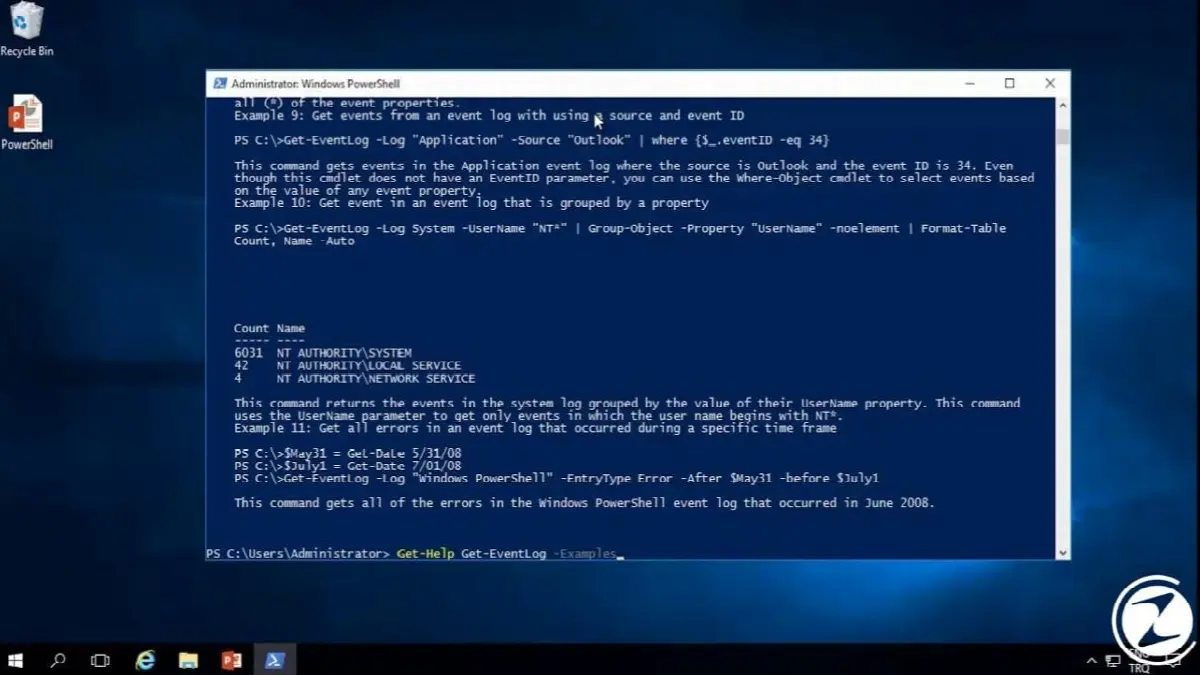
Windows PowerShell to simplify configuration and management of heterogeneous environments in both stand-alone and networked typologies using standards-based remote protocols. small programs called cmdlets An interactive tool with scripting language features that uses object oriented is the command environment.
When Microsoft released the first version of PowerShell, it aimed to address the shortcomings of the DOS-based command prompt interface. Written in complex script languages on the management of objects There were problems. Therefore, it has a powerful and flexible structure that will serve as a special script language for Microsoft-based software and automate administrative tasks. PowerShell was put forward.
What does Microsoft Powershell do?

In this part of our article, we talk about PowerShell. basic information you learned. Now let's give you ideas about what you can do with this basic information and then go exploring with this information.
PowerShell is the way IT professionals use the Windows operating system and other applications running on Windows servers. control and automate It helps. It also enables administrators to perform their tasks on remote and local Windows system through full access to COM and WMI.
Combining multiple commands and writing scripts allows tasks to be performed more efficiently. When the system administrator creates an active directory user, you can only do this with a simple With the help of PowerShell cmdlet can.
How to use Microsoft PowerShell?
- Step #1: Type “Windows PowerShell” in the Windows search bar.
- If you wish, you can also access the same tool by going to Run and typing “powershell”.
- Step #2: You can perform any operation you wish with the cmdts we will write in the command bar that appears.
- Check out the next topic for the codes.
PowerShell has many uses. PowerShell functions as both an interactive language and a scripting tool. Both use cases lead to easier management of systems and IT professionals Allows great flexibility for
One of the most important advantages of PowerShellis the ability to remotely connect to another system. An administrator can use a remote PowerShell session to connect to a remote server and run commands as if they were working directly on that server. It can be managed remotely and saves IT professionals time.
When it comes to creating PowerShell scripts, the ability to perform consistent tasks and steps repeatedly is a huge advantage for IT administrators. PowerShell automates many tasks, from completing a new server in a virtual environment to configuring new mailboxes in Microsoft 365 and many additional functions in between.

Microsoft PowerShell codes:
- Active Directory (Module): This module enables the management of Active Directory objects such as computers, users, groups and authorizations stored in accounts.
- Exchange Server (Module): This module provides full management of Exchange Servers. There are many additional cmdlets in the module and they provide full support for the Exchange email server.
- GetHelp (cmdlet): This cmdlet provides useful information about syntax usage and commands.
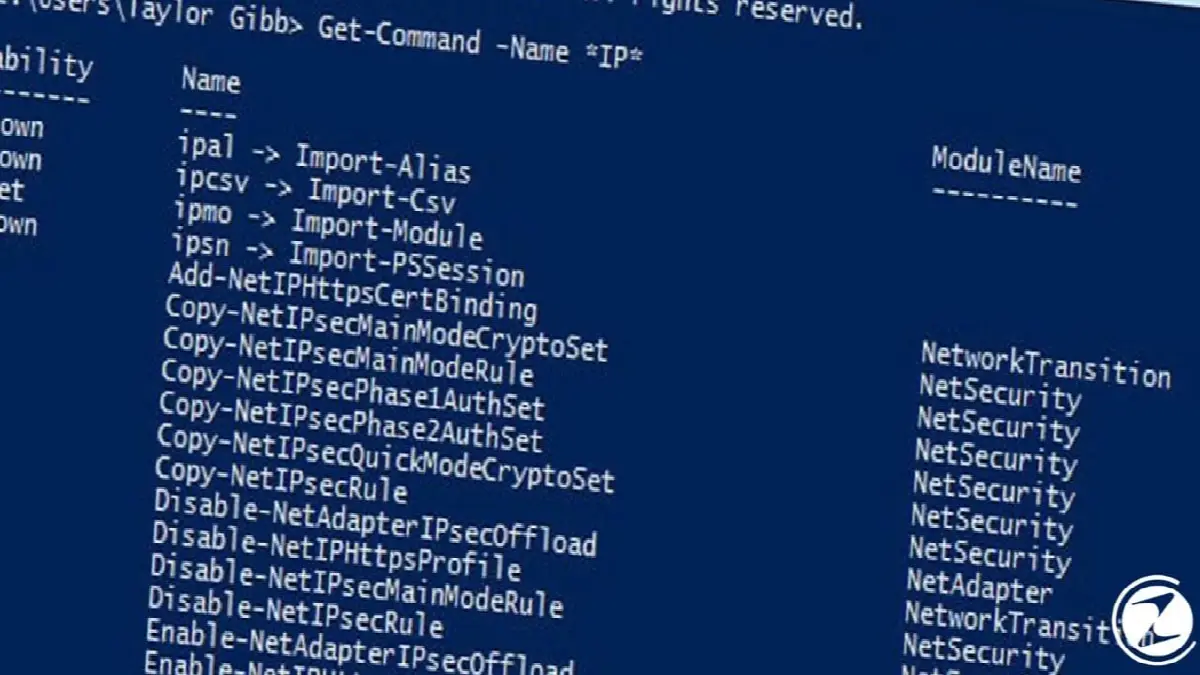
- Get-Command (cmdlet): Provides a list of commands available when executed. Lets you see what commands are available.
- Set-Variable (cmdlet): It is a cmdlet that creates variables that store codes, multiple objects, and file paths that you want to reuse.
- Invoke-Command (cmdlet): A cmdlet that is generally run from the local computer and used to work with commands from remote computers.
- Pipeline (|): One of the features of PowerShell | It connects commands with characters. It is especially useful for multi-step operations such as creating a username, adding the user to a security group, or resetting the default password.
- Function ({}): Command functions enclosed in these signs ({}) can be processed one or more times.
- Out-File (cmdlet): It allows exporting PowerShell's command output to a file. For example, a list of user accounts can be retrieved and saved in a text file for later use.
- Import-Module (cmdlet): It allows adding more modules to the PowerShell structure.
Which users is Microsoft PowerShell for?

PowerShell is for users thinking about creativity, system administrators looking for a solution to control their work via remote access, and software developers developing their own applications between hardware and software. you use frequently We can say.
Even though PowerShell contains many things in the order of new commands, syntax and logic and seems complicated, Microsoft does not like PowerShell. Integration with enterprise applications provides the necessary tools for Since it is open source, it has become of interest to all system administrators.
Another name for commands in PowerShell is cmdlet. Each cmdletYou can use separately. PowerShell allows you to access file systems on the computer. PowerShell providers provide you with convenience when accessing the file system and other data stores such as the registry and certificate stores.
Create your own using edited codes or scripts your cmdlet and function modules you can create. PowerShell also supports scripts similar to UNIX shell scripts and cmd.exe batch files. Below are some cmdlets and their descriptions.
What are the advantages and disadvantages of Microsoft PowerShell?
As with everything in use, PowerShell has many advantages and disadvantages. Ease of learning, object-based, Provides more functionality compared to VBScript and cmd.exeSituations such as not having to specify the variable type and the concept of background jobs are the advantages that the program provides to the users.
.NET Framework requirement, Text-based operation, security risks, need to run a web server for remote connection These are the features of the program that we can consider as disadvantages. Especially when connecting to computers remotely due to the risk It doesn't give much confidence to the people doing this job. We can say that the disadvantages of PowerShell are generally related to security.
How can I download Microsoft PowerShell?

PowerShell on all Windows versions after Windows 7 spontaneous It is an application. In terms of Windows Server, integration is available for versions after 2008 R2. PowerShell can also be run on older Windows versions, but it must be downloaded and installed.
To install PowerShell Windows Management Framework (WMF) Must have vehicle. The version number of WMF and the version number of PowerShell to be installed are compatible. You can download Windows Management Framework 5.0 from here. You can download the latest version of PowerShell from here and install it on your computer.
What are the alternative programs to Microsoft Powershell program?
- Bash (Unix Shell)
- Z Shell
- Linux SSH
- PuTTY
- OpenSSH
- cygwin
- GNOME Terminal
- Cmder
- pash
Every business is unique. Let’s explore how we can tailor these ideas to your own digital project.