Windows 10 Reset Problem Solution
Operating systems receive frequent updates, and the manufacturers of these systems strive to produce even better and trouble-free products with each new version.
Operating systems receive frequent updates, and the manufacturers of these systems strive to produce even better and trouble-free products with each new version.
Operating systems receive frequent updates, and the manufacturers of these systems try to produce better and trouble-free products with each new version. This is of course almost impossible and each version has its own problems is available.
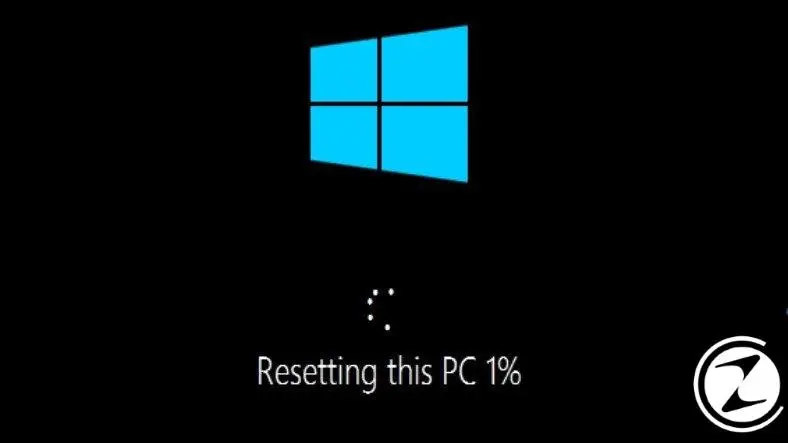
Windows 10In the latest version of , some users noticed that using the option to reset the computer did not work. Even though it's not that important can be frustrating The solution to this problem is again from Microsoft came.
Windows 10 reset problem
Microsoft, Windows 10 It published information on how to solve this problem that bothers its users. Thus, the problem can be resolved and users can reconnect their devices. to factory settings It can rotate.
Normally, the option to restore factory settings Settings'in Recovery It is located under the option. Using this option, it was possible to return the systems to factory settings without any problems.
Due to a bug in the 2004 version of Windows 10, some users did not use this feature. can't user. instead "An error occurred while resetting your computer. No changes were made." They receive a warning saying:
How to fix Windows 10 “Reset PC” feature?
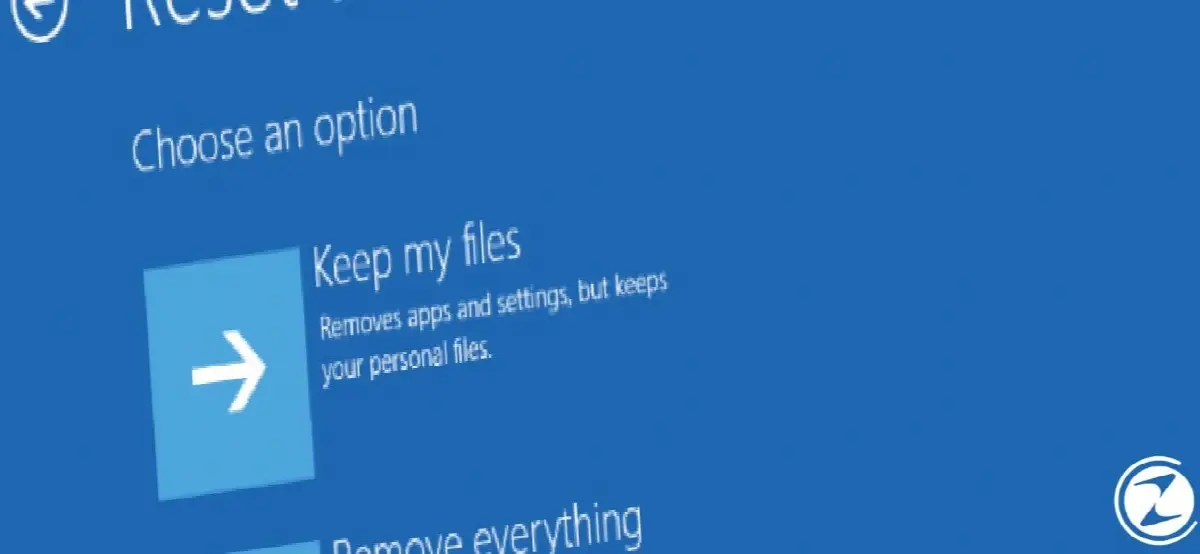
There are many reasons why people want to reset their computers to factory settings. Among them Solving Windows 10 errors, to avoid general slowdown or to transfer the device to another user resetting computers It is a very frequently used procedure.
Under normal circumstances, using this feature it was possible to completely reset the system and delete user files, or perform a partial reset while preserving the files. Windows 10 2004 version It cannot perform this operation in some hardware configurations.
To solve the problem things to do is as follows:
- In the start menu Command Prompt Find the window.
- Right click on the application and as a manager run it.
- Without quotes in the popup window “dism /online /cleanup-image /restorehealth” in summer.
- enter press
- Settings You can now use the feature from the section.
Before doing this, save your important files to the cloud or an external storage area. backup Don't forget. Also, keep in mind that when you reset the device, the device drivers will also be reset.
Every business is unique. Let’s explore how we can tailor these ideas to your own digital project.