
Windows 10X, Not Window 11, Is Coming: Here Are All the Known Details
Microsoft's continuous development of the Windows 10 operating system had lowered the expectations for Windows 11. Also Microsoft…

Microsoft's continuous development of the Windows 10 operating system had lowered the expectations for Windows 11. Also Microsoft…
Microsoft's continuous development of the Windows 10 operating system, Windows 11 He lowered his expectations even further. In addition, the vague answers given to questions about Windows 11 in Microsoft forums confirmed that Microsoft was not focusing on a new operating system name. As a matter of fact, the devices we use are changing and Windows 10X is coming.
Windows 10X, excites all Windows users with the features it will offer to users. Everything that has been announced so far, from the design of the new operating system Windows 10X to its release date, is about to be finalized. all the details We shared it with you. We wish you pleasant reading.
When will Windows 10X be released?
Microsoft said in a press release Windows 10X operating system In the second half of 2020 He announced that he would meet with the users. According to estimates, the release date of Windows 10X is not expected to be before the end of the year. It looks like we'll have to wait a little longer to see the new operating system.
On which devices will Windows 10X work?
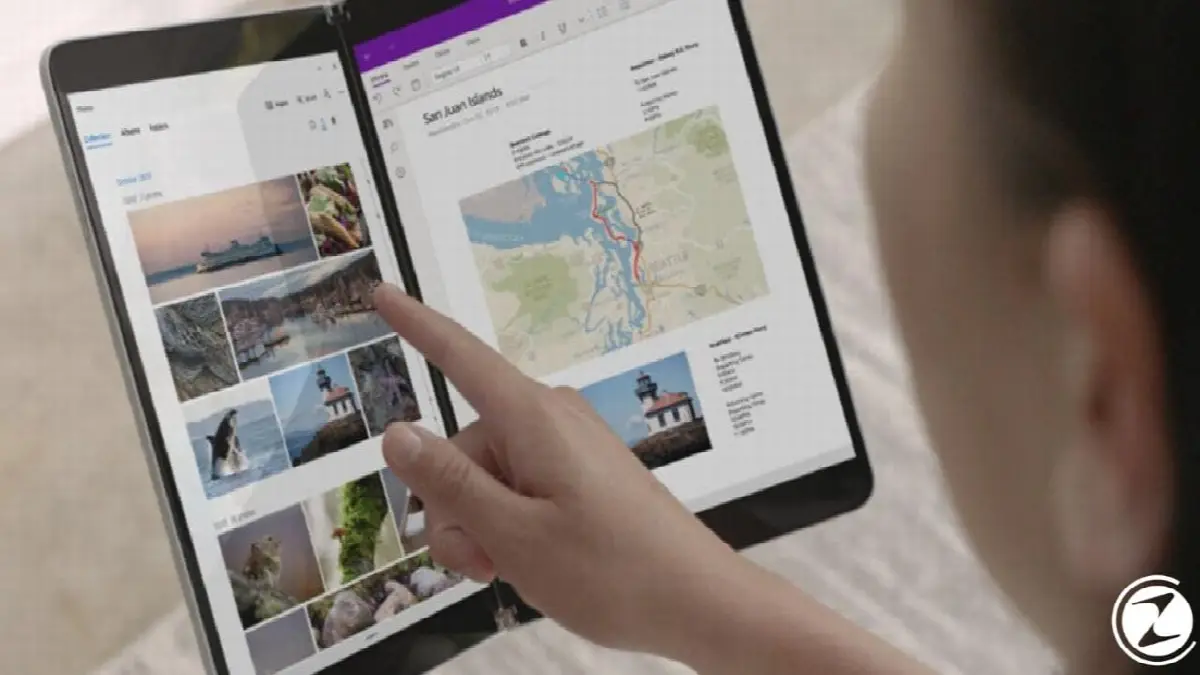
Microsoft initially released Windows 10X only to mobile devices with foldable dual screens. a custom operating system It was launched as. The company will later release the new operating system. on computers and has a single screen on other devices too announced that it will be used.
Considering that there are currently more computers, single-screen phones and tablets on the market than dual-screen devices; new operating system to a wider audience will appeal It seems extremely logical. We mentioned in our previous article that Windows 10X will also come to laptops.
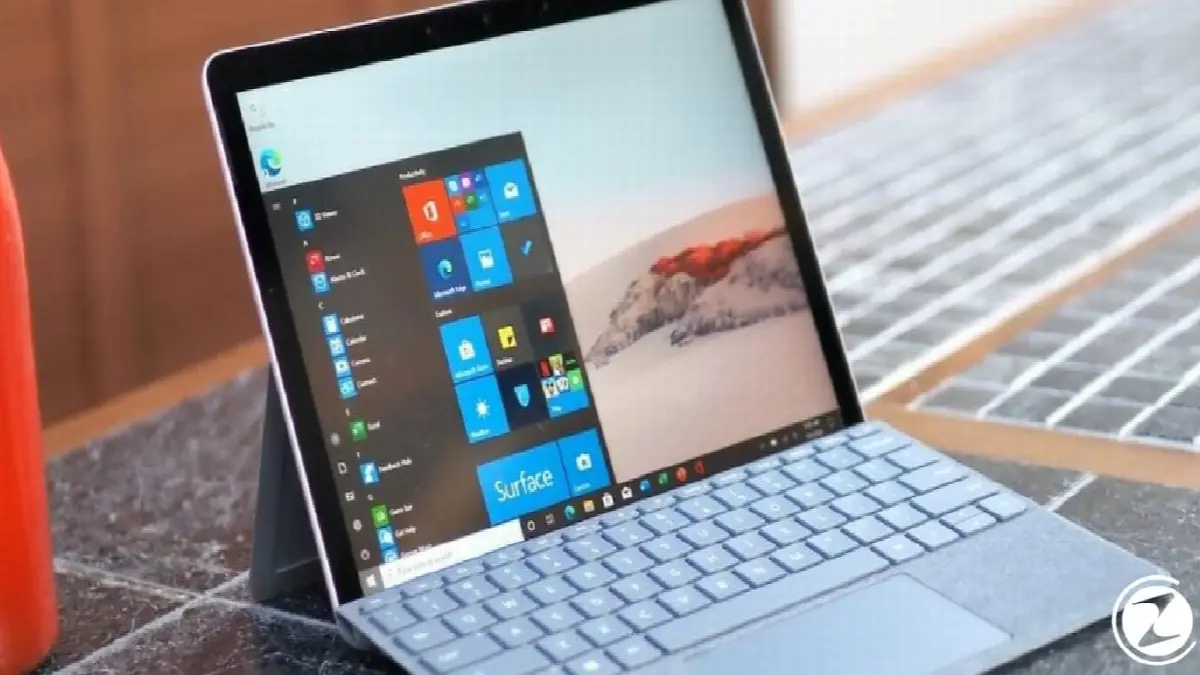
Now Windows 10X only from the first half of 2020 on later dates It will be available on upcoming devices. This means that if you want to use the new operating system Windows 10X, it has Windows 10X installed in it. a new device You need to purchase it.
Microsoft has released an update that will allow Windows 10 users to upgrade their computers to Windows 10X will not publish and the new operating system over the internet not downloadable he also stated.
Windows 10X features
- Revamped user interface
- New Start menu
- New Taskbar
- New Action Center
- New start screen
- Creation Mode
- Operating system that supports legacy applications
- Improved Windows updates
- dynamic background
Revamped user interface: No Control Panel, File Explorer, and Dialog Bar
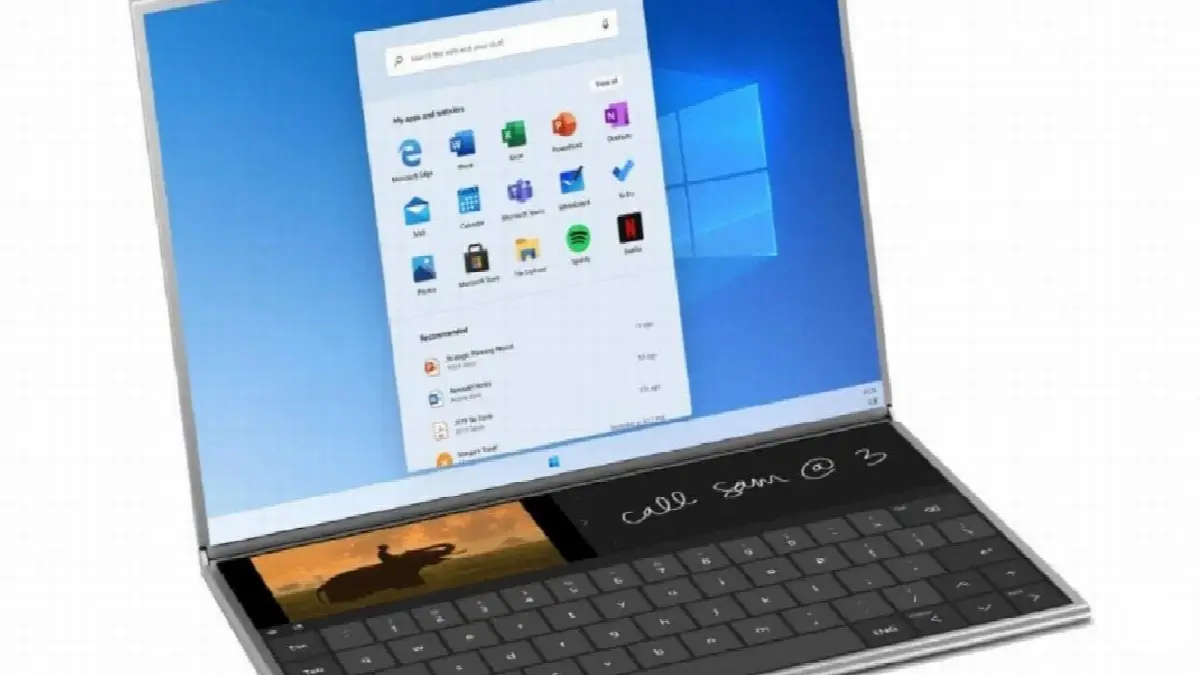
Windows 10X, has a new user interface completely developed with modern technology. New operating system, its appearance according to device position can adjust. For example, on foldable computers, you can configure your operating system in the computer's options such as tablet, laptop and movie mode. in different shapes You will be able to use it.
Available in Windows 10 and previous generations Control Panel, File Explorer, and Dialog Bar Features such as will not be available in Windows 10X. Microsoft Shell user interface completely rebuilt Considering that it was designed, the operations mentioned above can be compared to the old ones. We will make it much easier no doubt.
New Start menu
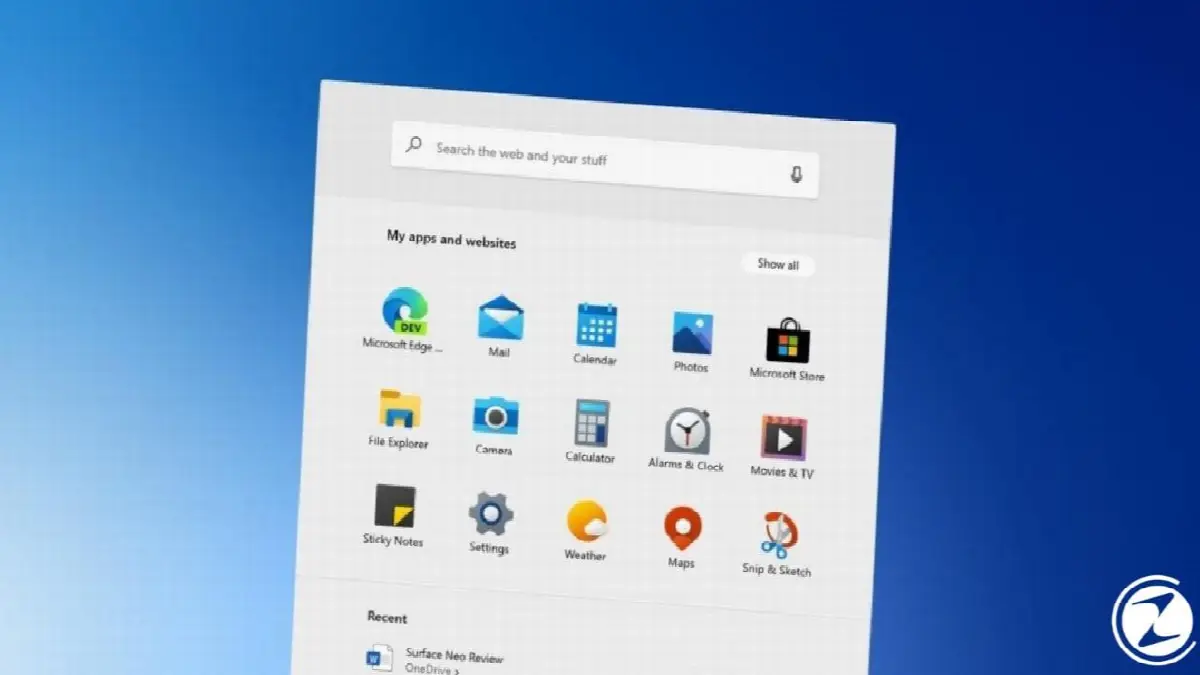
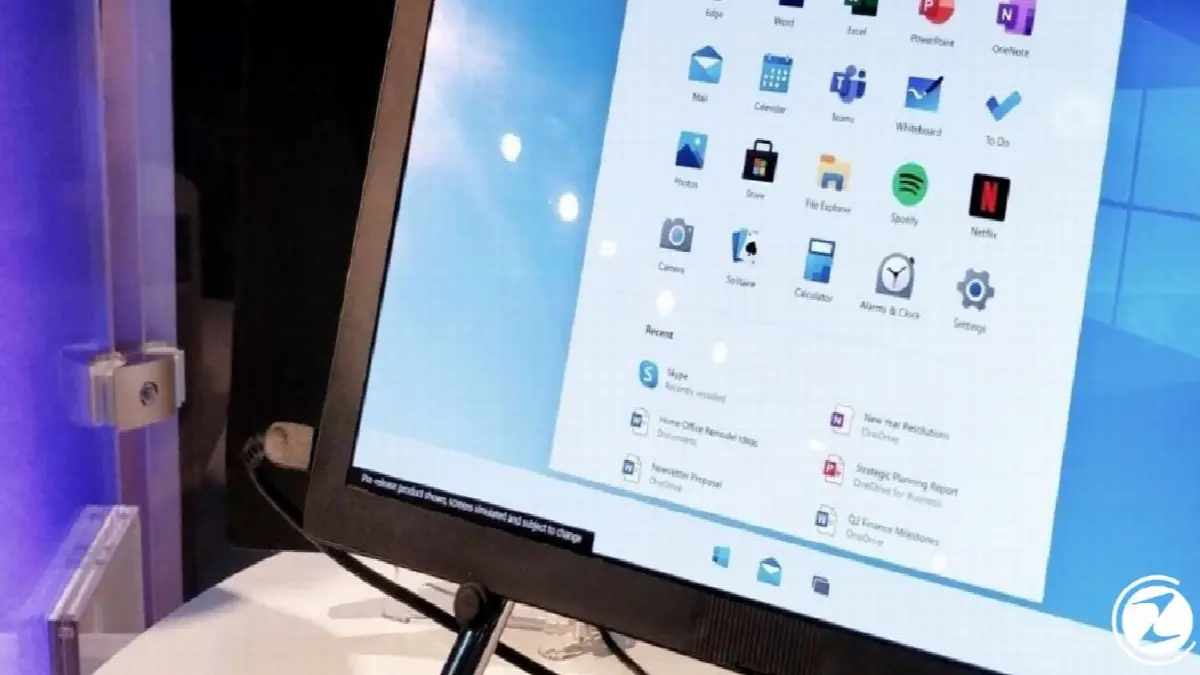
Microsoft introduces new Start menu to productivity He states that he designed it in a more focused way. At the top of the new Start menu is a menu that allows you to search the internet. search bar and on the computer You can access applications There is a part. Users can access their recently saved Microsoft Office documents and most recently browsed sites on the Internet from the Start menu. easily will be able to access.
Start menu, according to users' request can personalize will be. Which application, folder or website you want to see in the Start menu yourself You will be able to decide. You will also be able to collect the applications you want under a single folder. If you wish, you can access the article we have previously written about the Windows 10X Start Menu design here.
New Taskbar
New Windows 10X operating system, users according to their own preferences It has an adjustable Taskbar. Pinned and working items will appear in the new Taskbar, and just like in Windows 10, users will also have the option to drag the bar to the right side. will have.
New Taskbar, touch-centric It has a system. This means that when you use the Taskbar on the touch screen, when you open a new application, the Taskbar minimize will be done. When you connect a keyboard and mouse to the device, the Taskbar appears. in the old style minimize without will continue to work.
New Action Center
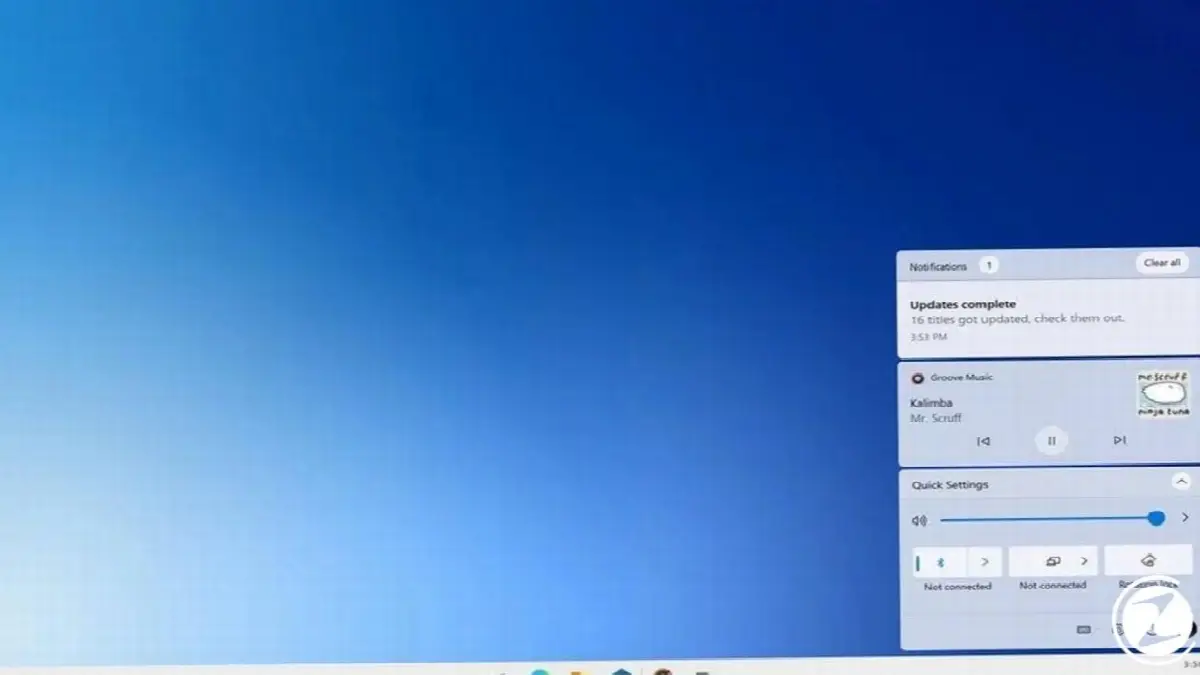
In addition to the new Start Menu and Taskbar Windows 10XThere's also a new one in Action Center is available. Quickly on your computer via this new Action Center simple adjustments you can. These settings include the user's preferences such as sound settings, battery percentage of the device, power options, screen brightness, etc. it will be useful There are options.
New Start Screen
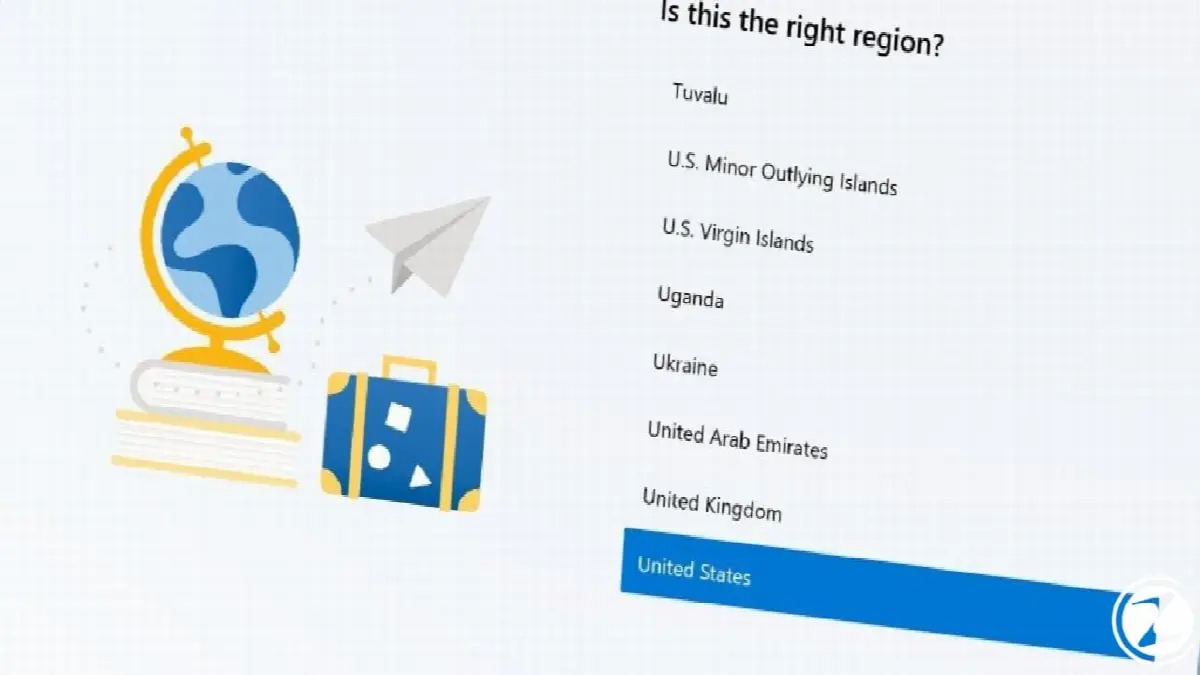
Microsoft everything in Windows 10Xcompletely renovated And the start screen that we see when we first start the computer has also had its share of this change. The Windows start screen guides users through the installation process, just like in previous generations. continues.
What makes it different from previous generations is that the start screen is completely modern. redesign and Cortana is no longer available. Personal assistant offered by Microsoft to Windows users Cortana, Windows 10X Unfortunately, it cannot be used on the start screen.
Create mode
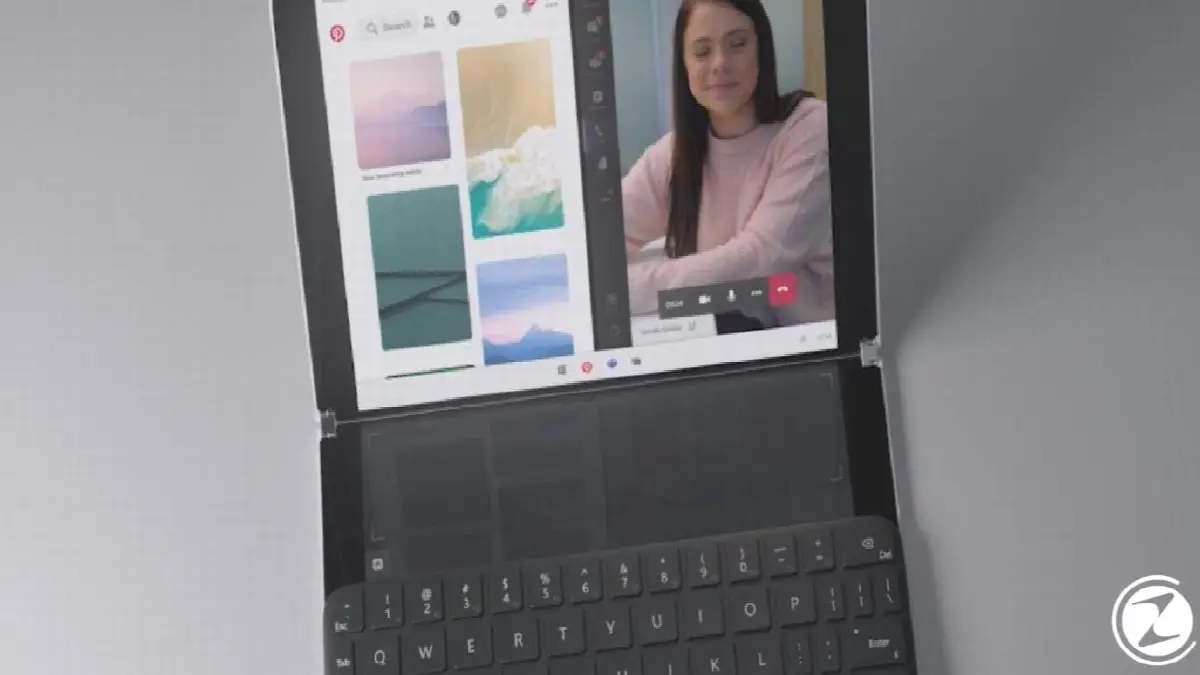
Compose Mode is a completely new feature located in the Action Center in Windows 10X. focused on productivity It appears as a new feature. The purpose of this feature is to be able to use the devices like a laptop. New Creation Mode, keyboard Surface Neo By switching between keyboard and mouse as soon as you place it on devices such asouchpad style It provides access to a virtual keyboard.
Through this virtual keyboard, users can access Emoji or GIF options, and use the mouse as a pen thanks to the ink feature. can write. When Creation mode is active, the Taskbar is minimized on the screen, keeping its traditional appearance. without being can be stopped, so users can access all features on the computer via the mouse. can easily access.
Instead of using windowed mode for applications in Windows 10X full screen It is a known fact that it will work. However, when Creation Mode is active, inter-application to facilitate access Window mode needs to be activated somehow. If Windows aims to use devices as laptops, it should allow window mode as soon as possible.
Operating system that supports legacy applications
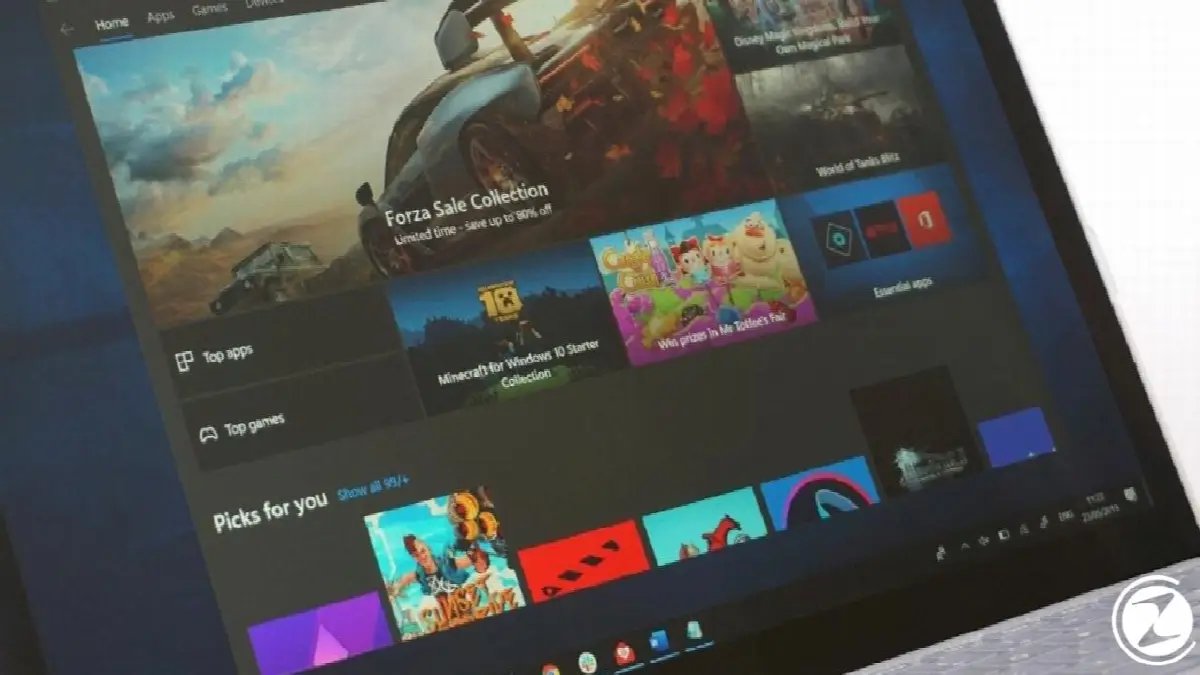
As we have said before, Windows 10X is equipped with completely new and modern technology. we mentioned. Microsoft announced that applications released before Windows 10X will not be available in the new system. completely perfectly He puts a lot of effort into his work.
Microsoft prevents two legacy apps from being open at the same time better together He says he can work. So running an old and a new application at the same time saves a little bit of effort. While it may cause delay, two legacy applications will be able to run more seamlessly at the same time.
Improved Windows updates
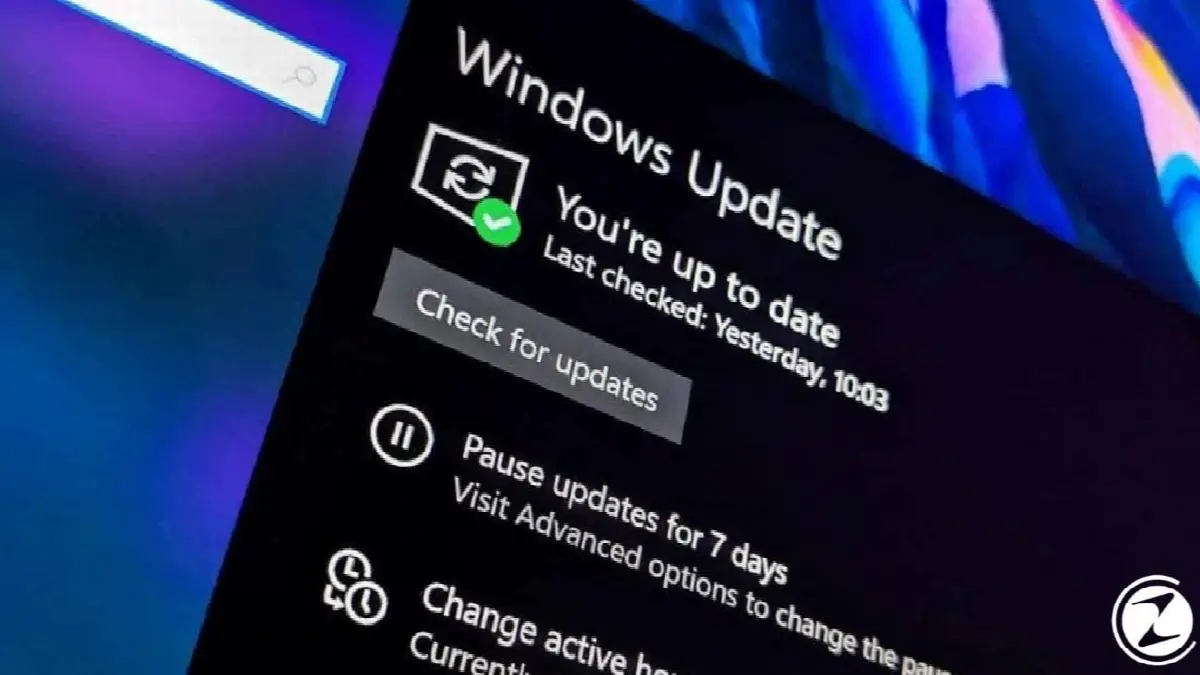
Microsoft is designing the Windows Update system to run faster on Windows 10X. Installing new updates, just like in Windows 10 won't last long and updates while you use your computer. in the background users when ready to reboot after downloading will warn.
According to the tests carried out by the company, the system should be restarted and ready after the update is installed. In less than 90 seconds It will happen. In Windows 10 approx. 10-15 minutes Considering that we are waiting for updates, it is a great advantage that new updates take so short a time.
dynamic background

Although it has not been officially announced yet, Windows 10X subject to change It is rumored that it will have a dynamic background. It is said that the system according to device time morning, noon and evening view by adjusting with mountain view background. This background is said to also feature clouds that appear and disappear.
Every business is unique. Let’s explore how we can tailor these ideas to your own digital project.


