
Best Audio Editing Programs (PC – MacOS)
Sound editing programs are one of the biggest problems for those who deal with music, editing or recording. Paid and free in the market…

Sound editing programs are one of the biggest problems for those who deal with music, editing or recording. Paid and free in the market…
One of the biggest problems for those who deal with music, editing or recording work is audio editing programs is coming. There are many paid and free audio editing programs on the market. Convenience, savings and accessibility Programs that care about their users are one step ahead.
The prominent programs have different features that they offer to users under market conditions. We researched these features and compiled a guide for programs that may be useful for your audio editing. If you are dealing with sounds professionally or as a hobby, we have very popular and useful Many programs will interest you.
Best audio editing programs:
- Logic Pro X (Paid)
- GarageBand (Free)
- Auditool (Free)
- Audacity (Free)
- ardor
- oceanaudio
- Ashampoo Music Studio 2019
- Acoustica
We have discussed the prominent aspects of the audio recording editing programs on the market for Windows and Mac OS users, and for our followers who are Windows and MacOS users: best audio editing programs we told.
Logic Pro X:

- Use of effective filter, repeater, remix features along with live loops.
- It has extra features such as sampler, region editor, mapping editor.
- It offers a library of more than 150 rhythmic sounds.
Logic Pro Streamline your audio recordings with a collection of effects, loops and samples. easy and serious It allows you to perform it in a certain way. The program is available on the App Store at a price of 1.349.99 TL.
GarageBand:

- An interface with smart controls.
- A good library with a collection of new sounds and instruments.
- Ability to have remote access with Multi-Touch gesture.
GarageBand, a program produced by Apple, allows Mac owners to easily edit audio. GarageBand program, with which you can transfer any instrument to the program wirelessly, offers different opportunities to users with its many new features. Drum system, amp and pedal boxes, flex time are some of these features. And all these features are available to users. free It provides as.
audiotool:

- Syncs your tracks across your devices.
- Exports files in .MP3 format.
- It offers many instrument options.
Audiotool is a program that helps you record and publish audio for free. You can record 30 seconds of sounds with which you can compare instruments in the system. With this program you can change many of your audio signals and MIDI controller you can create.
Audacity:
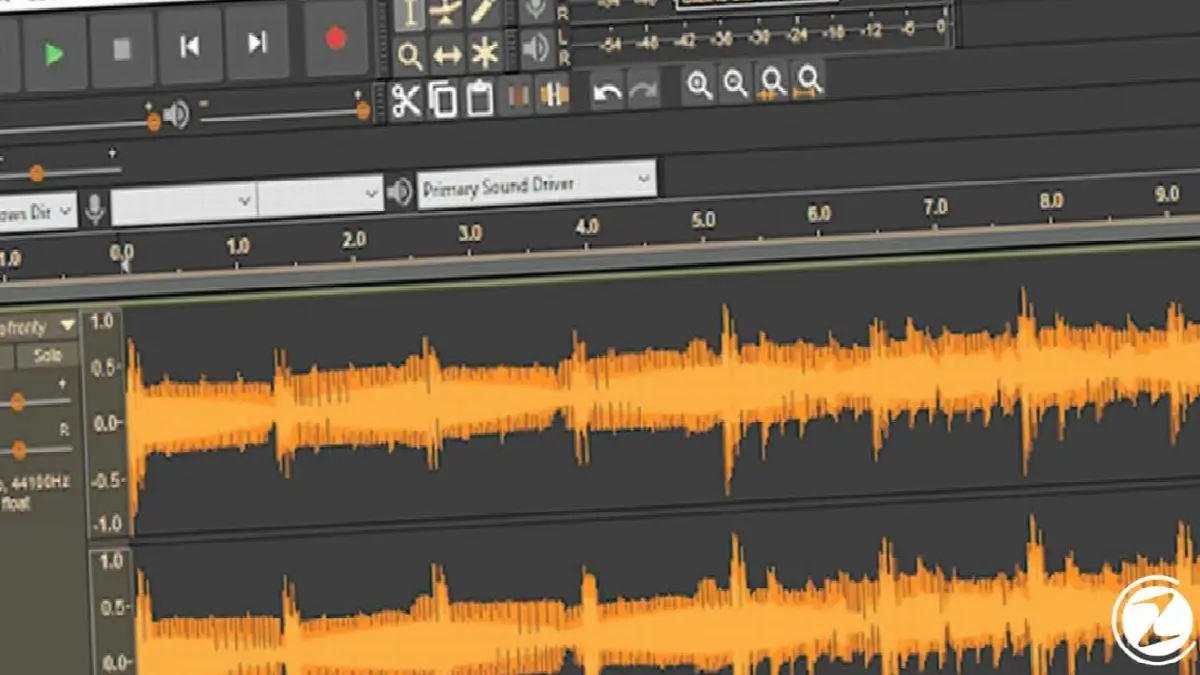
- It has a large plug-in library.
- It provides direct access to podcast viewers.
- It supports many file formats.
on the market free and popular Audacity, one of the audio editing programs, is an audio editing program that is compatible with Windows, Mac and Linux operating systems. It is very simple to learn and will not take hours. Thanks to this program; You can edit your audio, make new recordings and transfer your podcasts.
Ardor:

- It offers professional audio editing.
- There is a variety of file formats.
- The function of the mixer has proficiency.
Ardor is a program that helps you record and edit your audio. It is not preferred by beginners as its interface may seem a bit complicated to new users. However, it is Windows, Linux and MacOS compatible and is free. providing advantages is a program.
Oceanaudio:
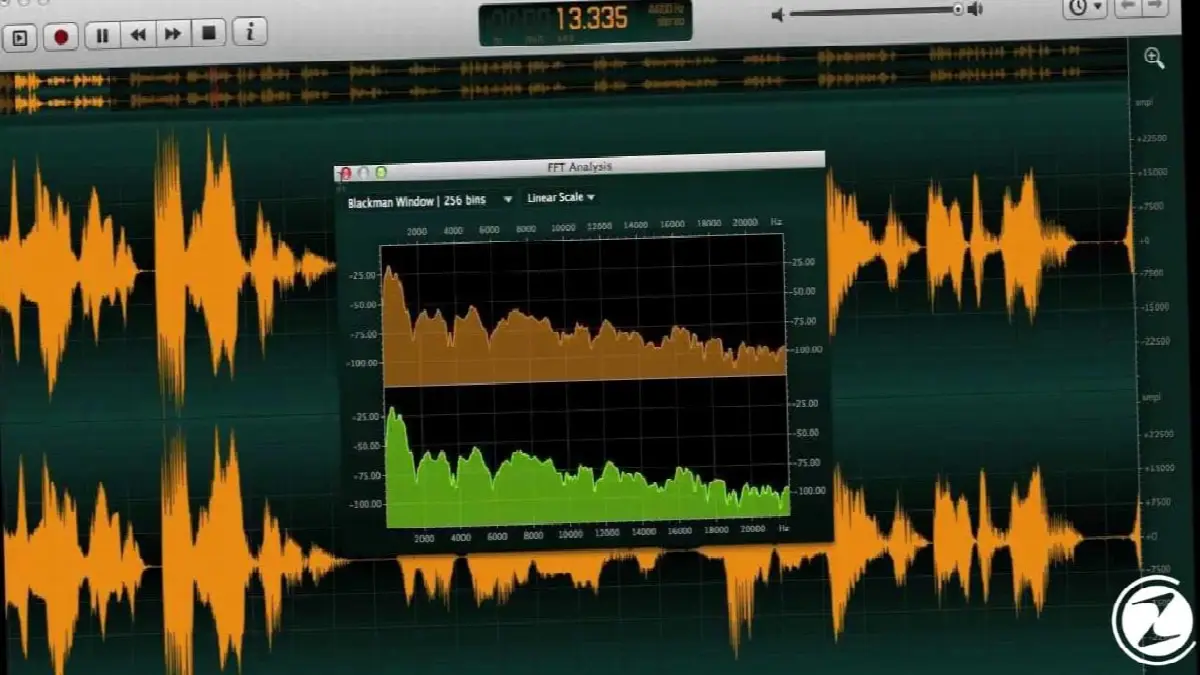
- It has a colorful and useful interface.
- It can be used to edit audio files online.
- It is very effective with built-in keyboard shortcuts.
Oceanaudio has a colorful interface. with its clean and colorful design It provides a great opportunity to new discoverers. It is compatible with Windows, Mac and Linux operating systems and is among the primary preferences for users who want to master the playback parameters. The program is compatible with Windows and MacOS devices.
Ashampoo Music Studio 2019:

- It is easy for beginners.
- It has extra file management tools.
- Copies and transfers your CDs.
Ashampoo Music Studio 2019 is an ideal application for beginner users with its waveform preview window created to edit your simple audio clips. It is a basic audio editor program. You can use it to design CD labels, edit the tags of files, convert different audio formats, and rip and burn your discs. It is an ideal application for Windows users.
Acoustica:

- It offers an easy and well-designed interface.
- Supports copying to CD.
- Allows you to create layer effects.
Acoustica 6, produced by Acon Digital, is a free audio editing tool program. However, the next version of the program, Acoustica 7, is paid for users. program highlights between; effects chain, design tool, CD ripping tool. You can also expand its features by installing VST or DirectX plug-ins into the program. The program can be used on both Windows and MacOS products.
What should you pay attention to when choosing an audio program?
When using an audio editing program, it is always beneficial to use a quality one. We have listed for you the prominent features of the programs in the list we created to create this quality. Now let's talk about the points we need to pay attention to in these elements.

There are certain elements to consider when choosing your audio program. These elements may be different if it is related to the professional world, and different if it is done as a hobby. Choosing a quality audio editing program for both processes can have many benefits for you. If with audio programs If you are not on very good terms; Easy design and usability, a large library archive, sample sounds will seriously help you guide.
professionally If you are struggling, you can look for different features. These; Features such as shortcut tools, extra file management, touch features, sound recording in different formats.
What is needed for a quality sound recording?
If we want to make quality arrangements, we must also seek quality for the recordings we will make. To record a sound through the environment; We need a microphone, mixer and a good program. If the conditions are met and you meet them, you too You can achieve good works. The better the quality of these devices, the better the sound we will hear from the program.
A 1-hour audio recording takes approximately 1 GB of space. You may need high capacity SD cards for this. Apart from the words coming out of your mouth during voice recording, another point of attention is the distance to the microphone. Your distance from the microphone, Although it varies with your microphone features, it is generally between 15-30 cm.

Mixers are also important items that can improve your sound quality. A mixer belonging to multi-audio processing technology is used for sound recording in a technological sense. can make you jump in size. The logic of mixers is that they connect to microphones and transfer them to the digital sound recording program.
The operations after transferring to digital media are as much as what the program offers you, although not completely. Good programs are useful to their users even if they are not always professional. provides good service.
Every business is unique. Let’s explore how we can tailor these ideas to your own digital project.


