
How to Clean Windows Registry?
Windows Registry contains user profiles, hardware information, files installed on the computer and the operations you perform on the computer.

Windows Registry contains user profiles, hardware information, files installed on the computer and the operations you perform on the computer.
Windows Registryis a place where user profiles, hardware information, files installed on the computer and settings of the operations you perform on the computer are stored. is database. Each Windows user account has settings specific to each user. The Windows Registry also contains cache information on your system.
Some settings and operations can be made in the Windows Registry. However, you must have certain knowledge before performing these operations. Windows Registry One of the most common transactions regarding registry cleaning process.

How to clean Windows Registry?
- Step #1: Type “regedit” in your Windows search bar and open the resulting file.
- Step #2: Click on File and then click on the “Export” button to save it to backup our system.
- Step #3: Click HKEY_CURRENT_USER from the left panel.
- Step #4: Then, click Software.
- Step #5: Here, find the relevant files and entries on your computer with the shortcut CTRL+F.
- Step #6: Right click and press Delete.
- Step #7: In case of any malfunction in your system, click on File and then restore the system backup you saved by clicking on the Retrieve button.
As should be done with all critical operations, we strongly recommend that you first make a system backup if you have attempted to modify, clean, or do anything else with the Windows Registry. The purpose of this is so that you can retroactively rewind your actions if things go not as planned. If you do this, you can rest easy. Cleaning the Windows Registry There are three ways. These roads;
- Using Regedit
- Use the command prompt
- Using programs.
By using these methods, you can get rid of malicious software or unnecessary things that have entered your system. We recommend that you do this with a program rather than doing it manually yourself. This is because the margin of error is higher in manual operations and Windows Registry repair It is the inability to do it.
Why should the Windows Registry be cleaned?

After using the Windows operating system for a while, hundreds or thousands of completely useless registry entries are created. Each uses very little hard disk space, but slows down the operating system slightly. By cleaning the registry, you can get rid of these unwanted entries and make your system a bit cleaner. work faster you can provide.
But sometimes it is really necessary to fix registry problems. For example, a virus or malware that infiltrates your computer may corrupt your registry. can completely disrupt. For this, all necessary precautions should be taken in advance. You can prevent malware by performing tasks such as repairing and cleaning the Windows Registry in a timely manner.
What utilities can be used to clean the registry?
- Registry Life
- Glarysoft Registry Repair
- Argente Registry Cleaner
- Wise Care 365
- Advanced SystemCare
- Eusing Registry Cleaner
- CCleaner
- Auslogics Registry Cleaner
- JETClean
- Little Registry Cleaner
- WinUtilities
Windows RegistryThere are many programs on the market to clean the . Although these programs have some advantages and disadvantages, you can do any cleaning or repairing you want to do with the registry through these programs. We have written all the programs in detail and presented them to you.
Registry Life:

This registry cleaning program from ChemTable offers a wide range of freeware. It works in two modes: classic and standard. Registry cleaning, optimizing, reducing registry fragmentation, etc. organizer and cleaner includes transactions. You can download the Registry Life program for free from here.
Glarysoft Registry Repair:
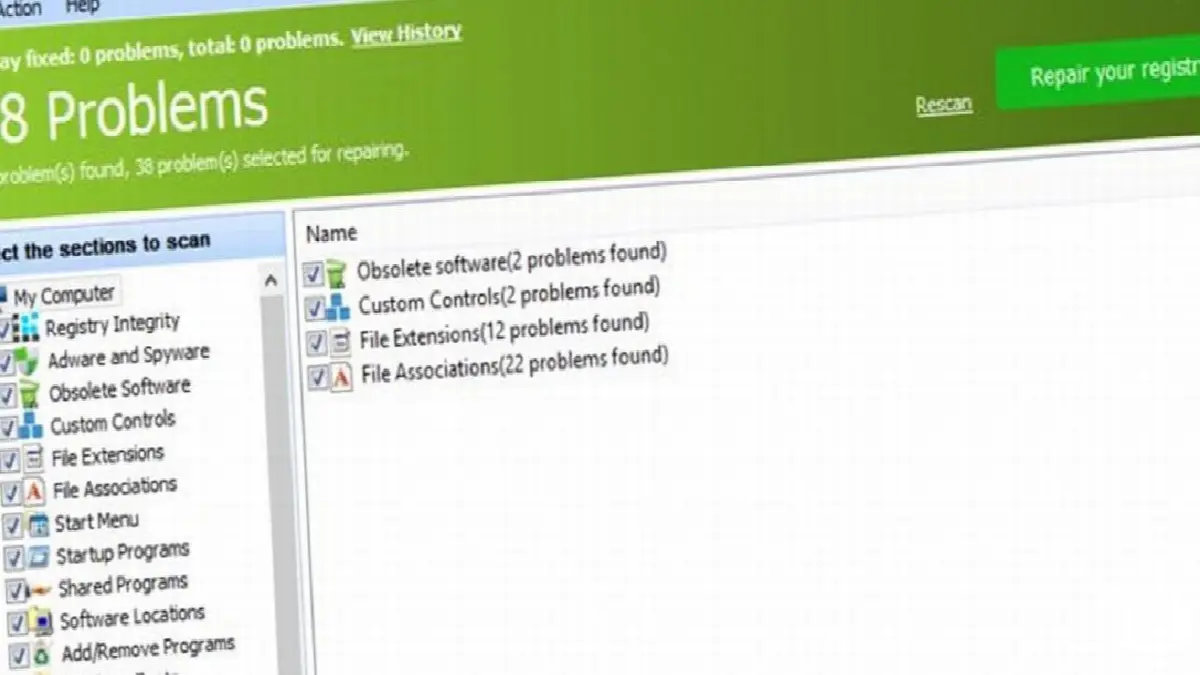
Glarysoft Registry Repair is a program that helps optimize your computer's performance. When you open the program, the registry scanning process automatically starts. With a few easy steps, you can find problematic entries and links in the registry and then delete them. To users automatic registry You can download this program, which also allows backup, from here.
Argente Registry Cleaner:

Among the registry cleaner programs Argente Registry Cleanerserves users through a wizard that makes debugging easier. Although this process takes some time, it can be effective once completed. Argente registry cleaner takes registry backups before taking any action and saves you from troubles you may experience in the future. You can download the program here.
Wise Care 365:
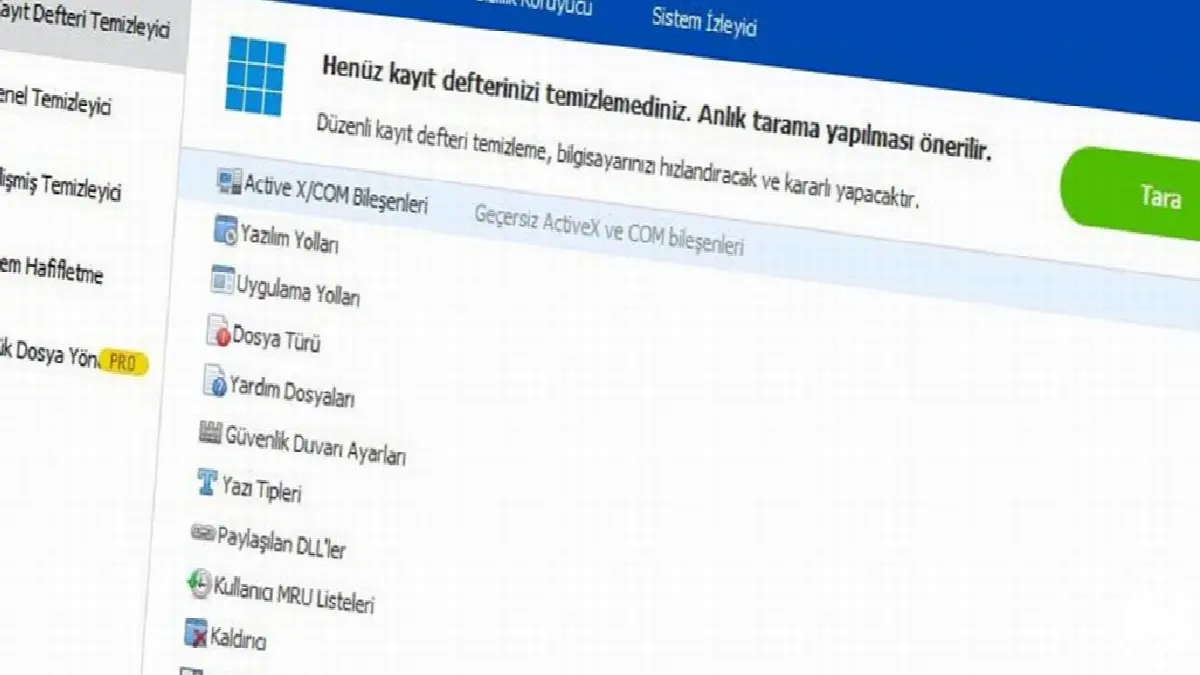
Wise Care 365 provides users with tasks such as registry cleaner tool, automatic change backup, password related operations and many other scanning operations. Scan scheduler, simple interface and fast performance are among the pluses of the program. You can download Wise Care 365 for free here and Windows RegistryYou can carry out your transactions regarding .
Advanced SystemCare:

SystemCare, developed by IObit, is a program that cleans and optimizes your computer or can be used as a data protection tool. Although there are many registries and operations in this program, which has paid and free versions, the main subject is the registry cleaning process. Advanced SystemCare You can download the program here.
Eusing Registry Cleaner:
Eusing Registry Cleaner is a free registry cleaning tool. It is a program that you can use free of charge on Windows 98, Windows 2000, Windows XP, Vista, Windows 7/8/10. The program has multiple language options, Advantages regarding compatibility with older versions Although it provides information, it has a disadvantage that may leave a question mark in the minds of users due to insufficient data. You can download the program here.
CCleaner:
CCleaner is one of the most popular programs among users, with which you can clean the Windows Registry for free. CCleaner, which has features such as regular program updates and the ability to ignore the list, has both a free version and a paid Pro version on the market. It is one of the first programs that come to mind when it comes to increasing computer speed and efficiency. 1 billion downloads has. You can download CCleaner from here.
Auslogics Registry Cleaner:

Auslogics Registry Clenaer program, Developed to focus on perceived errors and problems It is a registry cleaner program. It is among the popular registry cleaning programs because it is free and supports operating systems such as Windows Vista/7/8/10/XP. Although it may install additional software on your computer in some cases, it can be considered among the best programs on the market. You can download the program here.
JETClean:

JETClean, which has taken its place in the market with its advantages such as fast backup, fast scanning, simple interface and portable version, performs basic operations such as program removal, startup optimization, registry defragmentation and cleaning. Clearing DNS cache, automatic cleaning, deleting unnecessary programs etc. beneficial properties are among its other features. You can download JETClean from here.
Little Registry Cleaner:

Little Registry Cleaner, a registry cleaning program with features such as setting a scan schedule, making backups, and excluding certain files, is among the free programs on the market. Easy interface and impact on performance, Factors that increase the usability of the program between. You can download Little Registry Cleaner from here.
WinUtilities:

WinUtilities is a program that includes settings such as creating a restore point, selecting the areas to scan, exporting errors as HTML files, and automatically removing restore points. The registry cleaning function is its main task. With good performance and simple operation It is among the prominent registry cleaning programs. You can download WinUtilities here.
Every business is unique. Let’s explore how we can tailor these ideas to your own digital project.


