
How to Install Windows 10 Creators Update?
Microsoft Windows is currently considered the most preferred operating system on computers. That's why Microsoft often...

Microsoft Windows is currently considered the most preferred operating system on computers. That's why Microsoft often...
Microsoft Windows is currently considered the most preferred operating system on computers. That's why Microsoft frequently releases minor updates or updates. Windows 10 Creators Update It offers wider update packages such as. If you want to use your operating system in its most current state How to install Windows 10 Creators Update We answered the question for you.
Windows 10 Creators Update The 2004 version of the update is currently used. Of course, not every user can benefit from this version because your computer must meet some basic system requirements. How to update Windows for you, How to install the Windows 10 Creators Update update package We answered frequently asked questions and explained the installation process step by step.
How to install Windows 10 Creators Update?
- Step #1: Open the Windows update page from here.
- Step #2: Update Now by clicking the button Update Assistant Download it.
- Step #3: Open the downloaded file Update Assistant start.
- You don't need to do any installation.
- Step #4: If an update was found after the update check Update Now Click the button.
- Step #5: System requirements will be checked.
- Step #6: If the system is suitable for the update, the update will start.
- Step #7: The update process may take a while.
- Step #8: Restart the computer after the update.

You can easily install the Windows 10 Creators Update with Update Assistant. Update Assistant file Just download it once It will happen. You can check if there is a new update by running it again in the future. You can install the Windows 10 operating system on your computer from the same download page.
How to install Windows?
- Step #1: Open the Windows update page from here.
- Step #2: tool Download Now Open the Windows installation tool with the button.
- Step #3: Start the tool.
- Step #4: Confirm the screens that appear.
- Step #5: Make the choices appropriate for your computer.
- Step #6: The installation process will complete after a varying amount of time.
- Step #7: The latest version of Windows has been installed on your computer.
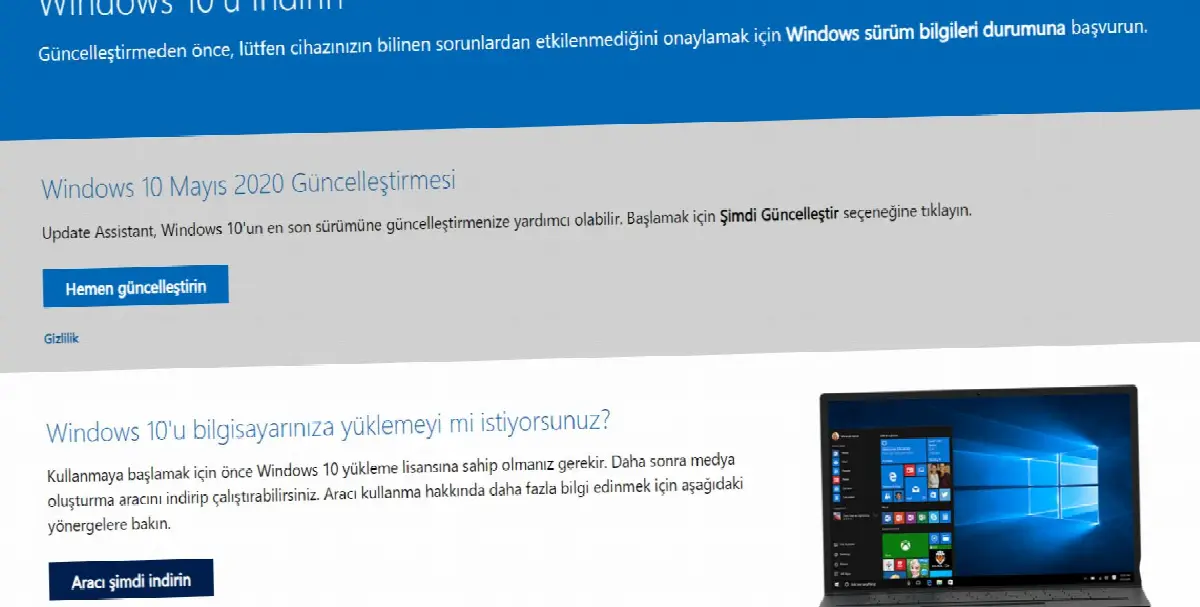
It may seem like it is independent of updates, but you cannot benefit from updates without installing the Windows operating system on a computer that does not have Windows installed. to your computer by following the steps above. latest Windows version You can upload it. Note that you need a Windows 10 license for the installation process.
How to update Windows?
- Step #1: From your computer Settings Open the page.
- Step #2: Update and Security open the screen.
- Step #3: Check for Updates Click the button.
- Step #4: The system will check for updates.
- Step #5: If there is a new update Download and Install Click the button.
- Step #6: Updates will be downloaded and installed over a varying period of time.
- Step #7: Restart your computer.
- Step #8: The process is complete.

Settings Always as extensive as Windows 10 Creators Update via its page You may not be able to access updates. However, you can try this method before downloading the Update Assistant file. On this page you can always find some updates for a better Windows experience.
Here you can download one of the Windows 10 Creators Update updates. The reason you don't see It may be that your computer does not meet the basic system requirements. You can find out if the reason is system requirements by downloading Update Assistant. If your system requirements do not meet the new update, it is not recommended to install it.
What is Windows 10 Creators Update?
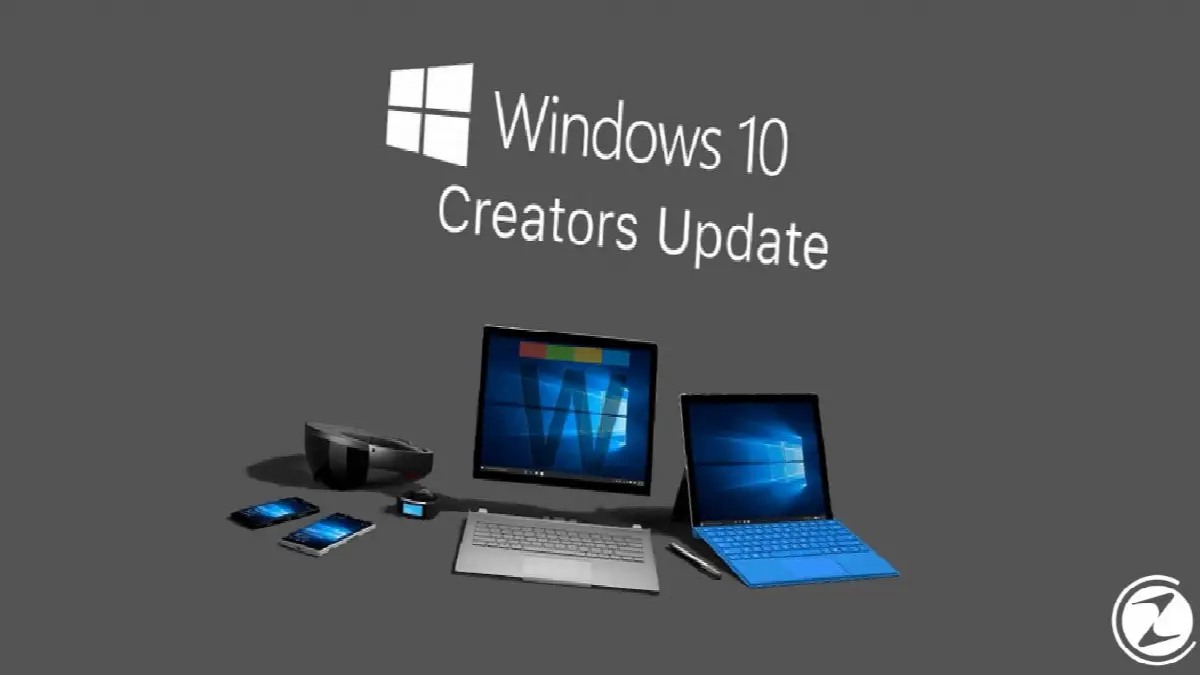
Windows 10 Creators Update is Microsoft's offer to Windows operating system users. It is a comprehensive update package. With Update Assistant or on your computer Settings You can download it from the section. As with every device, basic system requirements must be met on your computer for the new update.
The question of whether it is necessary to install Windows 10 Creators Update is also a question asked by many users. If your computer's system requirements if it has the power to handle new updates You should download updates for any hardware, operating system, software.
With each new update, the hardware, software and operating system you use much safer It will provide a much more enjoyable use and will provide a longer lifespan for your device by preventing different incompatibilities that may occur in the future.
for you How to install Windows 10 Creators Update, We answered frequently asked questions such as how to update Windows and explained the installation process step by step. For a safer and more enjoyable experience, be sure to use the most up-to-date version of operating systems, hardware, software and applications on all your devices.
Every business is unique. Let’s explore how we can tailor these ideas to your own digital project.


