
Most Useful Macro Programs
Macro programs are life-making software that has been around for a long time in today's PC world. These programs…

Macro programs are life-making software that has been around for a long time in today's PC world. These programs…
Macro programsis a life-facilitating software that has been around for a long time in today's PC world. These programs are processes that we repeat constantly on a daily basis. with just one button It allows us to do the combos in the games we play with a single click instead of using complex buttons.
Just as we can handle repetitive operations in office programs such as Excel and Word with a single click of the mouse, we can also perform our combos in games such as PUBG and Fortnite with a single click, thanks to macro programs. Let's all come together in the market -most We have compiled useful macro programs.
The best macro programs:
- AutoIt
- Pulover's Macro Creator
- TinyTask
- AutoHotKey
- Mouse Recorder Premium
- Mini Mouse Macro
- Perfect Automation
- ghost mouse
- Macro Toolworks Free
AutoIt
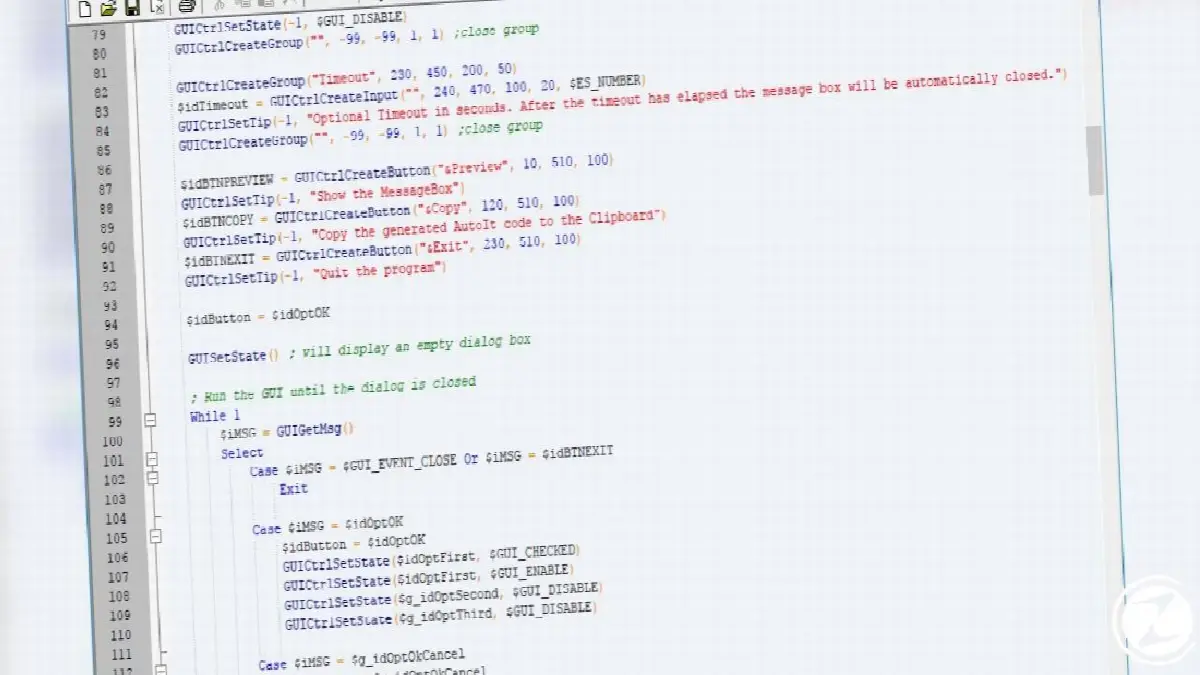
AutoItis basically a macro program developed to help you perform your Windows operations faster and more automatically. In this program you can perform multiple operations sequentially. Windows You can record commands, applications and similar tasks and run them later whenever you want. AutoIt detects and records both mouse and keyboard movements; It can automatically perform repetitive tasks such as registry entry and certain text typing.
Pulover's Macro Creator
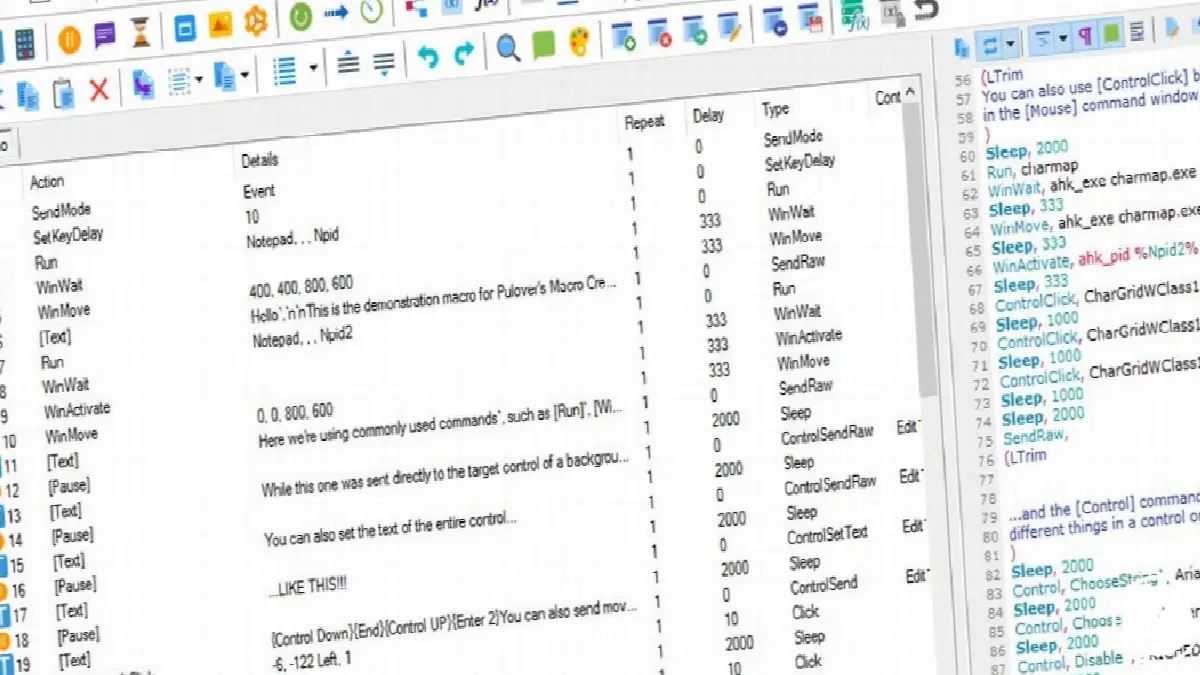
If what you are looking for is an easy to use text printer macro program Pulover's Macro Creator A program just for you. In this program, which has a built-in macro recorder, you can use the basic macros offered by the program and also write your own macros thanks to AutoHotKey. This program not only continuously records your keyboard and mouse movements, but also generates “Either/Or” commands that can be activated in various situations to make your macro movements more stable.
TinyTask
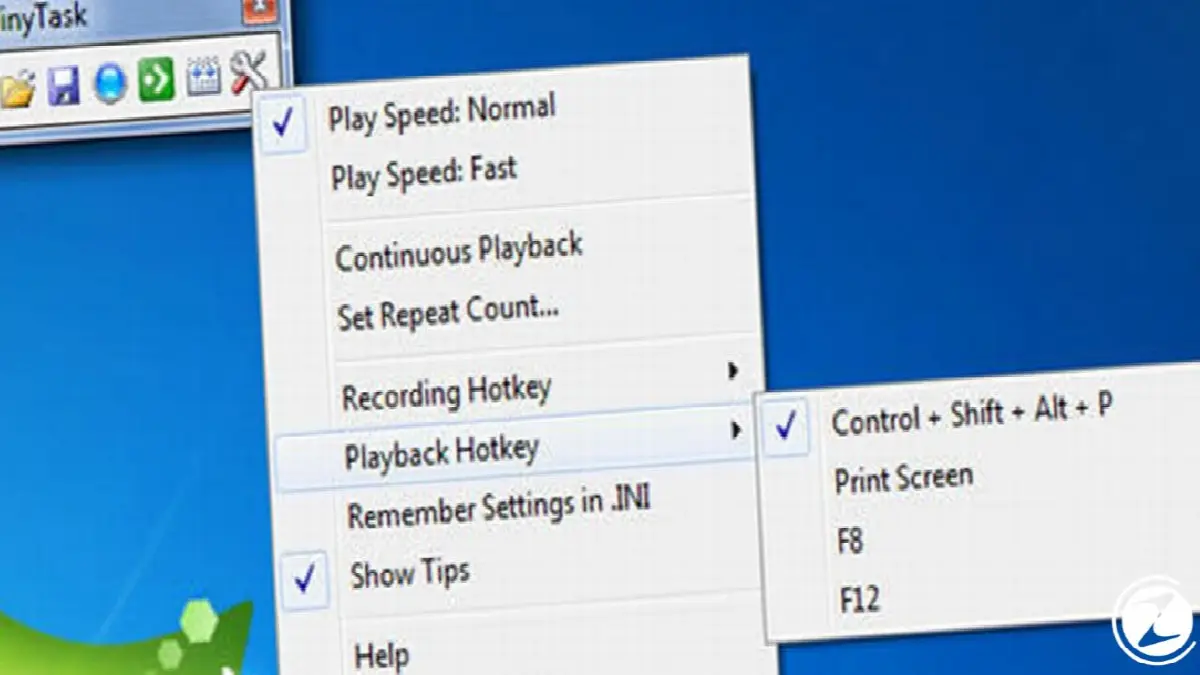
TinyTask, perhaps the smallest software among macro programs. This program, which takes up almost no space on the computer screen or system, is very simple to use. In TinyTask, which is basically based on recording and playing your macros, you can also adjust the execution speed of your macros. If you are looking for a simple and small macro program for your simple repetitive operations, TinyTask is the program for you.
AutoHotkey

If you generally want to minimize your key presses and mouse movements while playing a game or navigating your internet browser with multiple tabs. AutoHotKey A program that will be perfect for you. Thanks to AutoHotKey, you can assign a button to the site you want to go to in your internet browser, instead of typing the name into the browser. The same goes for your combos in different tabs and games.
With this program, which allows you to assign a task to the keys on almost any hardware, you can always keep a window at the top, if game pad If you are using game controllers, you can also make these controllers act exactly like a mouse.
Mouse Recorder Premium

Mouse Recorder PremiumAlthough it misleads us with the “Premium” suffix at the end, it is actually a completely free macro program. This program, which has almost the same features as other macro recording programs, also performs a task unlike some macro software. infinite times You can replay it. In this program, where you can create and save your own unique mouse movements, you can create step by step the task you want to have done automatically.
Mini Mouse Macro

It has a very user-friendly interface for those who are new to using macro programs. Mini Mouse Macro Despite its small size, the program can accomplish very effective work. This program starts recording all your mouse and keyboard movements one by one as soon as you press the save button, so you can edit and change your movements later.
You can save a task in which you write partially the same things in multiple text documents and perform it automatically with this program. If you want to make changes to the text to be written later, you can simply change the necessary parts from the action menu and perform the same task with different words without having to record a macro again.
Perfect Automation

It is among the best macro programs on the market. Perfect AutomationIt shortens the time you spend on a task and also increases your productivity. This program not only records mouse and keyboard movements; It can also take on tasks such as text editor and reminder. Also, when Perfect Automation is performing a task artificial intelligence Thanks to this feature, it can adapt to changing windows.
ghost mouse

Perhaps the easiest to use program in the list of macro programs. ghost mouse appears as. This program, which only has record and play options, does not allow any operations such as copy/paste or file moving. simple mouse tasks It appeals to those who want to perform it automatically. Like other programs, you can adjust the playback speed according to your desire in this program.
Macro Toolworks Free

Available in three different versions Macro ToolworksThe free version of is a program with which you can easily handle your simple key assignments. With this program, you can reduce the combos you make in games to a single click, and you can also perform operations such as opening the mail program, sending e-mail, launching applications and running Windows applications with a single click.
in the PC world most useful macro programs what was it? We have come to the end of our content that we took a closer look at. Macro programs provide great convenience in business life, especially for individuals who perform repetitive tasks on the computer. What do you think about macro programs? Do you use a macro program on the list in your daily life? You can share your opinions with us in the comments section.
Every business is unique. Let’s explore how we can tailor these ideas to your own digital project.


