
What is VRAM, How to Upgrade Video RAM in Windows 10?
A standard Windows 10 user may not know the value of video RAM, or VRAM for short, on his computer. Until playing a game or…

A standard Windows 10 user may not know the value of video RAM, or VRAM for short, on his computer. Until playing a game or…
Found on a standard Windows 10 user computer video RAM or VRAM for short may not know its value. Until, when you want to play a game or use a program that strains the graphics processor, you get the "insufficient graphics memory" error. In such a situation VRAM It is necessary to increase its value as much as possible.
Alright, VRAM How to upgrade? Buying new VRAM can be expensive, so first check what you have. VRAM You need to set the value to maximum usage. There are some methods you can apply for this. We answered frequently asked questions such as what VRAM is, how it is used, and explained some methods you can use for the upgrade process.

What is VRAM?
Video Random Access Memory, video RAM or simply VRAM; It works together with the system RAM, graphics card and GPU in your computer to provide the user with high graphics power presents. An image to appear on the screen is first read by the processor and then written to VRAM. Finally, it is sent to the screen by RAMDAC.
Of course, this process happens so quickly that the user does not even realize it. Unlike system RAM, VRAM is dual-link chips has. This means; While an image is displayed on the screen, the next image is written to VRAM. It owes its graphic power to this. There are several different types of video RAM on the market.
SGRAM:
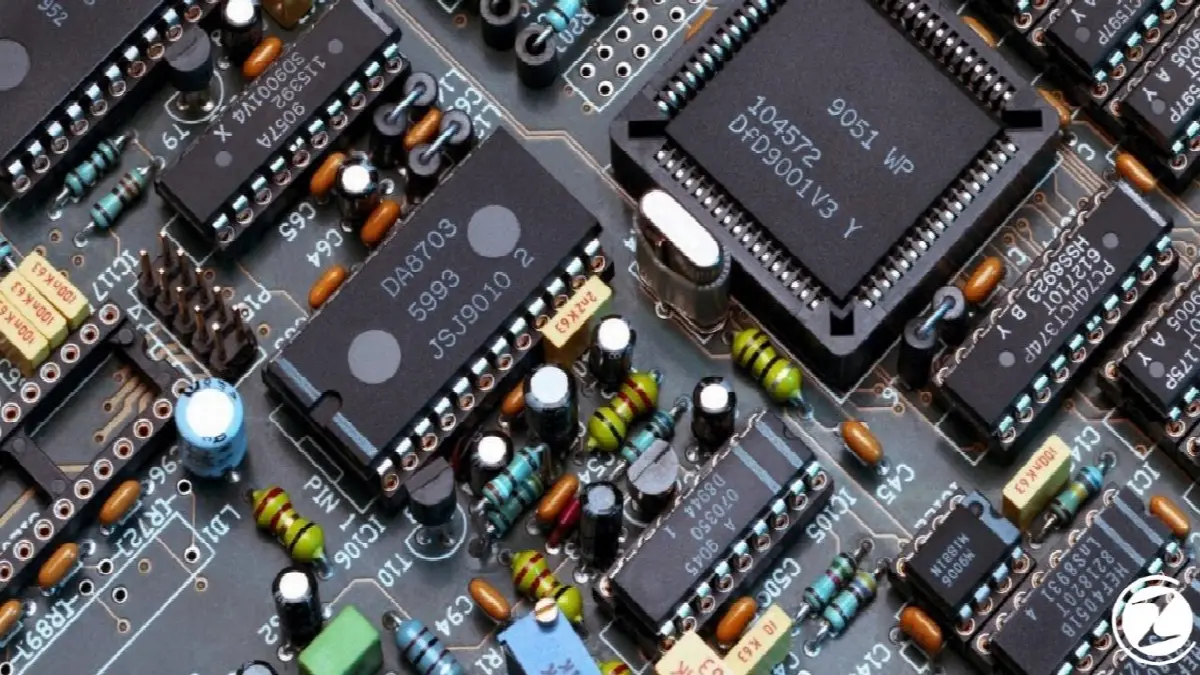
Synchronous Graphics RAM, or SGRAM for short, is one of the most popular types of video RAM. A cheap and simple system has. It quickly performs many operations with a single command. In this way, background and foreground images are processed much more efficiently.
RDRAM:
Rambus Dynamic RAM, or RDRAM for short, is a type of video RAM produced by Rambus Incorporated. Fast data transfer It attracts attention with its presentation. It is a type of video RAM that provides successful results for users of video editing programs that tax the graphics processor.
WRAM:

Window RAM, or WRAM for short, is high-performance and dual-link. By standard video RAM types 25% higher bandwidth and its cost is extremely low. WRAM owes its high performance to its high bandwidth.
MDRAM:
Multibank Dynamic RAM, or simply MDRAM, is a type of video RAM developed by MoSys. Total memory, individually accessible It divides it into sections of 32 KB in size. Thus, memory transfer gives much more efficient results. MDRAM, which can produce memory at the optimum rate for resolution, is extremely low-cost.
What does VRAM do?

Video RAM; It is a chip located between the processor and GPU. The raw image read by the processor is written to the video RAM and processed from there and reflected on the screen. of your monitor The higher the image quality, the higher VRAM you need.
It is not possible to display 4K games, which have become increasingly popular in recent years, without a powerful video RAM. Likewise, a program that can process high-quality images cannot run without a powerful VRAM. efficiently It is not possible to work. A powerful VRAM is the most important need for a high or ultra image quality.
How much VRAM do you need?

The most common VRAMs have a value of 2 GB. VRAMs of this value is much more affordable and is suitable for standard use. However, high quality video editing or three-dimensional works are not possible with this VRAM.
6 GB VRAM for mid-range gaming and basic video editing It is extremely suitable. You will have no problems viewing 1080p image quality. However, when it comes to 4K image quality, it will be insufficient.
Best for you if you want to achieve very high image quality such as 4K 8GB or more are video RAMs. Of course, VRAM prices of this value will be quite high, but you will hardly come across a game or video that you cannot view with 8 GB or more of VRAM.
How to learn VRAM?
- Step #1: Windows + I with key combination Settings open the screen.
- Step #2: System Open the section.
- Step #3: Monitor Open the page.
- Step #4: What you will see at the bottom Advanced Display Settings Click the button.
- Step #5: Select your display and Display Adapter Properties open it.
- Step #6: Dedicated Video Memory Find the line.
- Step #7: Dedicated Video Memory line shows your VRAM value.

Before upgrading video RAM, you should find out the VRAM value on your computer. If you don't want to upgrade or buy new VRAM suitable for the value here You can use your computer with games and programs without tiring it.
How to upgrade VRAM?
- Step #1: Enter your computer's BIOS.
- After this stage, menus may differ from manufacturer to manufacturer.
- Step #2: Advanced Features Click .
- Step #3: Chart or Video Settings Open the category.
- Step #4: Find the GPU memory allocation option.
- Step #5: Set the ratio here to 256 MB or 512 MB.
- You can make the selection according to your VRAM power.
- Step #6: Restart your computer.
- Step #7: The process is complete.
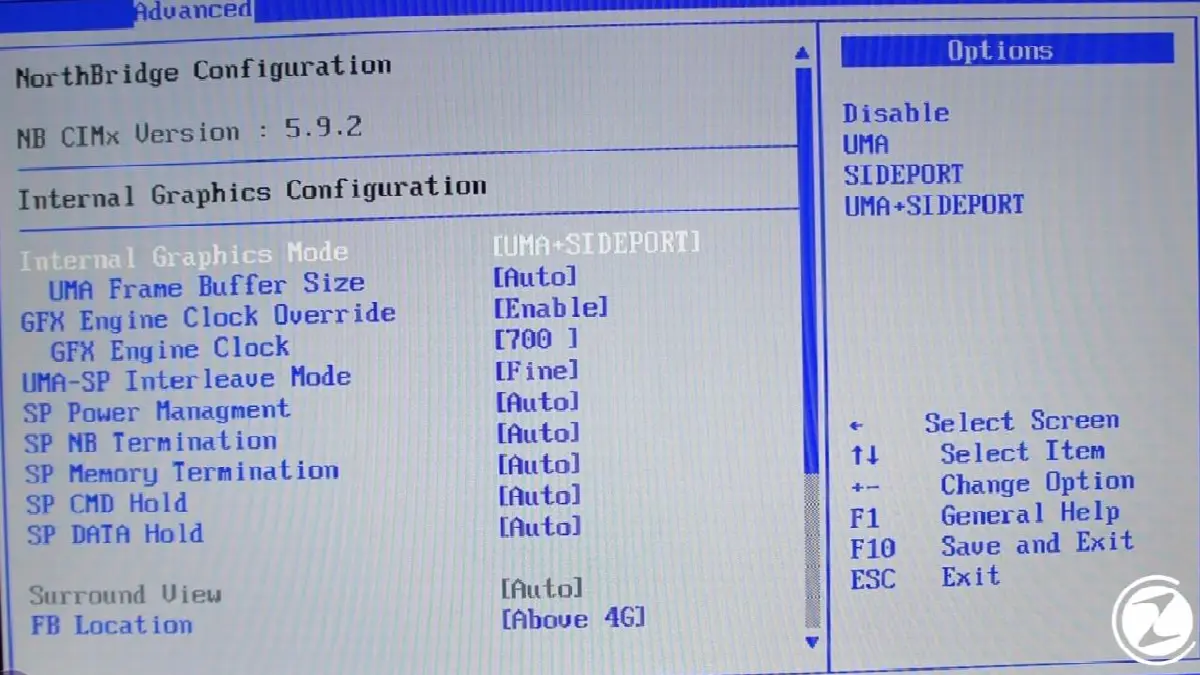
Upgrading video RAM via BIOS is one of the most frequently used and easiest methods. Here the VRAM value is is at the standard set level.. You can set this value to the highest value according to the power of your video RAM.
Note: This process may cause technical problems on your computer and may cause excessive strain on your hardware.
How to increase VRAM with Registry Editor?
- Step #1: on your computer Registry Editor open it.
- Step #2: HKEY_LOCAL_MACHINESoftwareIntel access the folder.
- Step #3: Right click on the Intel folder GMM Create a new key named .
- Step #4: Right click on the GMM folder and DedicatedSegmentSize a named DWORD (32-bit) create value.
- Step #5: As value data, enter a value based on your VRAM amount.
- Step #6: Restart your computer.
- Step #7: The process is complete.

Upgrading video RAM via Registry Editor is a method that does not give correct results on every computer, but still It's worth checking out What is VRAM and How to Increase Video RAM in Windows 10. Especially if you do not have enough video RAM power, this method will serve as a support when opening a game or program.
What is VRAM for you, in Windows 10 operating system How to upgrade VRAM We answered frequently asked questions such as these and explained the methods you can use for the upgrade process. Remember that each VRAM has a capacity and if you want a higher value, you will need to get a new VRAM.
Every business is unique. Let’s explore how we can tailor these ideas to your own digital project.


