
How to Install Android 11 Beta?
Google will release the beta version of Android 11, which will be the newest version of Android with many advanced features, to users.

Google will release the beta version of Android 11, which will be the newest version of Android with many advanced features, to users.
Google introduced the beta version of Android 11, which will be the newest version of Android with many advanced features, to users. Android 11 Beta version, which was first released for Pixel devices, was made available for many Android devices in the following days. Android 11 Beta It is not a stable version at the moment and Google is making changes based on user experiences of the beta version before releasing the operating system for all users.to make it perfect it works.
Android device users want to use the beta version to be one of the first to experience the new operating system. Another thing that is curious about the subject is which devices the version is available for. In this article, we will share with you the devices that the beta version is compatible with and also How to install Android 11 Beta We will explain the topic.
- Android 11 release date and all its features
- New features of Android 11 that we will see for the first time
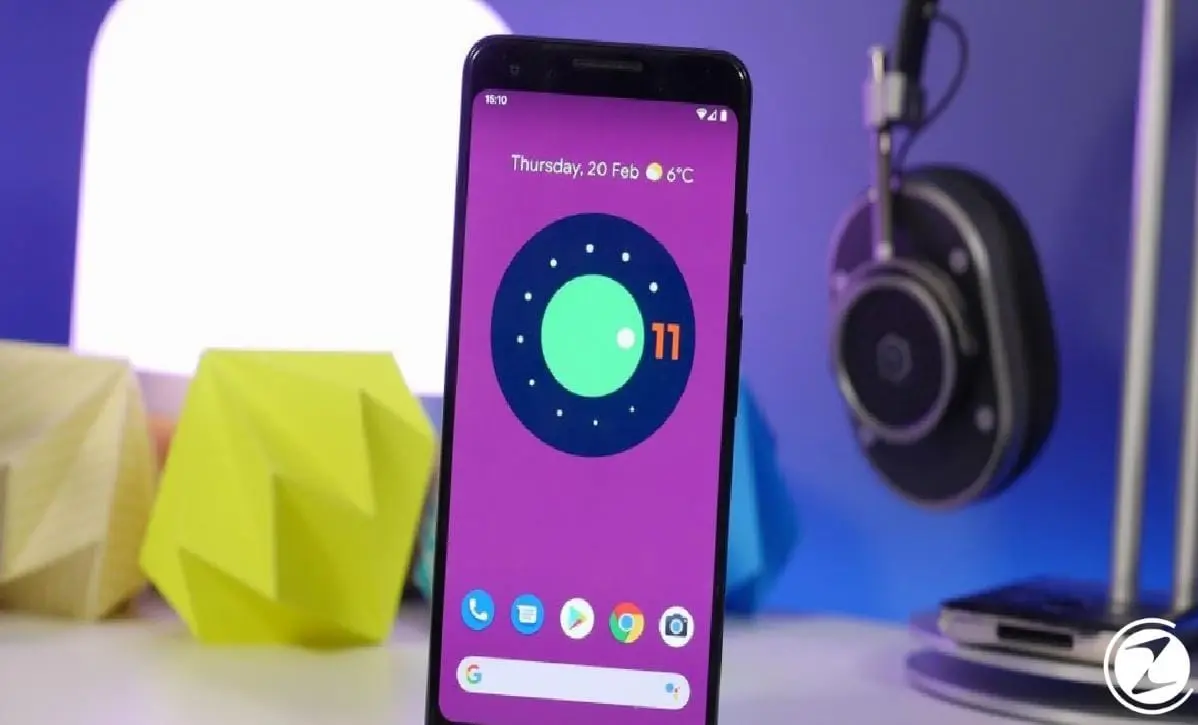
Android 11 Beta compatible devices;
- Google Pixel 2 and Pixel 2 XL
- Google Pixel 3 and Pixel 3 XL
- Google Pixel 3a and Pixel 3a XL
- Google Pixel 4 and Pixel 4 XL
- OPPO Find X2 series
- Xiaomi Mi 10 & Mi 10 Pro
- OnePlus 8 & OnePlus 8 Pro
- Poco F2 Pro
The list of Android 11 Beta compatible devices is constantly expanding with new devices being added. However Samsung and Huawei models It does not yet support the open beta process. Smart home control, advanced media control, advanced dark mode It will come with many new features such as Android 11 Although a clear date for the release of the update has not been announced yet, the stable version is expected to be released for all Android users at the end of 2020.
All Android users with any of the compatible devices can experience Android 11 Beta if they wish, but it is worth remembering that since there is no stable version yet. Android 11 Beta It contains many errors and flaws. Google also warns users about this issue and reminds them that there may be situations that will prevent the devices from working normally within the updates to be received for the beta version.
Of course, users who wish can leave the Android 11 Beta program at any time and receive stable, public updates.to the latest Android version can be restored, but all user data on the device is deleted while this process is performed. Google warns users that there may be problems loading backups afterwards.

How to install Android 11 Beta?
- Step #1: Go to the Android Beta program page by clicking here.
- Step #2: Log in to your Google account that is also active on your Android device.
- Step #3: Click here and select the device you want to include in the Android 11 Beta program from the list of compatible devices.
- Step #4: Follow the instructions on your phone to download the Android 11 Beta update via OTA and complete the process.
If you have one of the phones on the list of Android 11 Beta compatible devices, You can join the beta program with a few simple steps. In this way, you can speed up the work and eliminate errors with feedback during the stable version development phase of Google.
Step #1: Go to the Android Beta program page on your Android device.

Google provides a lot of information about the beta program and also shows compatible devices. Android Beta program page You can access it by clicking here.
Step #2: Sign in with your Google account connected with your Android phone.
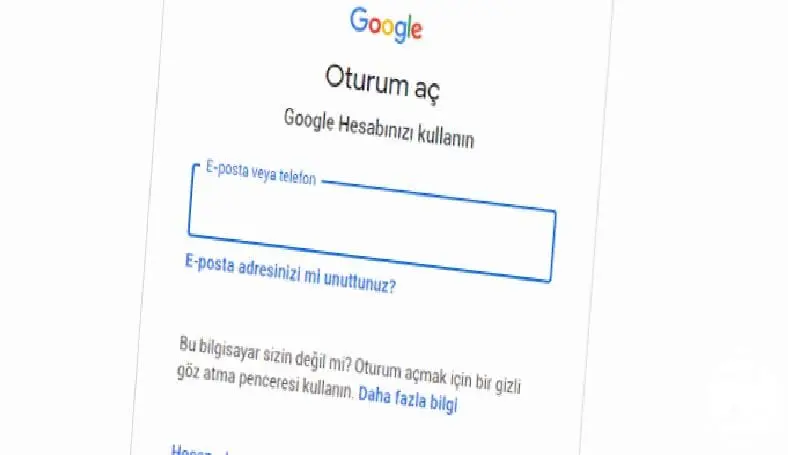
The account you need to log in here is the account from which you benefit from the services offered by Google for your Android device; that you actively use on your phone. your google account should be.
Step #3: From the list of compatible devices, select your compatible device that you want to upgrade to Beta.

When you click here after logging in with your account, you will see a list of your devices that are compatible and available for the beta version. If If you have multiple compatible devices, Remember that you can use the beta version on any device you want. It is also possible to participate in the beta program with more than one device.
Step #4: Follow the instructions on your phone to complete the process by downloading the beta update via OTA
In this step, if you do not see the update available for download on your phone, you can restart your device. The update will then be available for download.
After following these steps, if you are still not sure whether to start using Android 11 Beta or not, Settings > About Phone > Build numberGoing to and doing a little check will give you the answer. If build number If it starts with RPP It means you are using the Android 11 beta version. Another way to understand that you have started using Android 11 Beta is to restart your device. If you are included in the program, when your phone starts up, you will see a message informing you that the Android beta version is used on your device.

Android 11 Beta Due to errors you may encounter while using the version leave the beta program and if you want to use the most current and stable Android version again, Leaving the program is also quite simple.
- Just as you did when you signed up for the program, click here to view the device list.
- Leave the beta program by clicking Deactivate.
After leaving the beta program by performing these steps within 24 hours An update will be installed on your phone that will delete all user data and install the latest publicly available, stable Android or version. But this It will delete all your data and you may encounter problems while installing backup. Don't forget.

What innovations does Android 11 include?
- smart home control
- Advanced media control
- recycle bin
- smart connection
- Convenient notification bar
- Advanced dark mode
- New security measures
- New suggestions for keyboard
- Solution to wireless charging problem
- Solution to the Bluetooth problem in airplane mode
- Advanced notification moderation
- Renewed recents menu
- Developed buttons
- wired connection
- Extensive storage
with Android 11 many new user-friendly features will be available on our devices. Among the first comments are that with these new features, users will be able to gain more control over their devices and customize their phones more. for now List of new features finalized is as follows; If you would like to take a look at the details of all these features, you can access our current article on the subject by clicking here.
Every business is unique. Let’s explore how we can tailor these ideas to your own digital project.


